
Cookie 8.7.0 macOS 智能化浏览器 Cookie 清理与隐私防护工具
六种灵活清理模式:退出应用时、浏览器关闭时、系统登录时、Mac 从休眠唤醒时、自定义倒计时触发时,或手动一键执行——Cookie 8 是一款专为 macOS 设计的后台常驻型 Cookie 管理工具。您自主决定哪些 Cookie 需要长期保留,其余则自动清除,包括广告商用于跨站追踪、用户画像构建等隐私敏感的跟踪类 Cookie。
- 可将整个域名或单个 Cookie 设为“收藏”,后续所有清理操作均自动跳过,永久保留无忧。
- 支持为不同浏览器(甚至同一浏览器下的不同用户账户)分别配置独立的清理规则,精细化管控更到位。
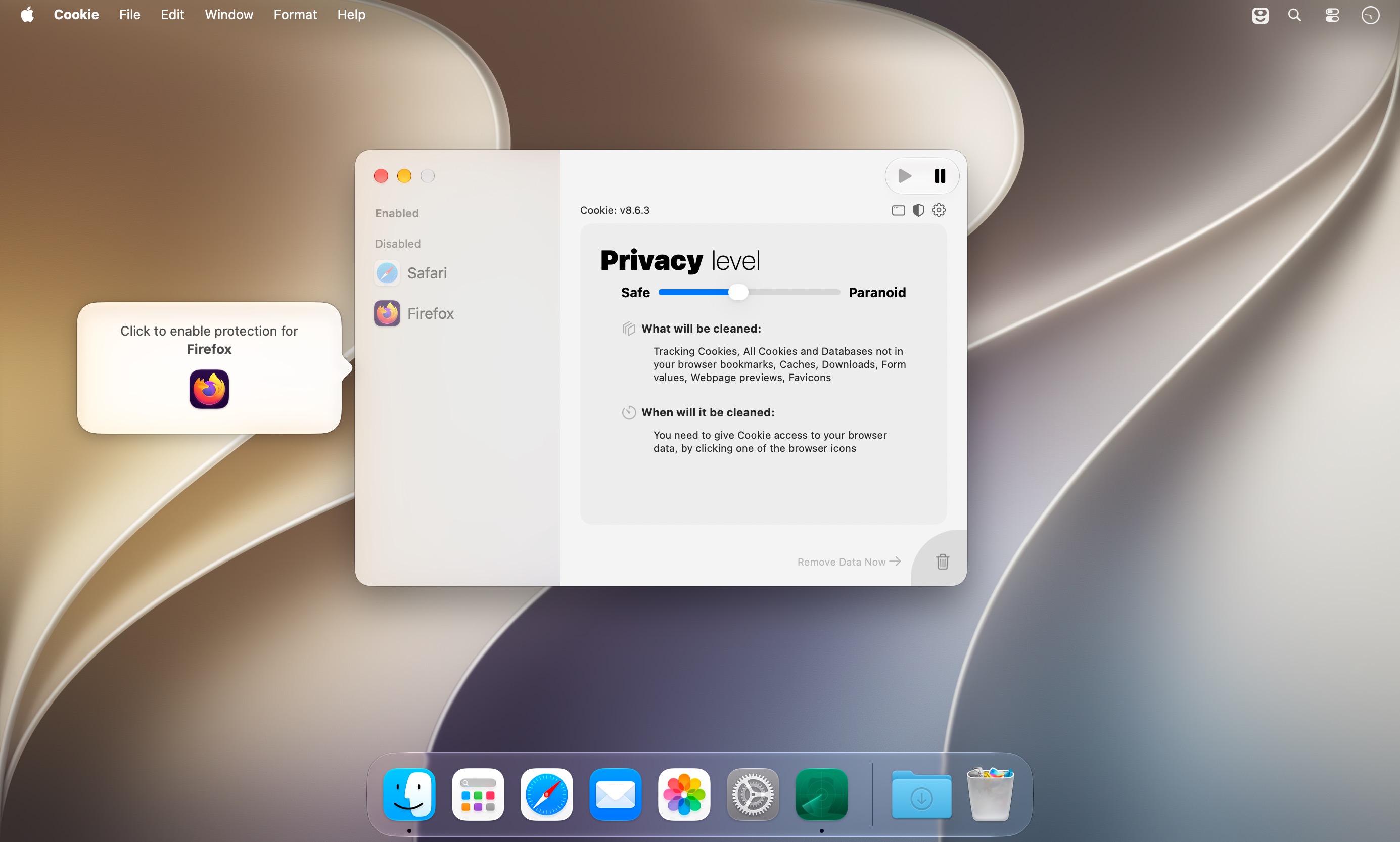
- 简易视图自动屏蔽技术细节,开箱即用;切换至高级视图后,全部隐私选项一览无余,掌控力拉满。
- 统一整合显示 Cookie 与 localStorage 数据,双类型并列呈现,甄别冗余项、决策删除更直观高效。
- 自定义快捷键一键清空所有非白名单数据,极速响应隐私需求。
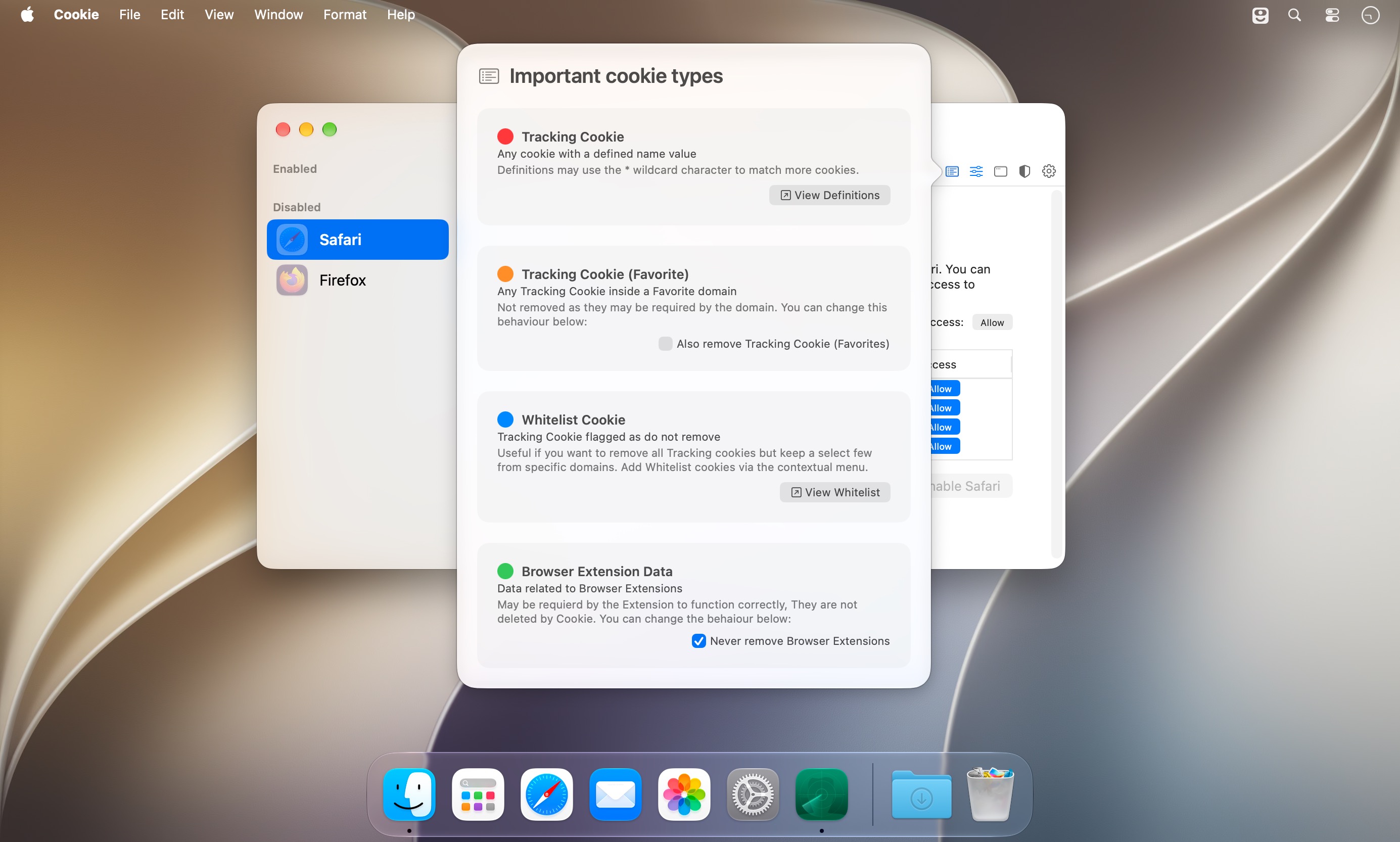
- 内置跟踪 Cookie 特征库完全开放编辑,您可随时增删规则;单个追踪器亦可单独加入白名单,兼顾安全与功能可用性。
- 全面兼容 32 款主流及小众浏览器——涵盖 Safari、Chrome、Edge、Firefox,以及 Arc、Zen Browser、Dia、Helium 等新兴浏览器,连 Beta 版与 Nightly 构建版也稳定支持。
- 原生集成 iCloud 同步、深色主题适配,并提供简洁明了的清理统计面板,实时查看已清除的数据量与类型分布。
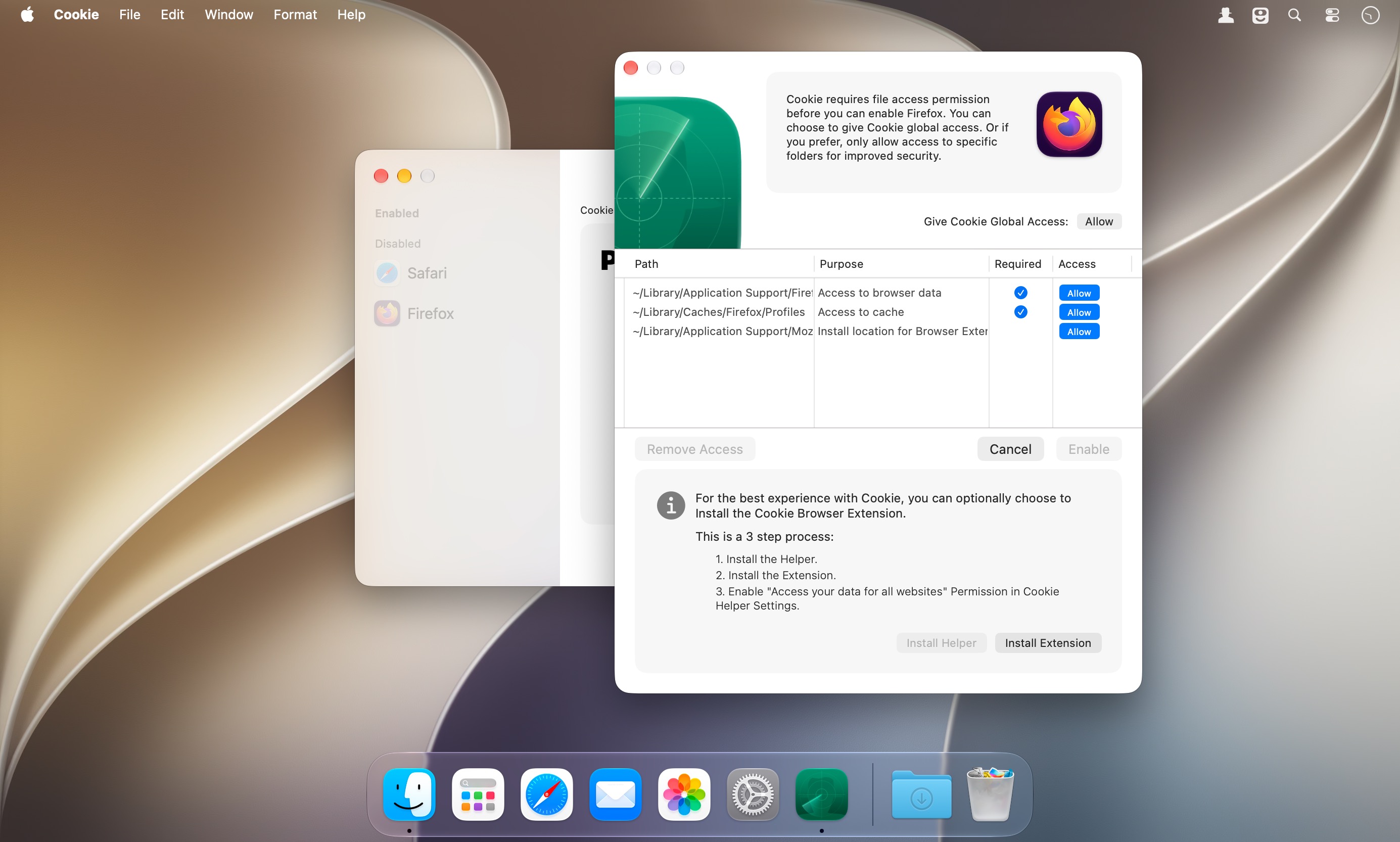
- 配套提供 Chrome 与 Firefox 内核浏览器专用扩展插件,深度协同,提升兼容性与清理精准度。
首次启动即引导式设置向导,三步完成个性化配置,零学习成本上手。
What's New
Version 8.7:
- multiple timer support with independent removal options
- the Advanced view layout has been streamlined
- improvements to drag & drop reordering of Browsers
- user order within browsers can now also be customized
- added missing timer menu cases
- fixed some potential issues with Chromium not being correctly recognized
- fixed an issue with the system menu and menubar menu not updating correctly for the current active browser
- fixed a resize issue in the simple view
- removed an erroneous debug log





