Trickster 4.0.1 macOS 轻量级菜单栏文件速查工具
Trickster 是一款运行在 macOS 菜单栏中的智能文件管理助手,专为快速定位和调用你近期打开、添加或处理过的文件、文件夹及应用程序而设计。
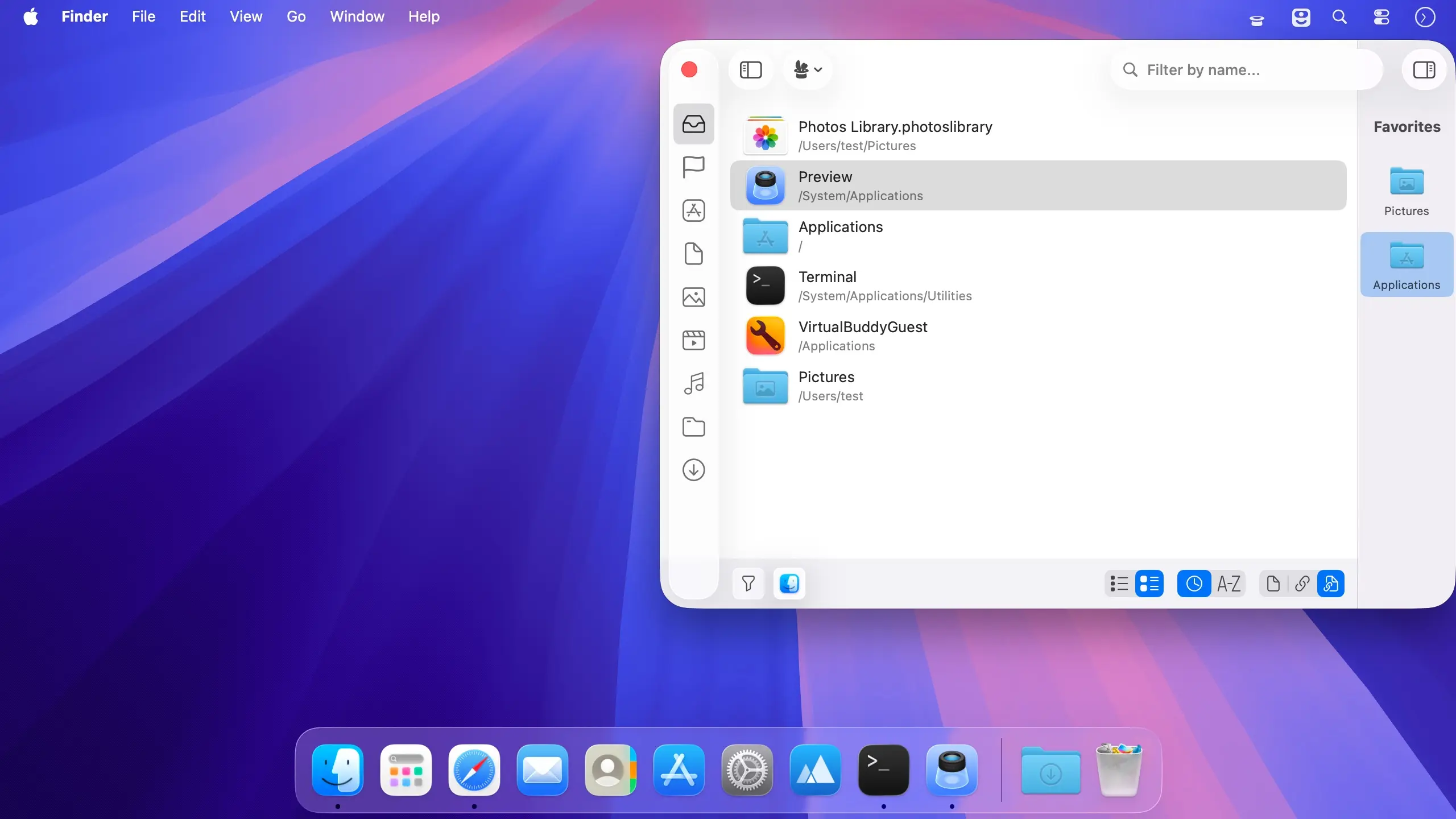
无需反复切换 Finder 翻找历史记录——只需点击菜单栏图标,所有最近使用过的资源即刻呈现在一个简洁直观的窗口中。它会持续监听你指定的文件夹路径,并按文件类型自动归类内容,让目标资源一目了然、触手可及。
核心能力:
- 智能监控自定义文件夹与路径,实时同步变动
- 集中浏览近期文档、目录及已启动应用
- 支持按时间顺序(最新优先)或名称字母序灵活排序
- 可依文件扩展名、所属应用或类别精准筛选内容
- 自由设置忽略规则与专属白名单,过滤干扰项
- 内置全文检索,秒级定位任意近期项目
- 一键收藏高频使用的文件/文件夹,打造个人快捷入口
- 支持双击直接打开,或拖拽至 Finder 及其他任意应用中使用
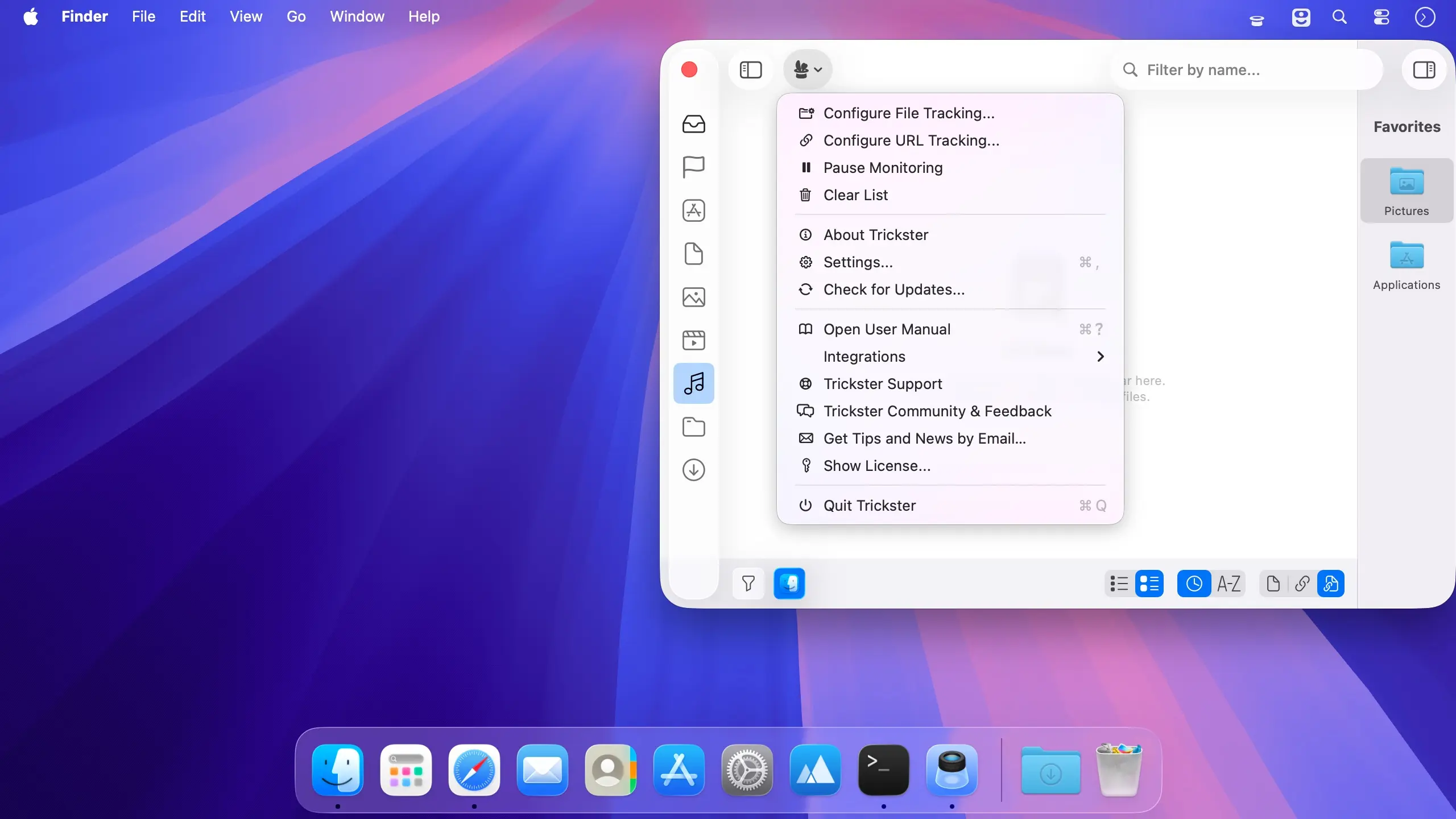
- 从任意文件、文件夹、后缀名或路径一键生成专属过滤器
- 支持“拖入即测”:将文件拖进窗口即可预览/验证其属性与兼容性
- 全程通过 macOS 顶部菜单栏调用,不占桌面空间,操作零打扰
凭借人性化交互逻辑与高度可定制的筛选体系,Trickster 将你最常访问和最新处理的资源稳稳托在指尖——从此告别繁琐查找,专注高效创作与执行。
What's New
Version 4.0:
Trickster 4 is a major update with a redesigned Liquid Glass window, and it now keeps your web links next to your recent files. Already own Trickster? It's a free update, and your purchase is recognized automatically.
It also lays the foundation for what comes next.
NEW:
- Web links next to your files. Save a page with the built-in Safari extension or the Chrome and Firefox extensions. Links show their site icon and open in the browser they came from.
- Switch between files, links or everything from the sidebar.
- Give your filters their own icons from SF Symbols, emoji or your own images.
- Trickster lets you know when the notch hides its menu bar icon.
IMPROVE:
- A simpler first launch that helps you choose the folders Trickster watches.