MountMate 6.6 macOS 轻量级外置存储管理工具
直接从 macOS 菜单栏统一管理你的移动硬盘、U 盘及磁盘镜像文件。
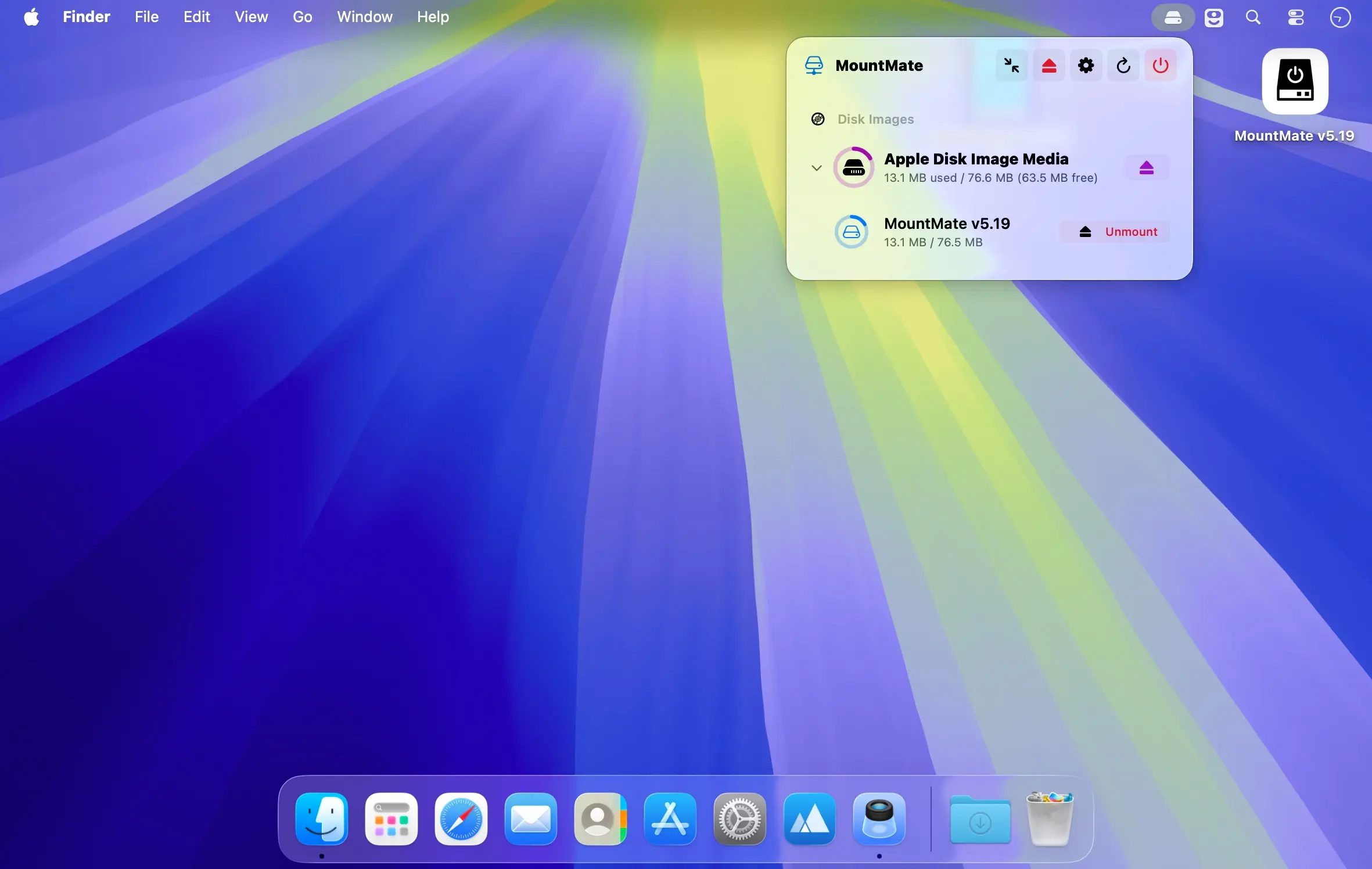
无需打开终端或磁盘工具,MountMate 就能让你在菜单栏中快速完成外接存储设备的挂载与卸载操作。只需轻点一下即可安全弹出设备,需要时又能即时重新挂载——整个过程由这款小巧高效的菜单栏应用全程掌控。
核心功能
- 通过菜单栏一键挂载或卸载所有外接存储设备
- 无需拔插硬件,即可恢复已弹出设备的挂载状态
- 全面支持磁盘镜像(.dmg/.iso 等):挂载、打开、彻底移除一气呵成
- 可选关闭 USB 设备的自动挂载机制,避免干扰工作流
- 一键批量弹出全部已连接的物理驱动器与磁盘镜像
- 接入新存储设备后,自动刷新菜单栏中的设备列表
- 常驻菜单栏后台运行,内存与 CPU 占用极低,几乎无感
MountMate 特别适合那些不需长期挂载的外置硬盘及其他便携存储设备。它能有效阻止闲置硬盘频繁自启旋转,既省电又降噪;想用时随时唤起,不用反复插拔线缆,让连接更智能、使用更从容。
What's New
Version 6.6:
Added:
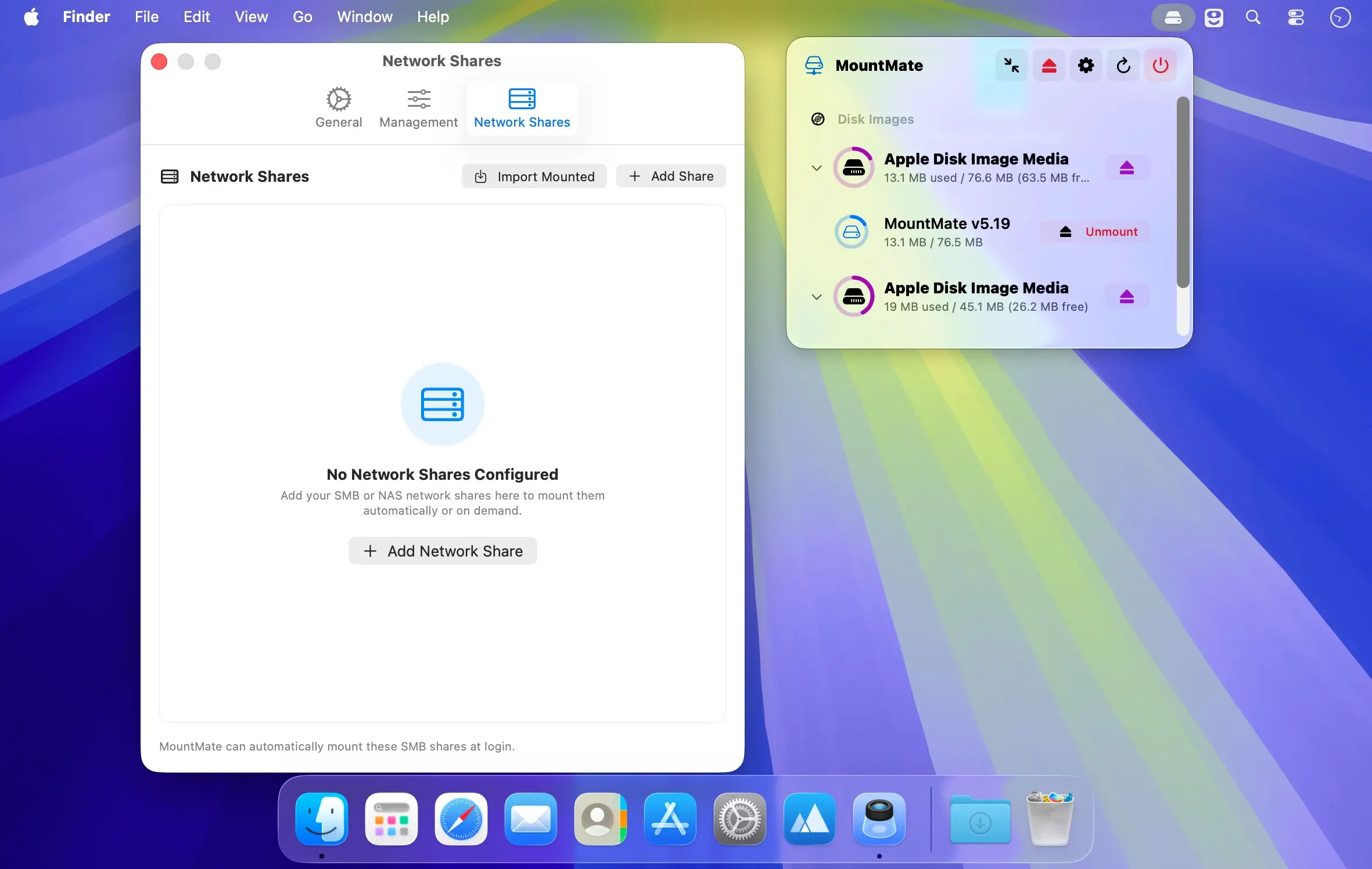
- Mount WebDAV shares, such as Nextcloud or Synology, next to SMB, NFS and AFP.
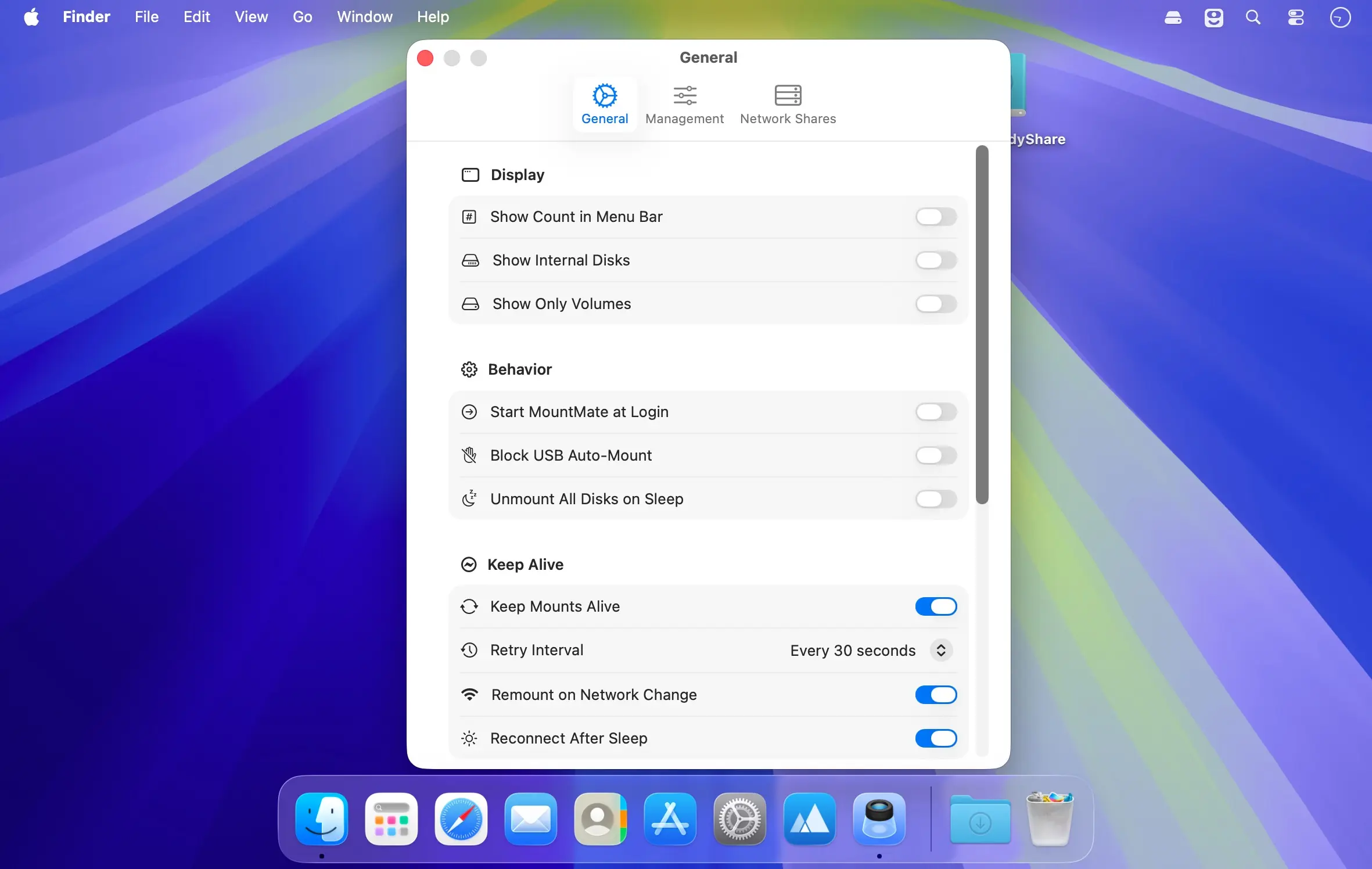
- Optionally unmount network shares too when your Mac sleeps or locks, and mount them again on wake.
- NFS shares no longer freeze Finder when the NAS goes away: new shares give up on an unreachable server instead of waiting forever. Turn it on for older shares in their settings.
- Clearer "in use" alerts: when a drive can't be ejected, the alert names what is using it in plain words, such as "Spotlight indexing" or "Quick Look" instead of "mds", and shows its icon.
- Copy Diagnostics now also lists how many disks are connected by type and file system, the Keep Alive interval and the low-space warning threshold.