Cog v3890 macOS 高保真音频播放器,专为复古游戏音源与高阶听感设计
一款面向音乐发烧友、专业音响爱好者及经典游戏/主机音频格式收藏者的全能型本地音频播放工具——不仅支持主流媒体,更深度兼容大量冷门音源格式。
体验无缝续播、全局快捷键控制、桌面级实时通知,以及高度自定义的随机播放(可按曲目或整张专辑打乱)与循环模式(单曲、专辑、歌单三级循环)。轻松播放单曲、专辑、智能歌单、网络直播流,以及任意 HTTP/HTTPS 协议托管的远程音频文件。
核心亮点:
- 真正零间隙播放,杜绝曲目切换时的静音断点
- 支持按单曲或整张专辑级别进行智能随机播放
- 灵活循环:单曲重复、专辑循环、全歌单循环三档可选
- 跨应用全局热键 + 原生桌面通知,操作不离当前工作流
- 原生支持 HTTP(S) 流式播放,稳定收听电台直播与云存储音频
- 依托 FFmpeg 实现 Apple HLS(HTTP Live Streaming)协议解析
- 实时抓取并显示 Shoutcast/Icecast 元数据,同时兼容 Ogg Vorbis 注释与带时间戳的 ID3v2 标签
- 完整 CUE 分轨表支持,含嵌入式 CUE(如 FLAC、WAV、APE 等容器内直读)
- 每首曲目独立识别封面图,自动匹配内嵌图片与外部同名图文件(如 folder.jpg)
- 封面缓存支持 JPEG、PNG、GIF、WebP、HEIC、AVIF 六大主流图像格式
- 内置多段式图形均衡器,精细调节频响曲线
- 频谱可视化可自由切换至工具栏迷你模式或独立悬浮窗口
- 适配支持空间音频的 Mac 外设,带来沉浸式声场体验
- 集成多款 MIDI 合成引擎,包括系统默认合成器与高性能 BASSMIDI
- 全面兼容 SoundFont 音色库,并可调用 macOS 内置 GS 音源
- 覆盖超 50 种音频格式,从 WAV/FLAC/AAC 到 NES/SNES/PSX/N64/Sega CD 等复古游戏音频专用编码
HEIC 封面图需 macOS Mojave 或更高版本;WebP 封面图需 macOS Big Sur 起支持;BASSMIDI 播放依赖用户自行配置 SoundFont 文件。
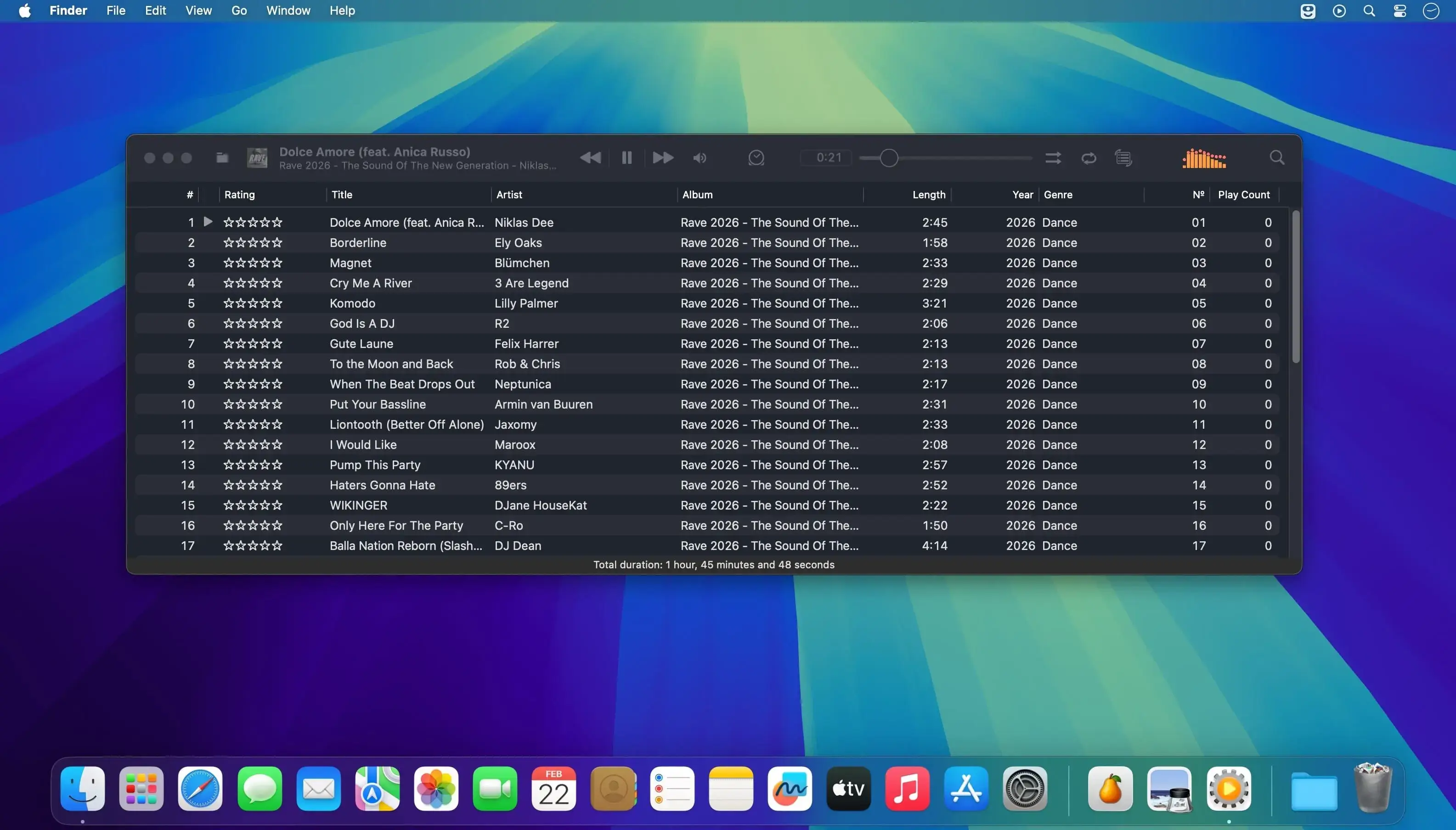
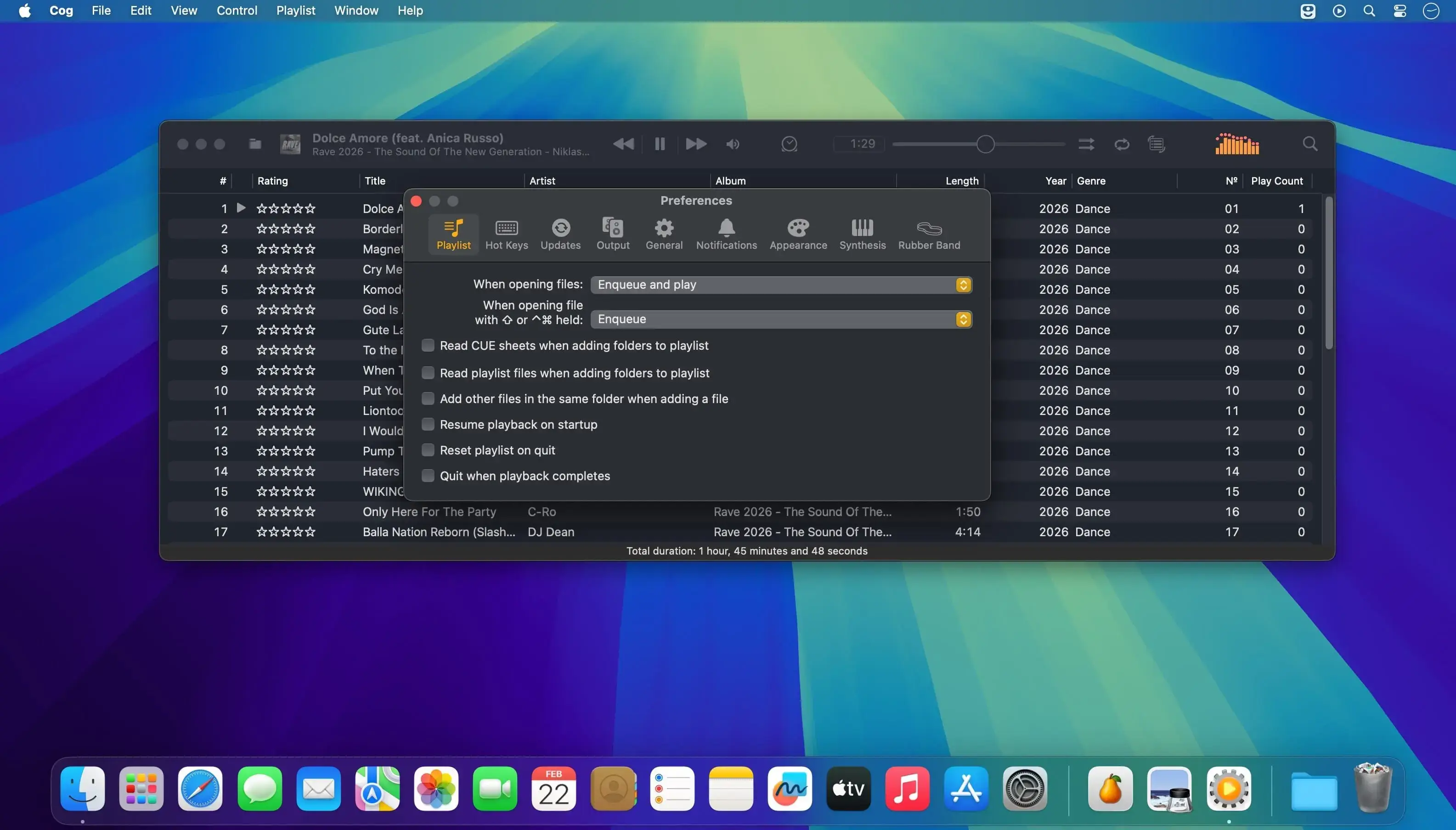
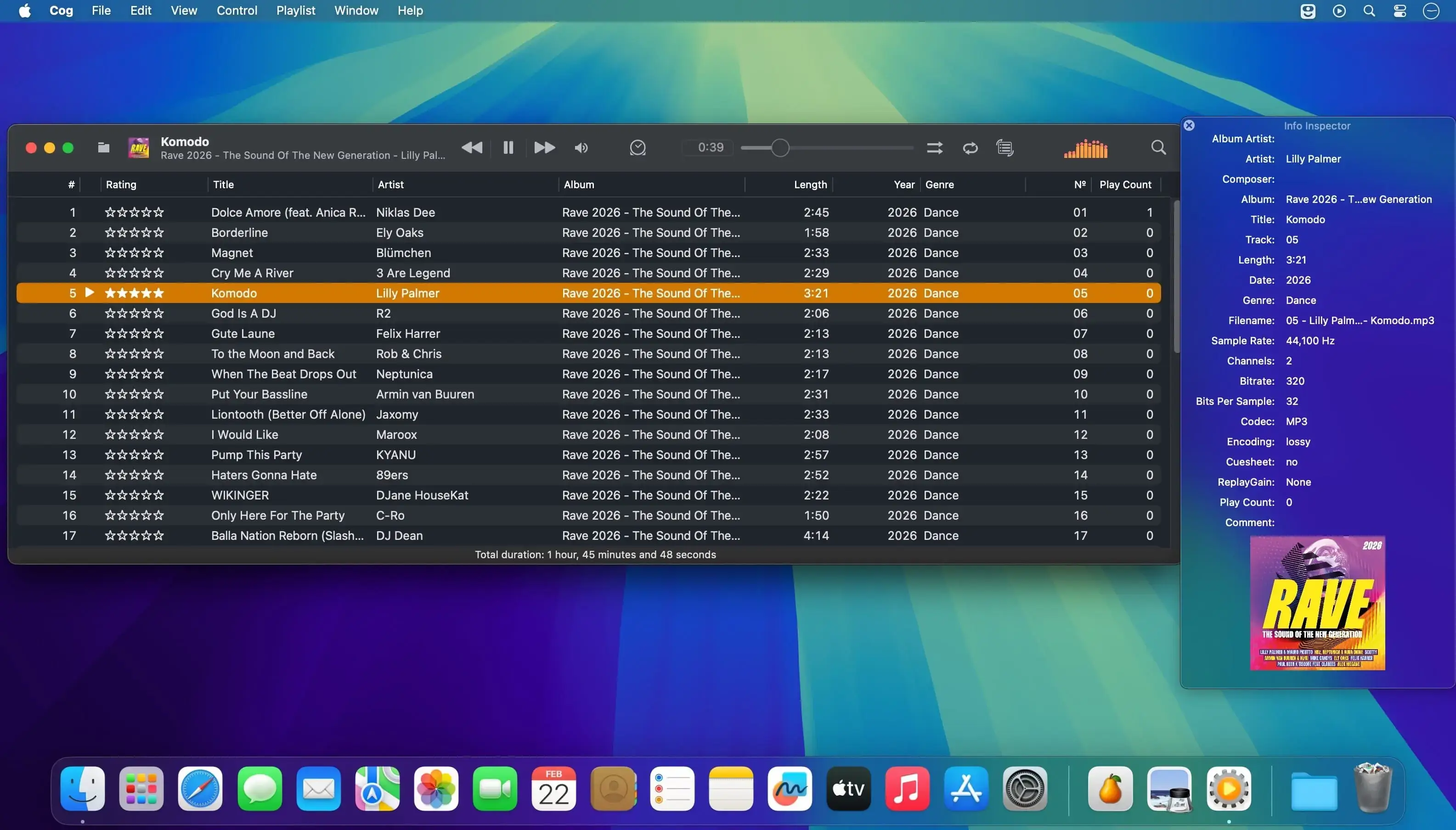
What's New
Version 3890:
Cog gets a new projectM visualizer with a full screen mode, plus a fix for playing files inside archives whose names contain special characters.
New
- projectM visualizer: a new pane under Visualizers that docks beside the playlist or floats, and goes full screen when floating. It reacts to the stereo audio you're hearing.
- Full screen mode shows playback controls over the visuals and fades them when the mouse rests. The preset picker stays at the top, with a searchable list of presets by folder.
- The current track title appears in the lower left at the start and end of each song.
- 250 presets are included. You can download the full pack from within Cog or choose your own folder of presets.
- A new Visualizations section in Settings, split from Appearance, has options for detail, resolution, frame rate (30 fps by default), crossfade, beat cuts, shuffle, preset duration and which themes to show. Your lock and last preset are remembered between launches.
- A photosensitivity warning appears the first time you use projectM in each session. You can turn it off.
- Works on both Apple Silicon and Intel Macs, including macOS 12.
Fixed
- Files inside archives now play when their names or paths contain characters like %, # or ?.