Laravel Herd Pro 2.1.0 build73 macOS 本地PHP开发环境一体化工具
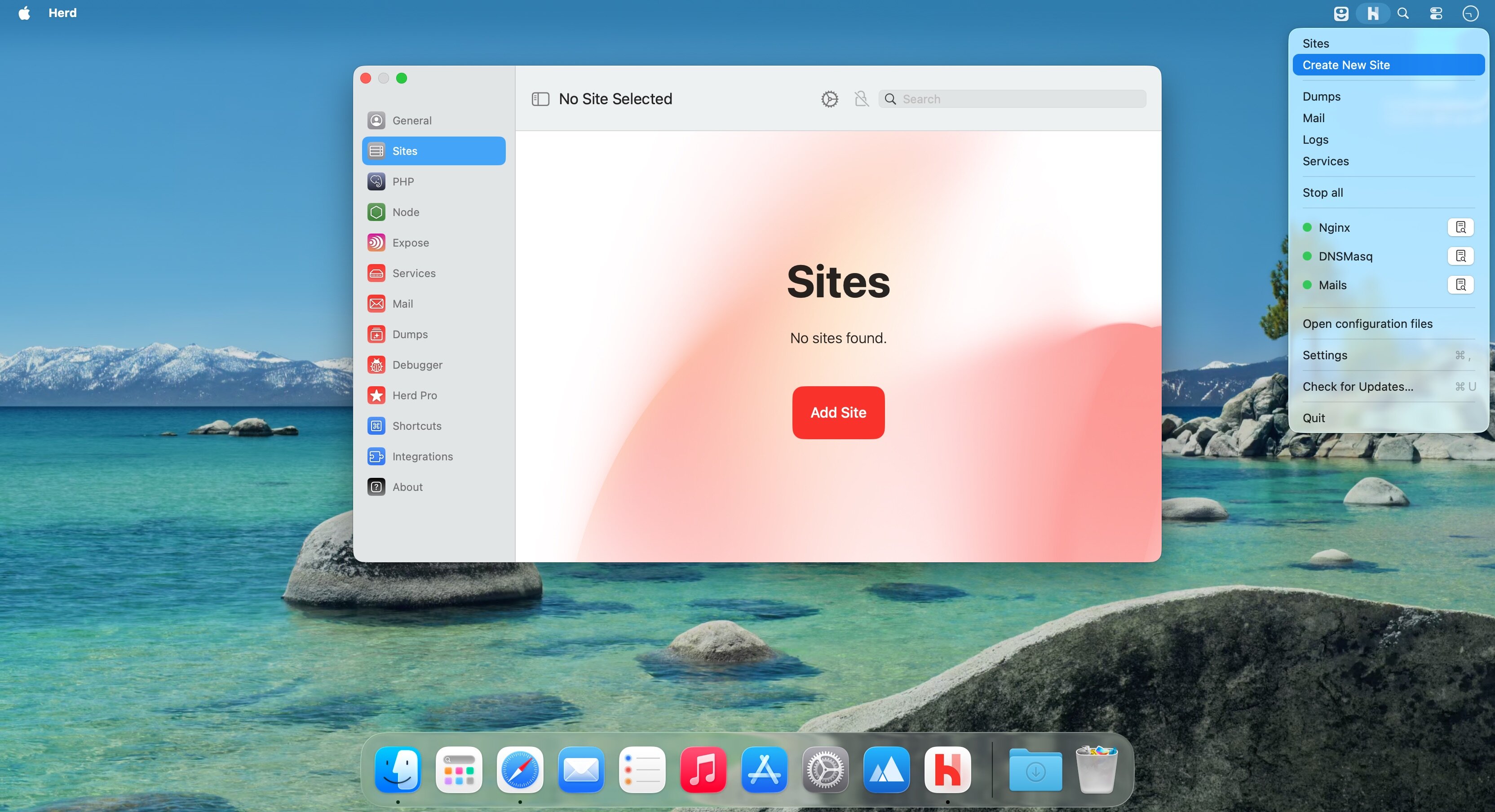
Herd Pro 2 直接以原生二进制形式在 macOS 上运行 PHP、Nginx 和 dnsmasq,无需依赖 Docker、Homebrew 或虚拟机,即可秒启 Laravel 或任意 PHP 项目。调试面板、本地邮件收件箱、日志智能检索、一键式数据库管理——全部集成于同一应用内,省去逐个安装、配置与联调的繁琐流程。
开箱即用的本地开发环境
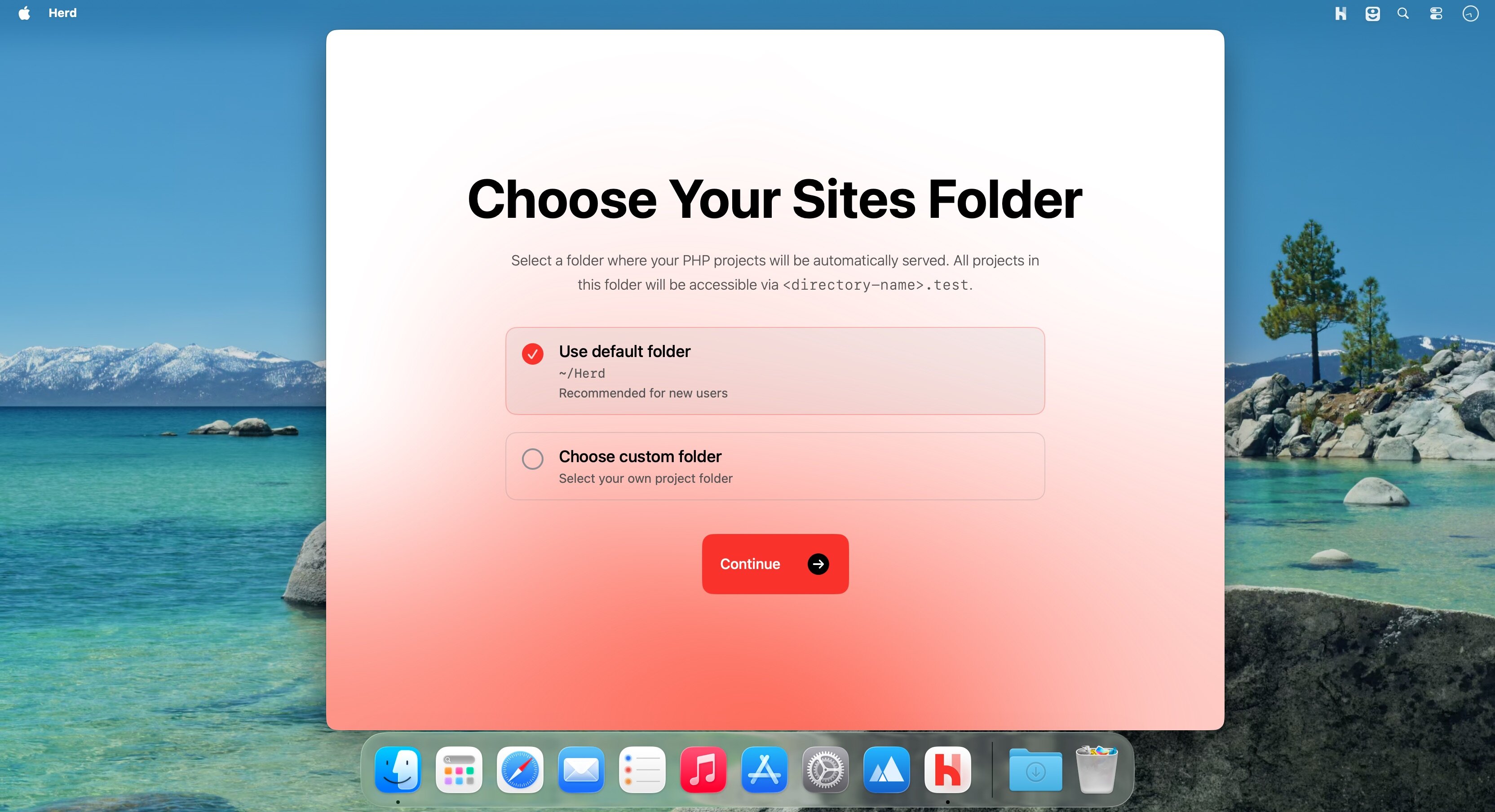
安装 Herd 后,只需将项目文件夹拖入指定位置,再在浏览器中打开对应地址,项目即刻运行。PHP 原生运行于 macOS 系统层,响应更快、启动更轻、配置极简。
- 一键式部署:彻底告别 Homebrew、Docker 与虚拟机依赖。
- 原生级性能:PHP、Nginx 和 dnsmasq 均作为常规可执行程序直接启动,不走容器封装。
- 智能域名映射:每个站点自动分配独立的 *.test 域名,访问零配置。
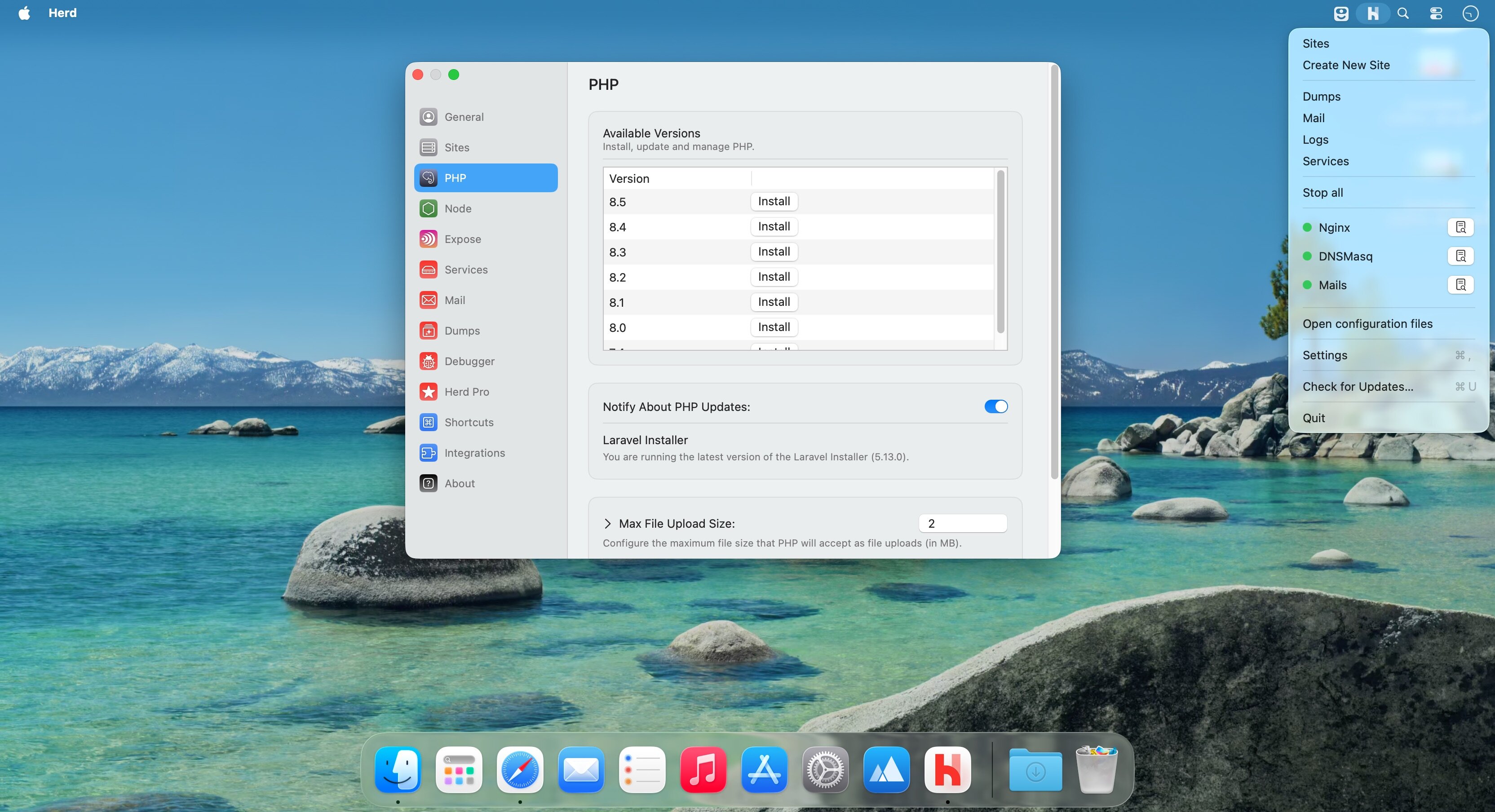
- 多版本 PHP 自由切换:支持 PHP 7.4 至 8.5 全系版本,并可为单个项目锁定专属 PHP 版本。
- 终端即用命令:安装完毕后,php、composer、laravel、node 等常用命令立即生效,无需额外 PATH 配置。
- Valet 无缝迁移:原有 Valet 站点、HTTPS 证书及全局设置自动继承,平滑过渡无感升级。
- Forge 一键发布:选中站点,单击即可同步部署至远程 Forge 服务器。
高效调试与真实测试体验
dump() 和 dd() 的输出不再污染当前页面,而是集中呈现在专属调试窗口;所有应用发出的邮件也完全保留在本机,绝不外发。
- 结构化 Dump 窗口:语法高亮显示变量内容,且请求间历史记录完整保留,便于追踪变化。
- 精准 Dump 过滤:支持按变量、SQL 查询、队列任务、视图渲染、日志条目或 HTTP 请求等维度快速筛选。
- 按需启用 Xdebug:仅当收到调试请求(如 IDE 断点触发)时才激活,日常请求全程保持原生速度。
- 内置 SMTP 邮件服务:默认监听本地 2525 端口,自动捕获应用发送的所有邮件。
- 所见即所得邮件预览:支持并排查看 HTML/纯文本正文、全部附件及原始邮件头信息。
- 智能日志浏览器:按项目、文件名过滤日志,点击任一行日志可直接跳转至 IDE 中对应源码位置。
随需启停的配套服务生态
数据库、缓存、搜索服务等均可通过 Herd 图形界面统一启停,每项服务支持独立设置端口、版本号与启动参数。
- 数据库引擎:MySQL、PostgreSQL、MariaDB。
- 缓存系统:Redis、Memcached。
- 搜索服务:Meilisearch、Typesense。
- 对象存储与实时通信:MinIO、Laravel Reverb(WebSocket 服务)。
团队协作友好设计
Node.js 版本亦可通过 Herd 界面统一管理;项目根目录下的配置文件(含 PHP 版本、启用服务、Forge 部署参数等)确保每位成员拉取代码后,一键复现完全一致的本地环境,彻底规避“在我机器上是好的”式协作困境。
What's New
Version 2.1.0
Search in Settings
- Start typing in the settings sidebar to find any setting. Herd opens the pane and highlights the row. Settings also has a new Advanced section with the Herd Server Port and the workspace base.
Workspaces in the Applications window
- Create a workspace from the inspector with ”+” and no prompt
- Workspaces have a context menu with relevant actions
Fixes and Improvements
- Clearer rows in the Applications list, with Browser and Studio buttons on every row
- New “Free models” setting: turn it off to hide OpenCode’s free models from every model picker
- Exceptions no longer go missing in herd site:error
- herd processes has a new --all flag and reports processes started by the dev stack correctly
- herd isolate-node --site writes the .nvmrc into that site’s folder
- Pages no longer wait 15 seconds when Vite listens on IPv6
- Fixed a GitHub Copilot login bug
- The Studio badge no longer breaks pages whose scripts include </body>
- When a workspace folder vanishes, Herd removes its site link
- herd workspace follows the “New workspaces start from” setting, and --remote overrides it per run
- herd workspace --json prints valid JSON again
- herd workspace:delete works from inside the workspace
- SSH and Tinker open in the native Terminal when Warp is the selected terminal, as Warp can’t be scripted to run a command