ForkLift 4.7.8 macOS 专业级双栏文件管理与跨平台传输工具
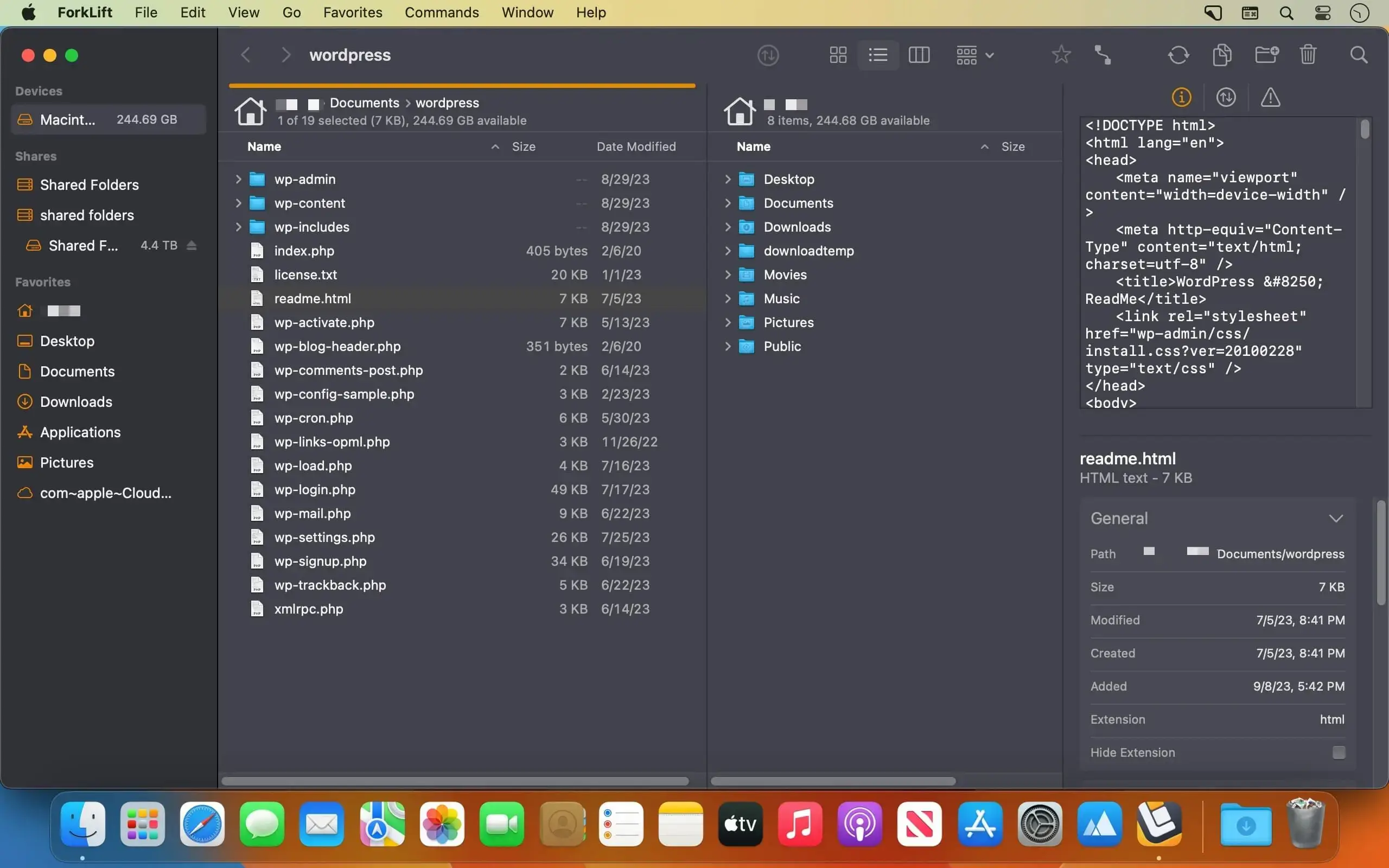
ForkLift 是 macOS 平台上功能最全面的双窗口文件管理器兼智能文件传输客户端。无论本地磁盘、远程服务器还是主流云存储服务,你都能在一个响应迅捷、高度键盘友好的应用中完成浏览、传输、同步与文件整理——效率与掌控感兼得。
无缝接入各类存储系统
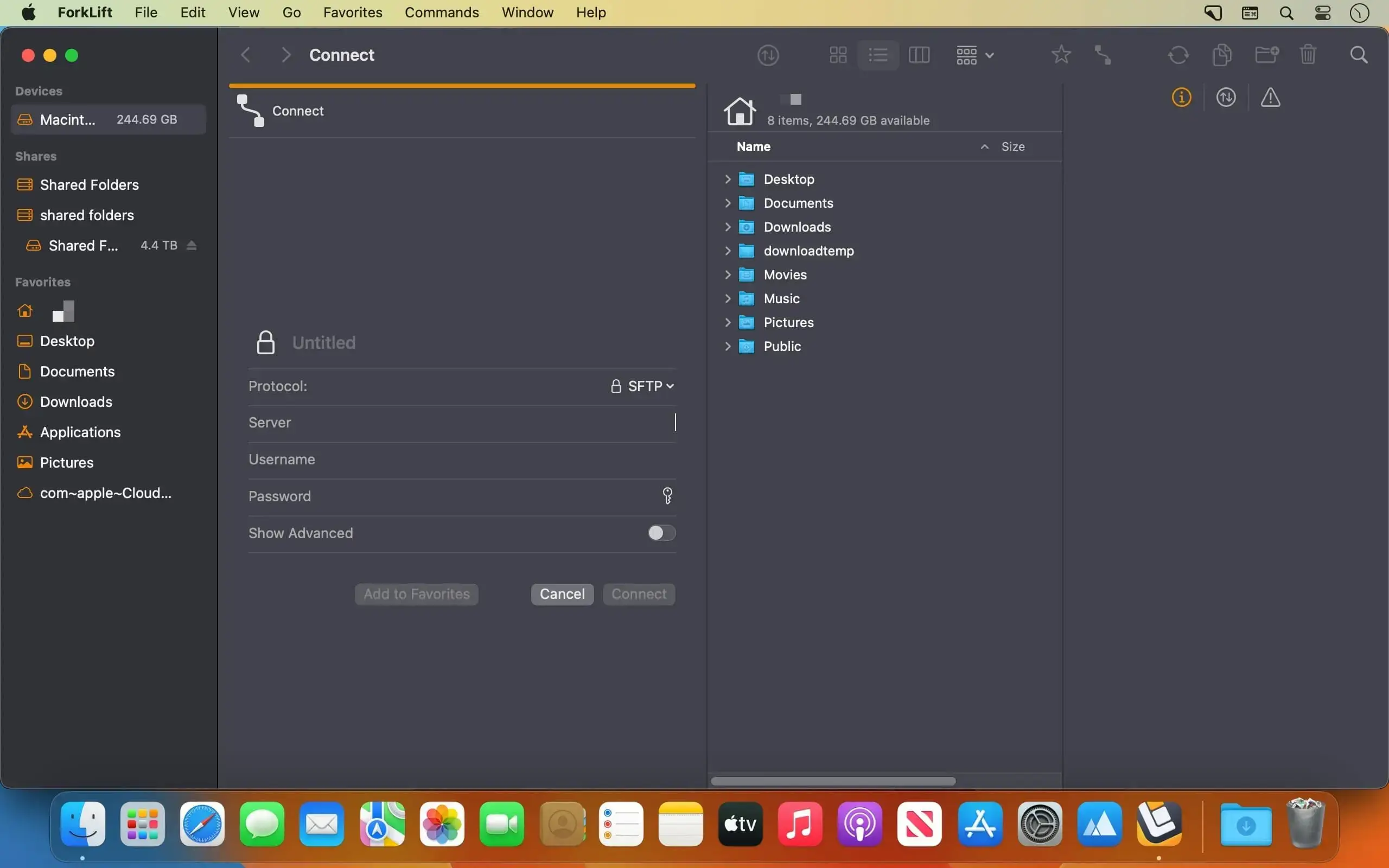
- 原生支持 SFTP、FTP、WebDAV、SMB、AFP 和 NFS 协议
- 深度集成 Amazon S3、Backblaze B2、Rackspace Cloud Files 等对象存储
- 直连 Google Drive、OneDrive、Dropbox 和 iCloud,实现统一视图管理
- 可同时连接多个远程服务器,并通过拖放操作在不同服务器间直接复制文件
- 用你惯用的代码编辑器打开远程文件——每次保存,ForkLift 自动同步变更至服务器
智能高效同步引擎
- 精准比对本地或远程目录:自动识别相同、已修改、新增及已删除文件
- 一键切换单向同步(推送/拉取)或双向同步,无需反复配置
- 将常用同步方案保存为“同步模板”,随时调用,省时省力
- 同步分析速度最高提升至 ForkLift 3 的 20 倍,海量文件也能秒级响应
全程掌控传输过程
- 自由调整待执行传输任务的优先级顺序
- 自定义冲突处理策略(覆盖/跳过/重命名)与错误恢复行为
- 精细控制上传/下载带宽,避免影响其他网络应用
- 通过实时“活动视图”监控复制、重命名、删除、压缩等任务进度
- 在“日志视图”中回溯所有历史操作及其执行结果,便于审计与排查
让操作快人一步
- 快速打开(Quick Open):直达收藏夹、设备列表、菜单命令,或一键应用预设的批量重命名方案
- 智能选择(Quick Select):按文件名、扩展名或标签批量筛选目标文件
- 全场景搜索过滤:支持按名称、类型、扩展名、标签甚至文件内容检索——本地与远程均适用
- 同步浏览模式:在一个面板中导航时,另一面板自动跟随定位,大幅提升双端对照效率
- 常用路径收藏:将高频访问的远程地址设为一键直达入口,告别重复输入
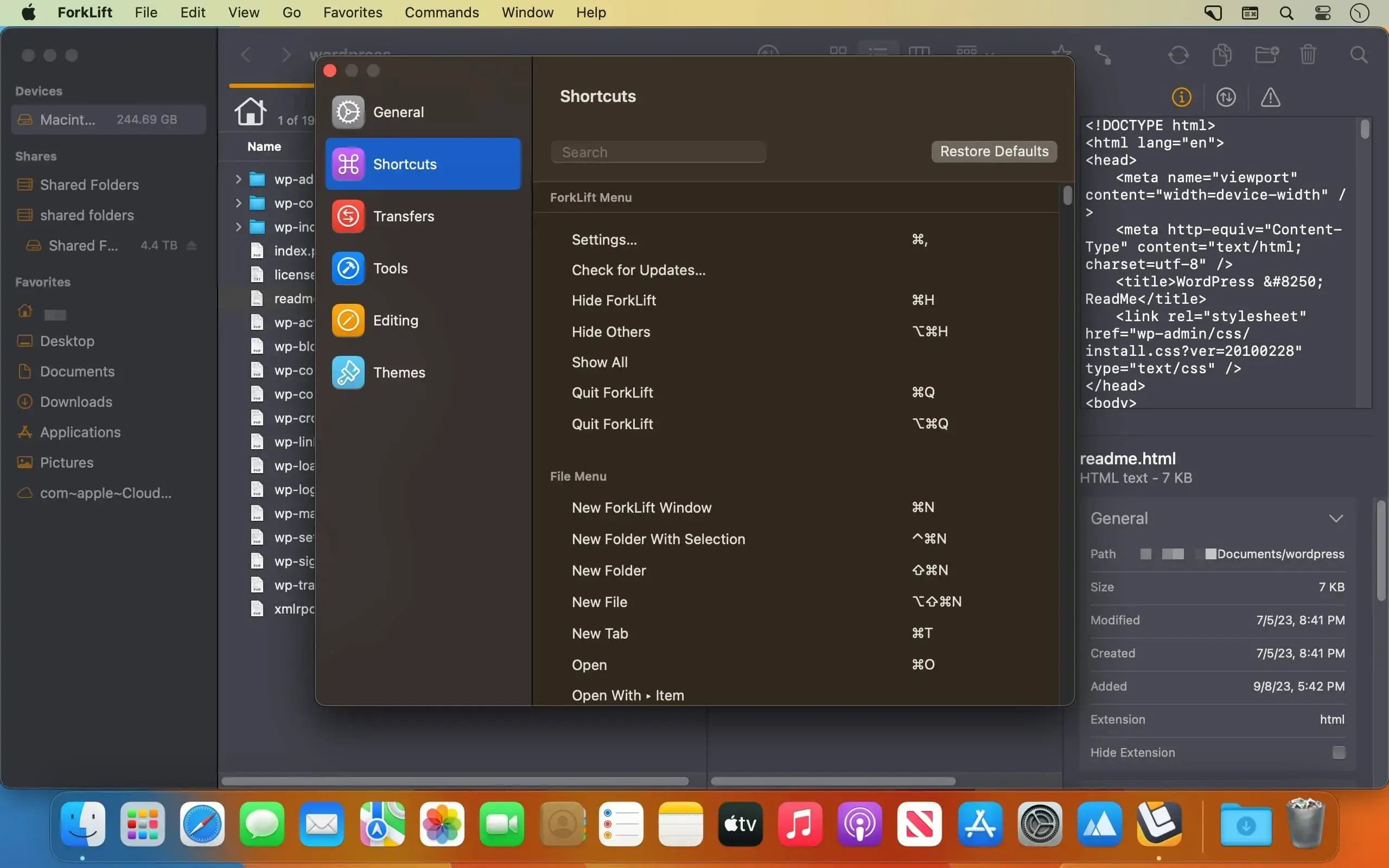
- 全键盘工作流:支持高度自定义快捷键,彻底摆脱鼠标依赖
所见即所得的预览与组织能力
- 内置预览面板:流畅播放音视频,清晰展示图片、PDF 及主流文档格式
- 就地编辑文本文件:无论是本地文档还是远程服务器上的配置文件,均可直接修改并即时保存
- 深度整合 Finder 标签系统:自由添加、修改、按标签搜索与过滤文件
- 归档文件透明化:ZIP、RAR、7z 等压缩包可像普通文件夹一样直接浏览,支持 Quick Look 预览、搜索与筛选
专为效率极客打造
- 开箱即用的 Git 支持:直观查看文件状态,轻松执行添加、提交、推送、拉取等操作
- 终端随行:一键在当前路径下启动 Terminal、iTerm2、Hyper、Kitty、Warp 或 Ghostty
- 命令行增强:为常用 CLI 工具设置专属快捷键,无缝衔接开发流程
- 多维文件比对:支持 FileMerge、Kaleidoscope、Beyond Compare、Araxis Merge 等主流工具进行文本或图像差异对比
- 隐藏文件开关:一个快捷键即可显示/隐藏系统隐藏文件,调试与维护更高效
按你的习惯定制体验
- 标签页与工作区:保存包含多个标签页、各自路径及窗口布局的完整工作区,下次打开即复位
- 主题自由切换:提供多套内置配色方案,亦可创建专属深色/浅色主题
- iCloud 同步偏好:收藏夹、快捷键、同步模板等设置自动跨 Mac 设备同步
- 接管系统默认行为:可将 ForkLift 设为 macOS 默认文件浏览器,替代 Finder 成为主力工具
还有更多贴心细节
- 应用清理助手(App Deleter):卸载软件时自动清除残留配置、缓存与扩展文件
- 右键生成 Dropbox 分享链接:无需打开网页,一键复制可分享链接
- 即时共享:选中文件后轻点“分享”按钮,快速生成临时下载链接
- 多语言支持:提供简体中文、英语、德语、匈牙利语、法语、西班牙语、葡萄牙语、波兰语、乌克兰语、意大利语、捷克语、日语共 12 种界面语言
What's New
Vesion 4.7.8:
New
- New, improved, and redesigned App Deleter
- Scroll bar in the Sidebar
Improvements
- The App Deleter calculates the size of an app even if its size hasn’t been calculated in the file view
- The App Deleter is better at identifying an app’s supporting files by searching in more locations and using stricter criteria
- System applications that can’t be deleted by default are marked with a lock icon and can’t be deleted in the App Deleter
Fixes
- Fixes the log output where the log incorrectly stated that an item was successfully updated based on the modification dates when there was no modification date and the activity was automatically skipped
- Fixes the log output where the log incorrectly stated that an item was successfully updated when the user chose to skip the activity
- Fixes the log output when deleting multiple files using the helper tool, where the number of deleted items was always displayed as zero
- Fixes an issue on Google Drive where some folders that had a forward slash in their names displayed all files in the drive as a flat list
- Fixes an issue on Google Drive where some folders with a forward slash in their names couldn’t be opened
- Fixes a possible crash while using the Go to Folder feature on Google Drive with a non-existent path
- Fixes a possible crash when the user tried to open the Favorite Manager or the Connect Panel while the View Settings were open
- Fixes a memory leak in Icon View that could cause a possible crash
- Re-adds the missing Title, Size and Kind of items in the Info Window
- French localization fixes and improvements
- Minor fixes and improvements