Unclutter 2.3.0 macOS 桌面智能收纳与高效协作工具
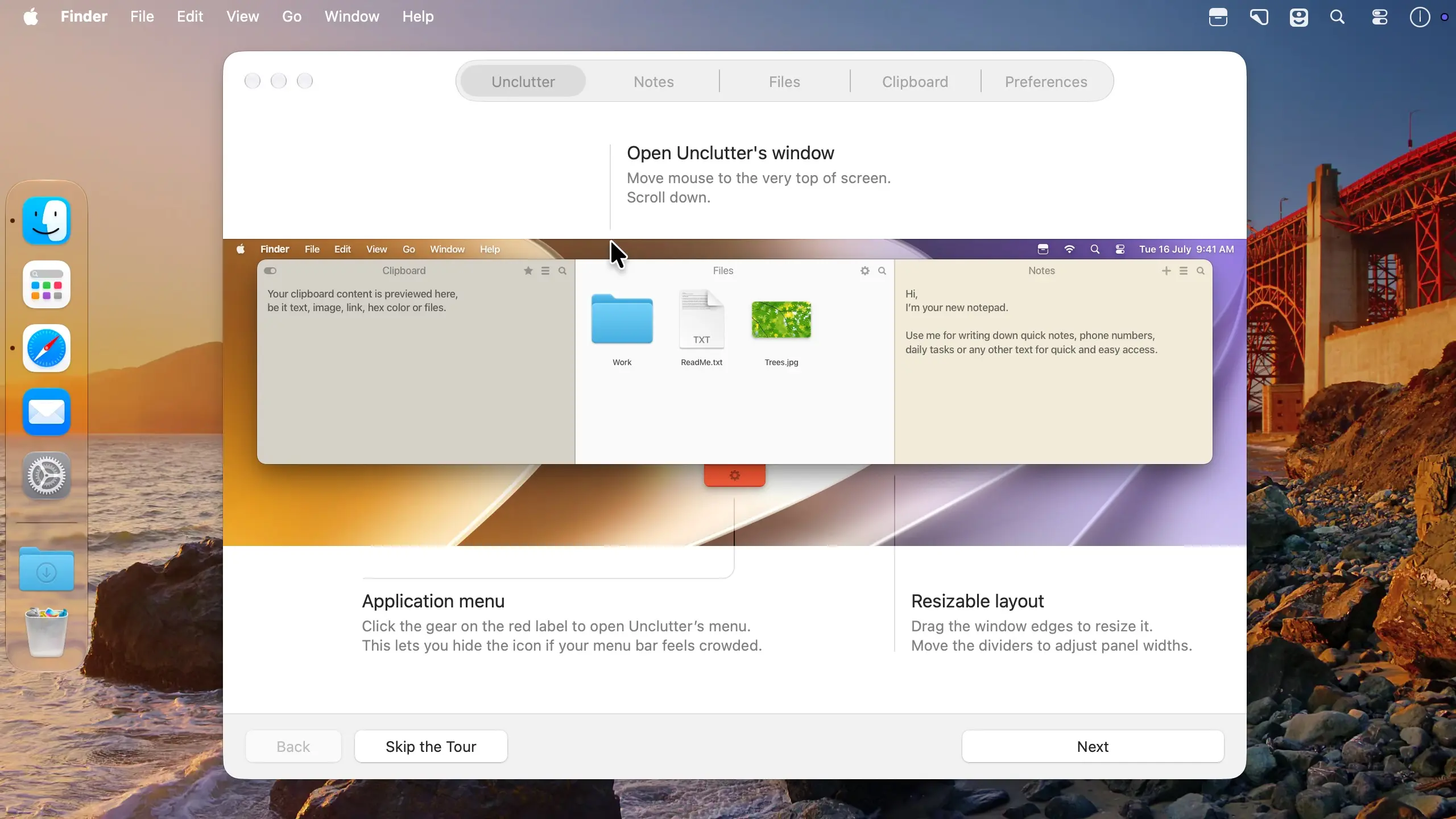
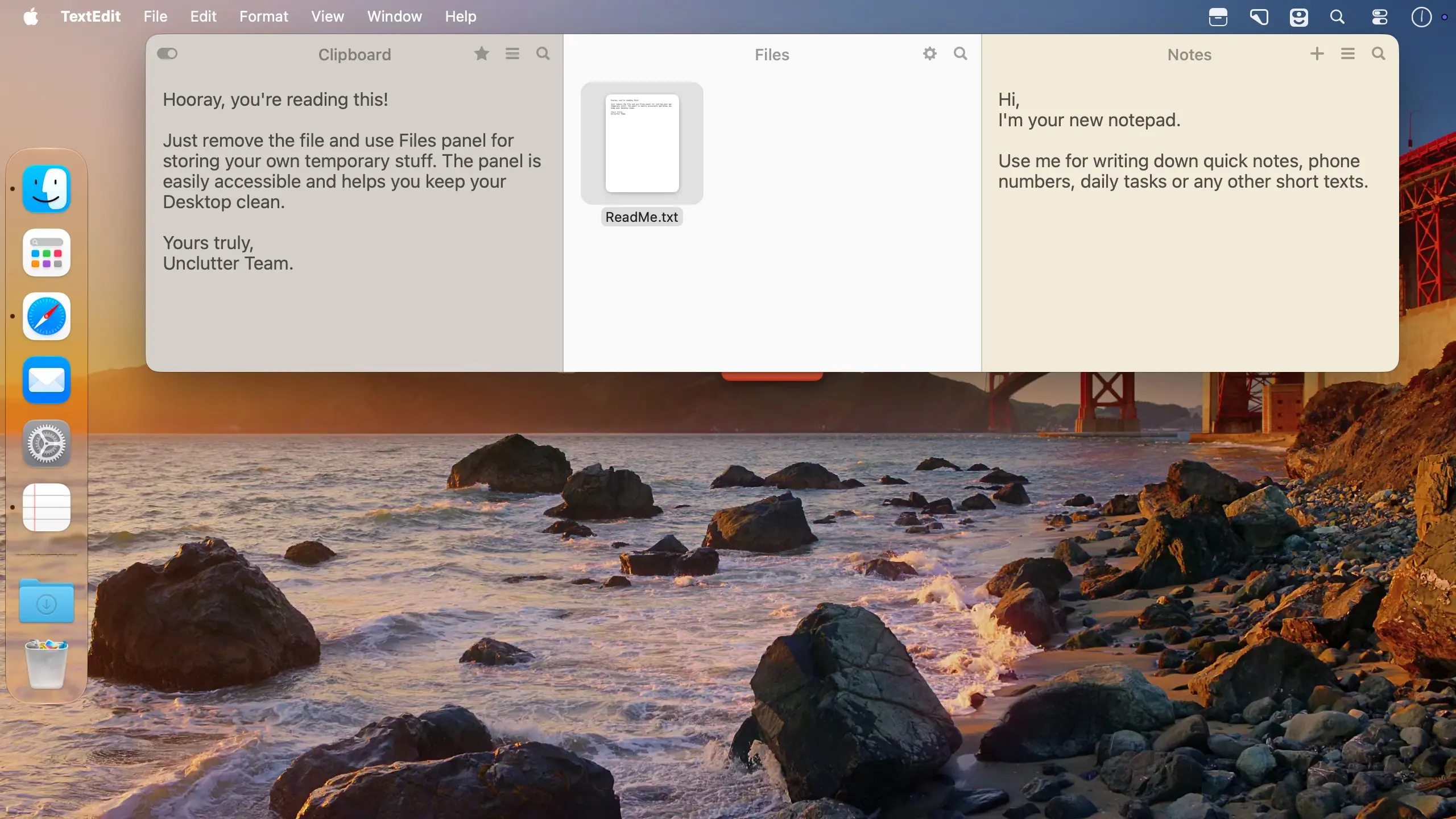
Unclutter 在你的桌面顶部悄然集成一个可伸缩的智能工作台——它能暂存常用文件、随手速记和剪贴板历史。平时完全隐形,仅需将鼠标移至屏幕顶端边缘并向下滚动,工作台即刻浮现;既保障桌面清爽有序,又让高频使用的资源始终“一划即达”。
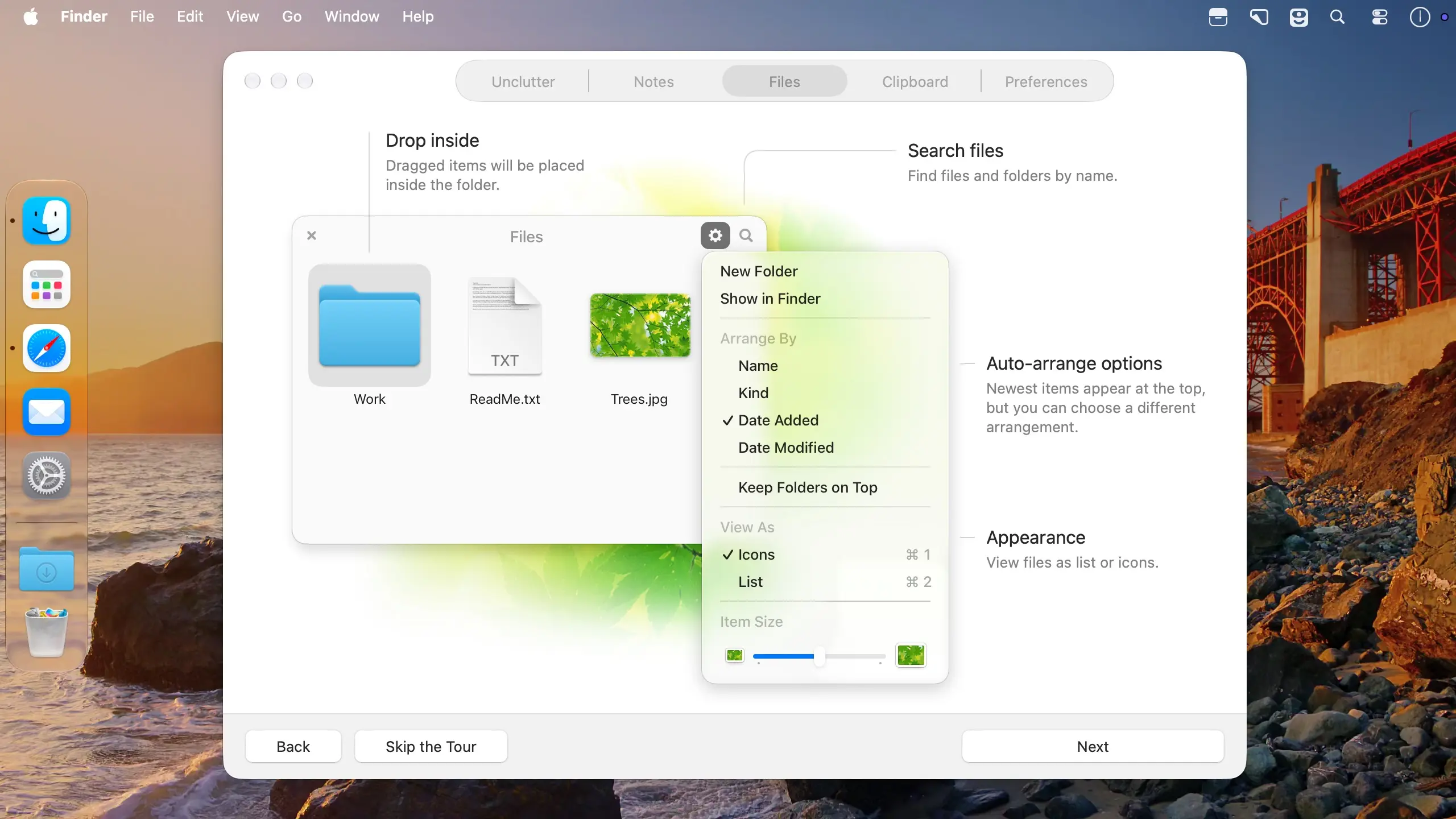
文件管理
直接拖拽文件或文件夹到 Unclutter 中,告别杂乱堆叠的桌面图标。支持 Quick Look 快速预览,还可重命名、压缩打包、一键分享、归入子文件夹,或随时拖出使用——操作如呼吸般自然。
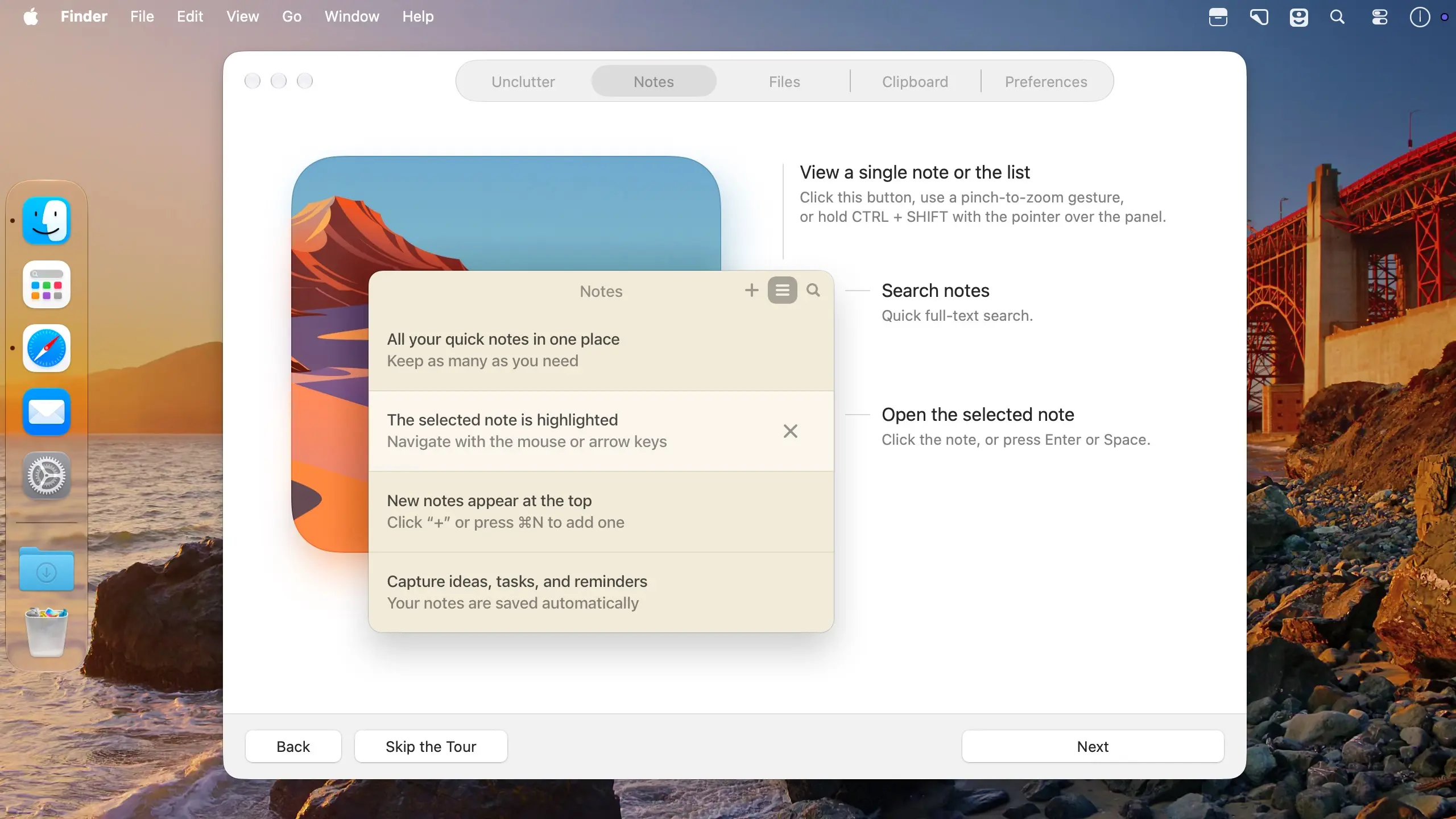
轻量笔记
灵感闪现时无需打开备忘录App,随手记录即可。后续只需关键词全文检索,秒级定位所需内容。
智能剪贴板
自动记录你复制过的所有内容:文字、网页链接、图片甚至文件。轻松回溯近期粘贴项,并可“星标”重要片段永久保存至收藏夹。支持单击暂停记录,更贴心屏蔽密码管理器等敏感应用的复制行为,隐私安全一步到位。
操作指南
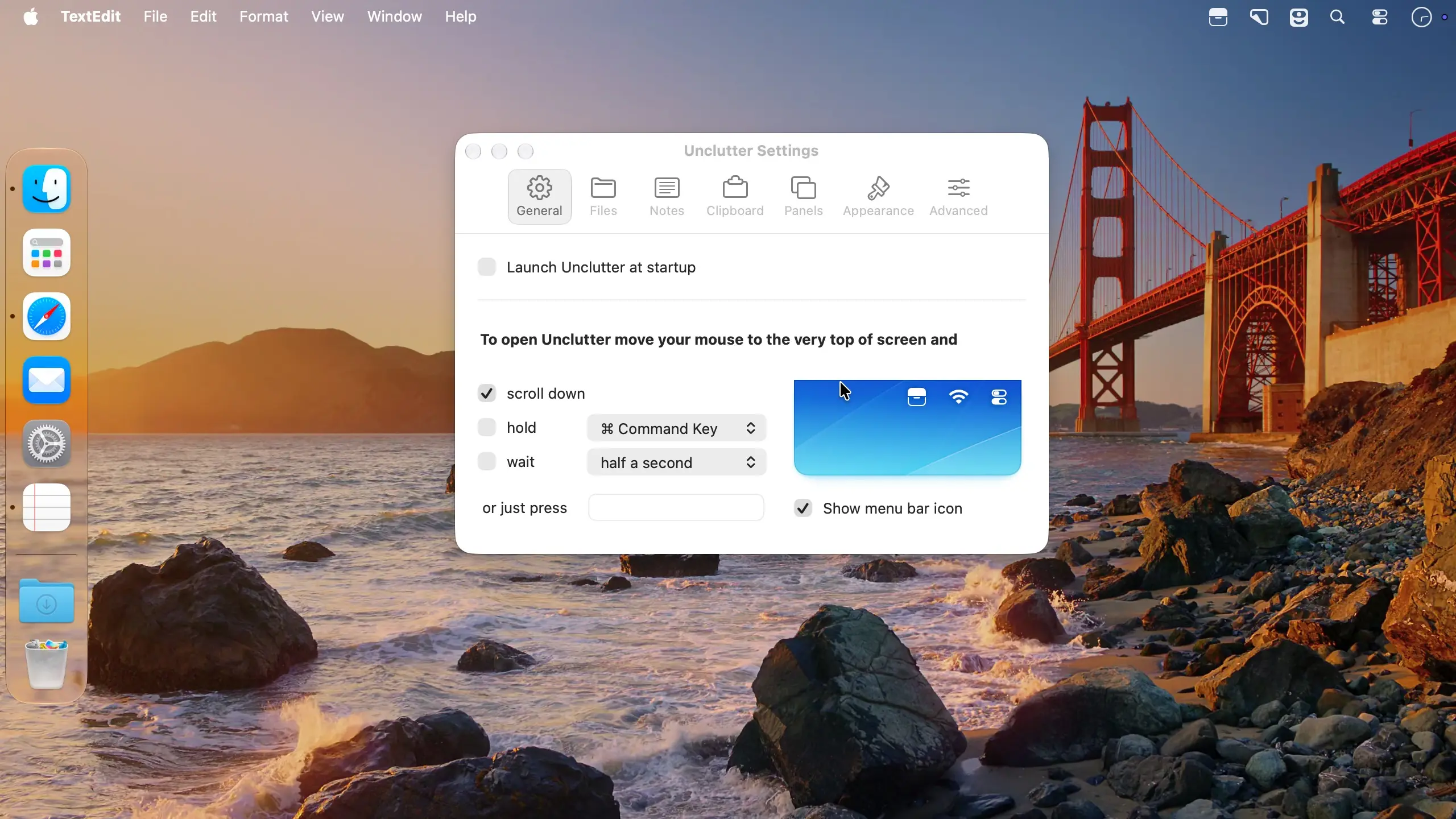
- 呼出工作台:鼠标悬停屏幕顶部边缘,向下滚动即可展开。
- 添加文件:直接拖拽至屏幕最上方松手即入。
- 快捷唤起:若偏好键盘操作,可在设置中自定义专属热键,彻底摆脱鼠标依赖。
进阶特性
- 多屏多空间兼容:完美适配所有显示器与 Mission Control 空间,即使在全屏应用之上也能稳定显示。
- 自由面板布局:任意拖动调整模块位置,亦可单独拉出某个面板,使其常驻于其他窗口之上。
- 灵活尺寸控制:整个工作台及每个功能模块均可自由缩放,按需定制视觉空间。
- 跨设备同步:文件与笔记通过 iCloud Drive、Dropbox 或其他主流云服务,在你的多台 Mac 间实时同步。
- 通用剪贴板支持:无缝衔接 iPhone、iPad 与 Mac 的剪贴内容流转。
- 自动化扩展:深度集成 Shortcuts 和 AppleScript,轻松构建个性化工作流。
- 双模主题:原生支持浅色与深色界面,随系统或手动切换。
- 卓越性能:原生适配 Apple Silicon(M系列芯片)与 Intel 架构 Mac,响应迅捷无卡顿。
What's New
Version 2.3.0
This is our biggest update in years, bringing improvements to every part of the app.
- Unclutter is now compatible with macOS 27 Golden Gate.
- A redesigned app icon that adapts to the default, dark, clear, and tinted appearances on macOS.
- A refreshed look that feels more native to macOS.
- Smoother interactions and animations across the app. You'll notice the difference when you open/close Unclutter, resize the window, or drag a panel around.
- Smoother interactions and animations, including Unclutter opening/closing, resizing, panel dragging.
- Window resizing made simple. Just drag an edge or corner to resize Unclutter. That also means you can now choose how much horizontal space Unclutter takes up on your screen -
something many of you have asked for. - Shortcuts support. Build your own workflows in Shortcuts with 22 new Unclutter actions. Run your shortcuts from Spotlight or Siri. Choose what Shortcuts can access in Unclutter
- Settings → Advanced. The new actions require macOS 13 Ventura or later.
- Unclutter now uses your Mac's memory more wisely (200-300Mb less in average).
- Fixed numerous reported crashes and bugs.
CLIPBOARD:
- Search History and Favorites. Quickly find clips by their text (link, email address, filename, or a color code). Select a result to put it back on your clipboard, ready to paste.
- Better color previews. Clipboard recognizes more CSS color formats, including HSL, OKLCH, and Display P3. Color swatches show transparency, and copying a color clip preserves the
original code.
FILES:
- Save screenshots straight to Files. In the macOS Screenshot app, choose the folder shown in Unclutter Settings → Files as the save location.
- A redesigned, more Finder-like list view: alternating row backgrounds, larger type, and clearer selection make files easier to scan in light and dark mode.
NOTES:
- Markdown file support. Unclutter Notes now opens both MD and TXT files. And while it's still a plain-text editor, you can have both file formats in your list (hello, Obsidian users!). You can also choose the file extension for your new notes in Settings → Notes.
- Smarter search. The Notes panel now uses Apple's SearchKit to make your notes easier to find.
- Safer saving and recovery. We've added a few layers of protection to help keep your data safe. For example, Notes now saves a separate backup file when edits conflict. If a save fails, you can retry or move your notes to another folder.