JPEG Jackal 4.0.0 macOS 一键批量压缩与格式转换工具
JPEG Jackal 是一款专为 Mac 设计的本地化图片处理工具,支持单张照片或整批文件夹快速压缩与格式转换。您只需选定输出格式(JPEG 或 PNG)及目标尺寸,生成的文件即刻适配邮件发送、网页上传或长期归档等场景。所有操作均在您的 Mac 上离线完成,无需上传任何数据,也完全不依赖账户登录或展示广告。
从任意位置发起处理
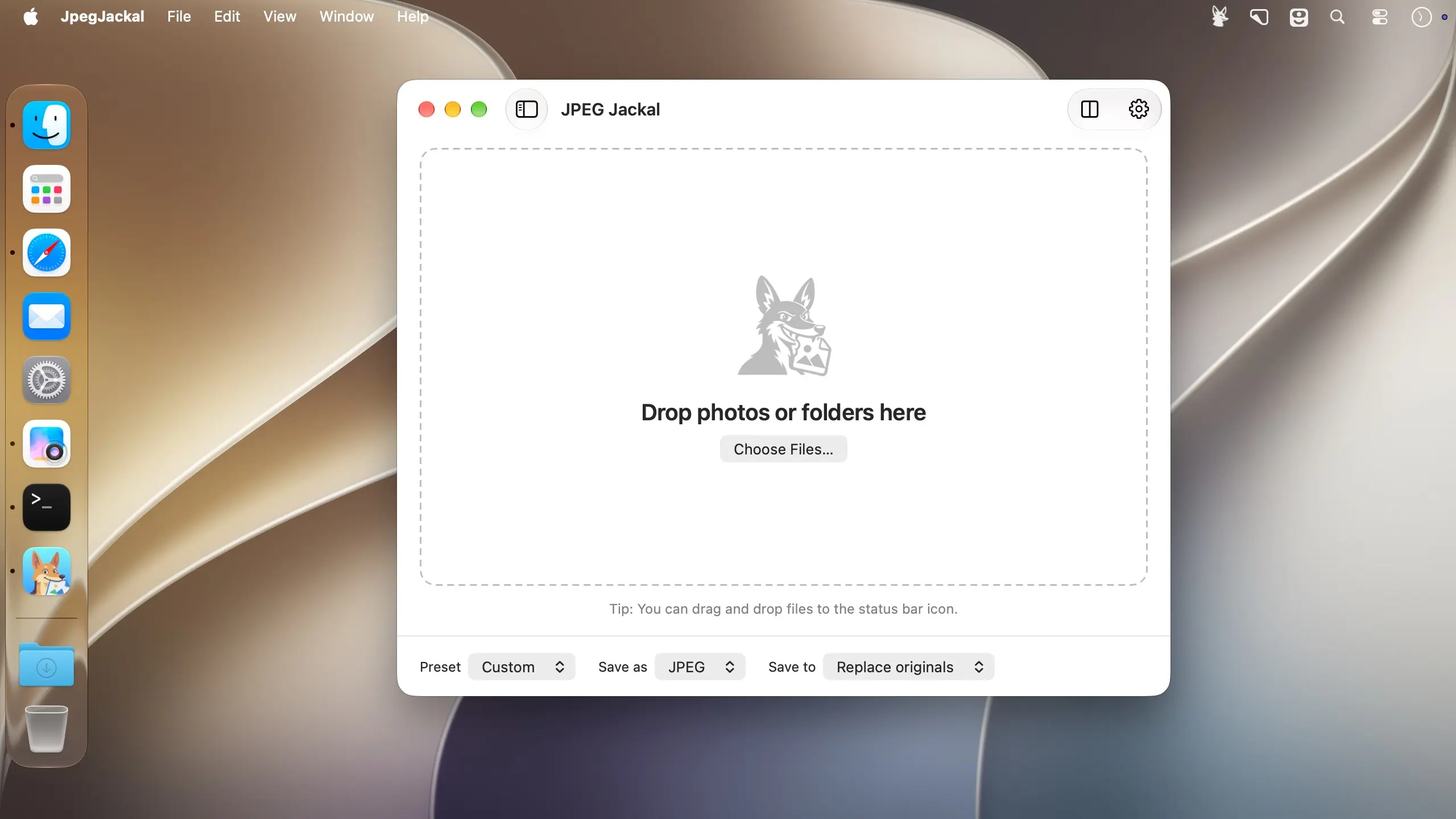
直接将图片从「照片」、「邮件」或「Safari」拖拽至应用界面;也可将文件或文件夹拖放到主窗口、程序坞图标,甚至菜单栏图标上。若您正浏览 Finder,更可右键调用「服务」菜单,无需启动应用即可即时压缩。
自由掌控输出参数
内置常用预设满足日常需求,同时开放精细调节选项,让专业用户精准定义每一张图的呈现效果。
- 输出格式:支持导出为 JPEG 或 PNG;在设置中还可启用对 PNG、GIF、BMP 和 TIFF 源文件的识别与转换。
- 预设模式:提供「网页适用」「邮件优化」「高保真」和「极致压缩」四类快捷方案。
- 自定义调节:手动设定画质数值与目标文件大小,灵活平衡清晰度与体积。
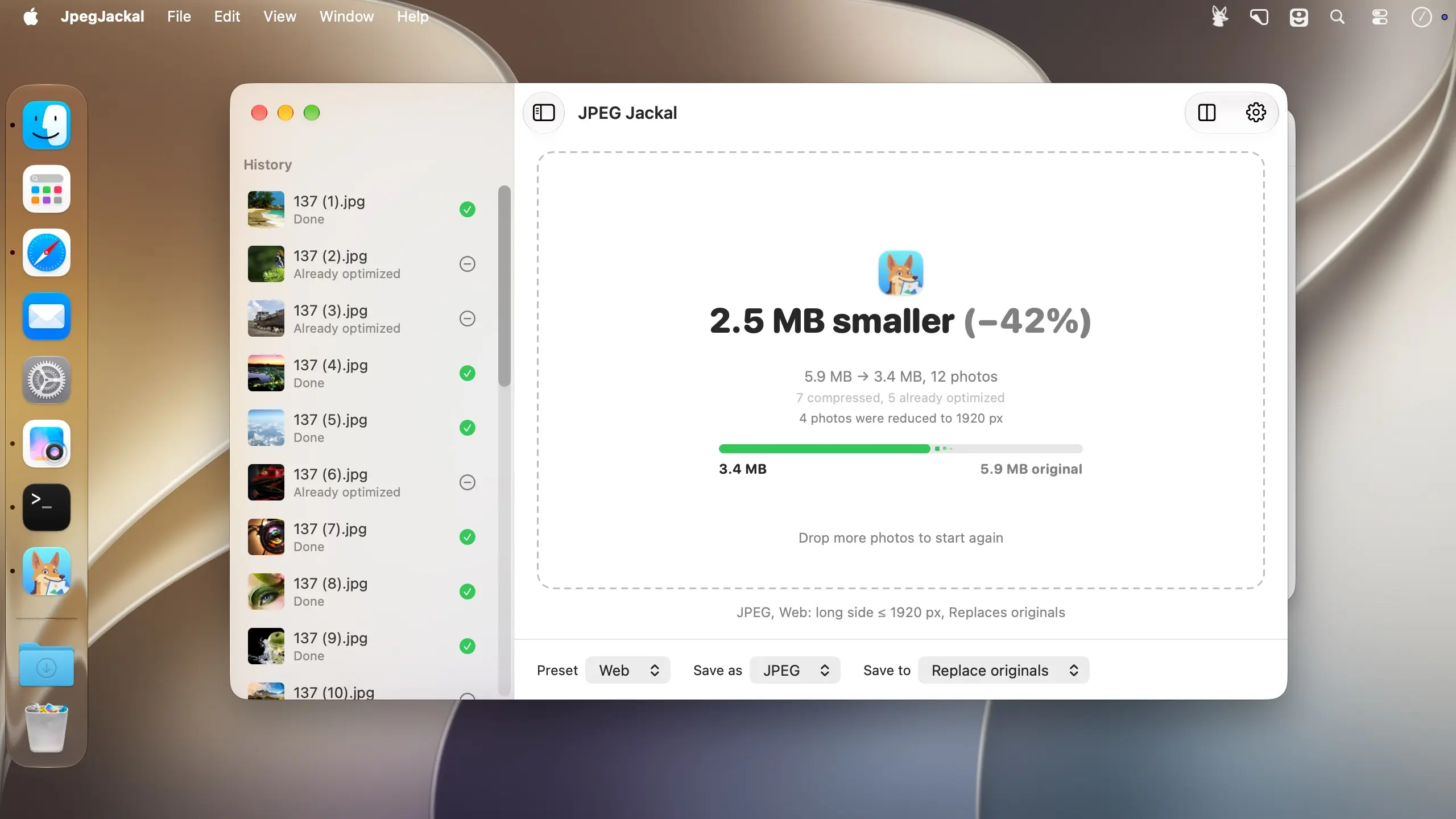
- 智能缩放:提供小(S)、中(M)、大(L)三级标准尺寸,亦可按长边、短边,或“适配指定宽高”的方式精确控制输出分辨率。
自主决定文件去向
既可将处理结果保存至指定文件夹,也能选择直接覆盖原始文件——安全可控,一步到位。
- 另存至文件夹:完整保留原有子目录结构,旅行相册、活动记录等分类依然井然有序。
- 替换原图:启用前需二次确认;替换后文件自动继承原始创建/修改时间及 Finder 标签,且旧版本可移入废纸篓而非被强制覆盖。
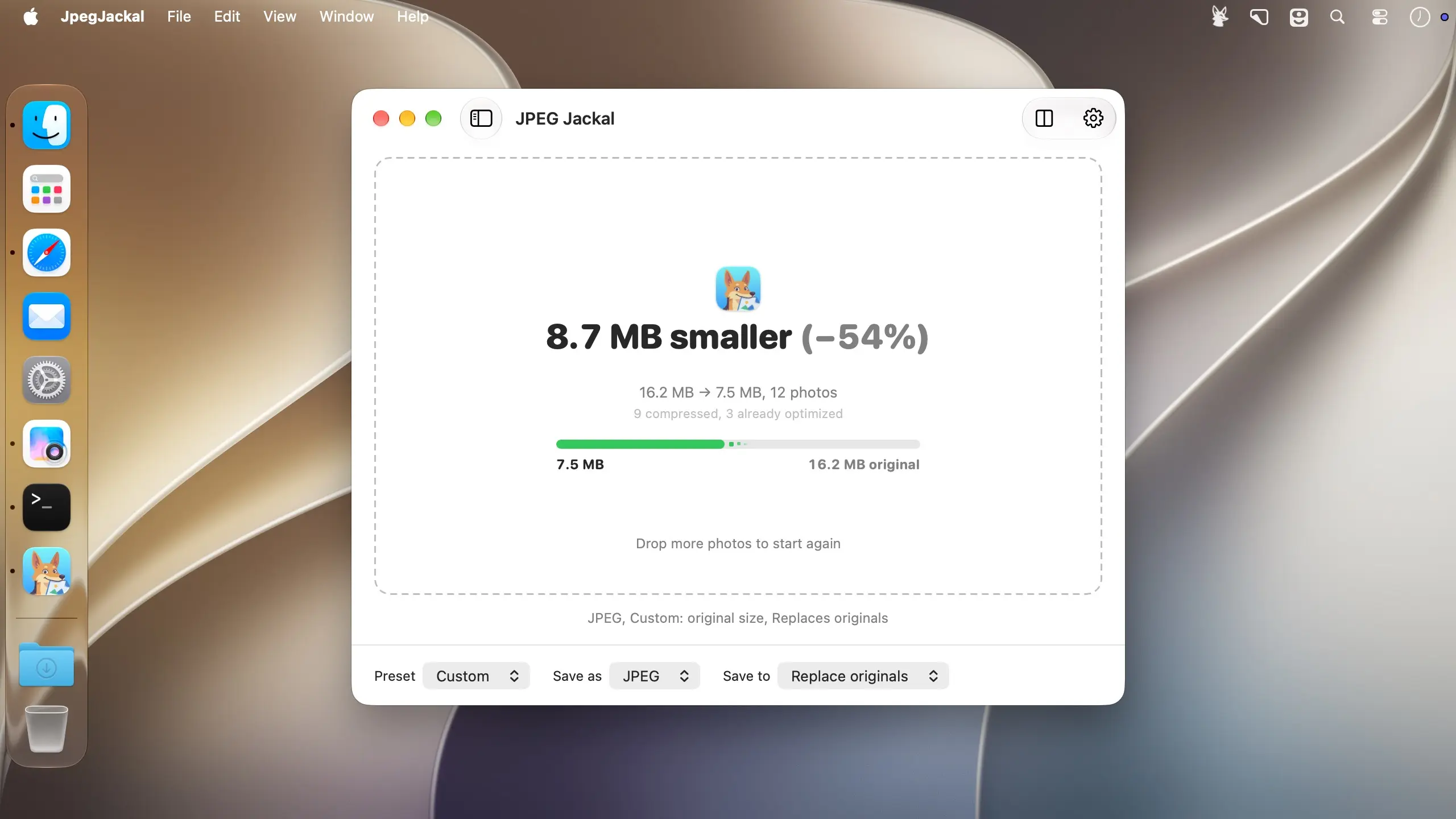
- 空间统计:实时显示本次任务释放的磁盘容量,并累计历史总节省空间,一目了然。
What's New
New in JPEG Jackal 4:
- Convert while you compress: Save as JPEG or PNG
- Drag photos straight from Photos, Mail and Safari
- Resize to S, M, L, by long or short side, or to fit a box
- A new main window, with the save mode and format at hand
- Drop on the Dock icon, use Open With, or paste files copied in Finder
- Replaced files keep their dates and Finder tags, and "Move originals to the Trash" is a new option
- Show Last Output and a Hide Dock icon option
Fixes:
- The red button now only closes the window: the app stays in the Dock and a running batch carries on
- Quit stops the queue cleanly and saves the history first
- A file that is incomplete or still being written is no longer replaced
- All-time statistics no longer go down when a file got larger
- Files ending in .tif, jpe and jfif are now recognized