PowerPhotos 3.5.1 macOS 照片库多库管理与智能去重工具
PowerPhotos 是专为 Mac 用户打造的 Photos 应用增强伴侣,补足了原生相册应用长期缺失的关键能力:多库并行管理、跨库智能合并、精准重复照片清理,以及独立于 Photos 的高效浏览搜索系统。当你的照片库日渐臃肿,导致 Photos 启动迟缓;或多年反复导入让同一张照片在不同位置反复“安家”,你无需清空重来——PowerPhotos 就是帮你理清混乱、重掌照片资产的得力助手。
自由创建与管理多个照片库
Photos 默认强制所有内容塞进单一库中,而 PowerPhotos 打破这一限制,支持按需新建、切换和维护任意数量的独立照片库。小体积库启动更快、响应更灵敏;你可以将陈年旧照归档至专属库,或将部分图库迁移至外置硬盘释放本地空间;甚至还能间接优化 iCloud 照片图库的存储占用。
连同元数据完整迁移照片
拆分或重组照片库?只需拖拽相簿或单张照片即可完成跨库复制——PowerPhotos 不仅搬运图像文件,更完整保留关键词、描述文字、自定义标题、拍摄时间、编辑日期及是否设为“最爱”等全部元信息,确保你的整理心血不丢失。
安全合并多库 + 智能剔除重复项
面对分散在多个库中的珍贵影像?PowerPhotos 可一键整合为统一图库,并在合并过程中自动跳过完全重复的照片。所有操作前均提供可视化预览,让你清晰掌握最终结构,确认无误后再执行。若只想清理现有库中的冗余副本,也可指定一个或多个库发起深度查重,支持左右并排对比差异,再一键归集到临时相簿,轻松批量删除。
脱离 Photos 的轻量级浏览与全局搜索
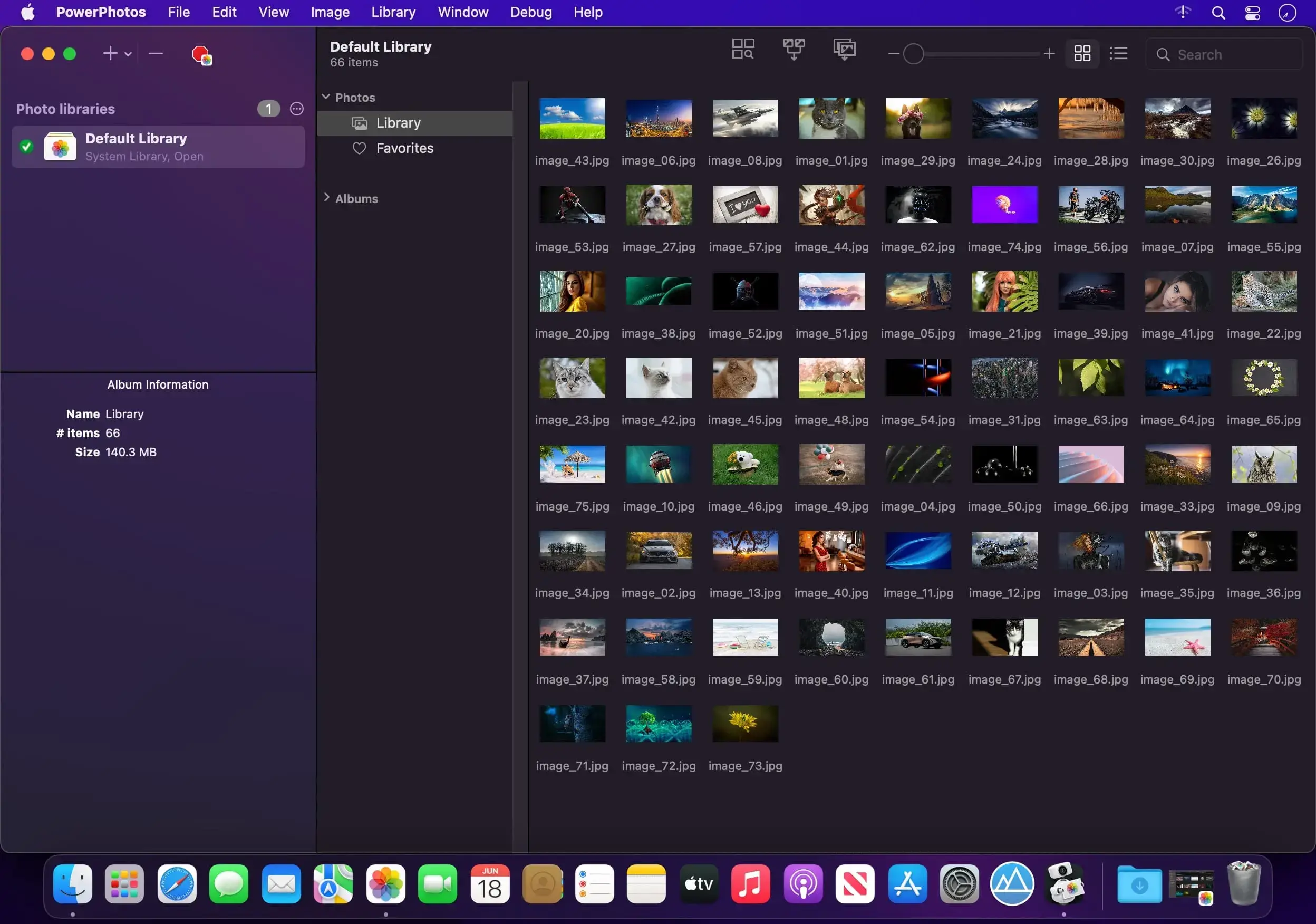
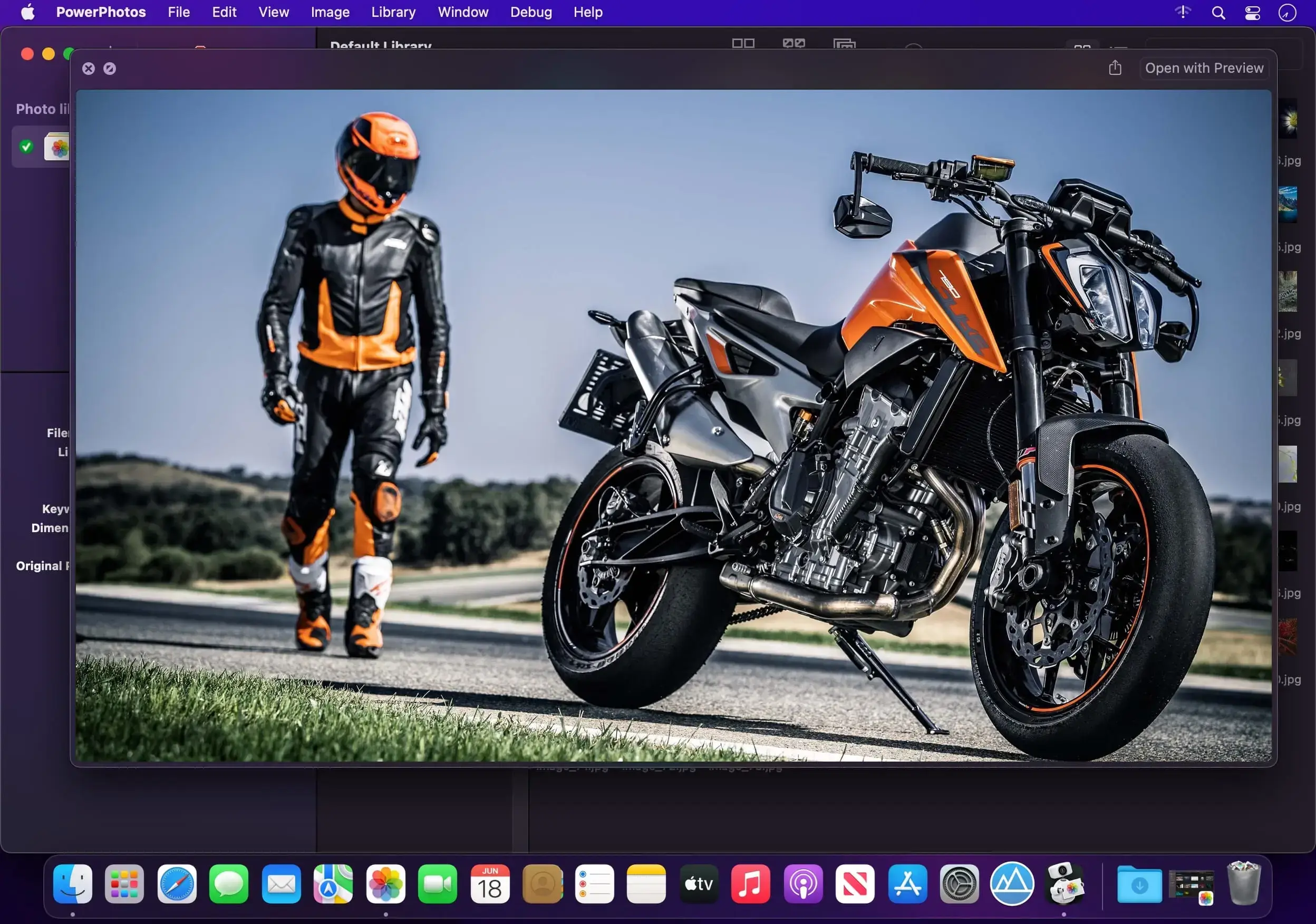
内置专业图像浏览器,无需启动 Photos 即可快速预览全部照片。列表视图详尽呈现每张图的尺寸、格式、创建时间、修改状态等关键参数;更支持一次输入、全库扫描——无论照片藏在哪一个库中,统统一网打尽。
无缝承接 iPhoto 与 Aperture 遗产
还在为老旧的 iPhoto 或 Aperture 图库发愁?PowerPhotos 提供全自动迁移方案,将历史库优雅转换为现代 Photos 格式。整个过程后台静默运行,耗时再长也无需守候,真正实现“设置即走”。
PowerPhotos 能为你做什么?
核心能力一览:
- 多库协同:随心创建、快速切换、集中管理多个独立 Photos 图库。
- 智能拆分与复制:拖放操作即可跨库迁移相簿/照片,关键词、描述、标题、时间戳、“最爱”标记等元数据毫发无损。
- 安全合并:多库融合一步到位,重复项自动过滤,变更前提供完整预览,所见即所得。
- 重复照片侦探:跨单库或多库扫描识别副本,支持双图并列比对,一键生成待删相簿,清理更直观、更可控。
- 独立浏览与全局检索:免启 Photos 浏览缩略图,列表视图查看丰富细节,一次搜索覆盖所有已管理图库。
- 遗产迁移引擎:低干预完成 iPhoto/Aperture 到 Photos 的格式转换,全程自动化,省心省力。
What's New
Version 3.5
Photo browser stability
This release includes a rework of the PowerPhotos photo browser and how it responds to library changes. This should eliminate a lot of previous causes of PowerPhotos hanging and crashing in response to various changes in the photo library.
Performance
- Photo browser updates more quickly to changes in the photo library.
- Merges of libraries with lots of albums are now up to twice as fast.
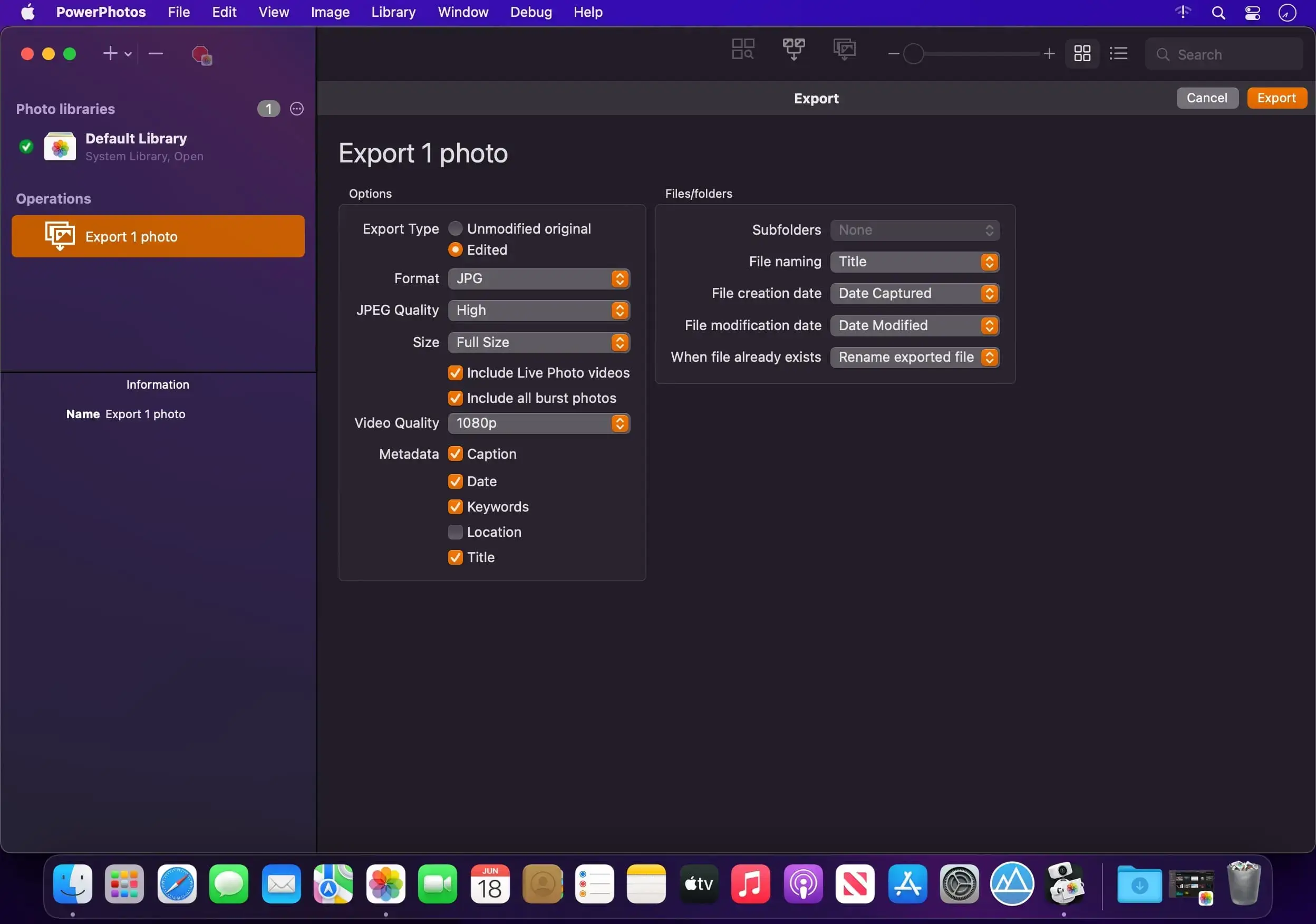
- Small exports now finish much more quickly.
New features
- Changing titles, keywords, captions, and ratings for individual photos in the inspector now supports undo (batch edits already supported this). Album renames are now undoable as well.
- The View > Sort By menu now includes all the same options in grid view as it already did in list view, adding Albums, Caption, Keywords, Kind, and Place.
Bug fixes
- Copying burst photos now more reliably keeps the same “key” photo for the burst.
- Copying RAW + JPEG photos with the “Copy unmodified original” option now respects the “Use as Original” menu item in Photos, instead of always copying the JPEG.
- Improved reliability of cancelling import and export operations.
- Improved duplicate detection with HDR photos.
- Undoing the “Add to Album” menu item no longer removes photos that were already in the album before adding the new photos.
- Fixed an issue with undo not being registered properly when multiple windows are open.
- The “Screen Recordings” album now appears in the “Media Types” folder in the album list.
- Exporting a video with the “Original with metadata” option where the video needed to be downloaded from iCloud now correctly keeps the metadata from the original video.
- The AppleScript export command no longer stalls at the setup stage and reports 0 photos exported.
- The inspector keeps a typed title when you click another photo without pressing Tab or Return.
- The Add to Album menu now shows folders that hold no regular albums.
- Fixed an error when renaming a smart album.
- Fixed an error when copying certain videos with extraneous resources.
- Creating a folder no longer fails when the top level of the library holds a smart album.
- AppleScript now more quickly sees changes made in Photos or in PowerPhotos.
- The size calculation for a large folder no longer keeps running in the background when you change the selection.
- Fixed a crash when copying photos to a library whose disk runs out of free space.