Vibe Island 1.0.57 macOS 终端AI编码助手智能控制中心
Vibe Island 是一款专为终端型AI编程助手用户打造的高效生产力工具,特别适配Mac开发者工作流。它巧妙复用MacBook屏幕顶部的“刘海”区域,将其升级为一个实时响应、触手可及的AI交互中枢——无需切换窗口、不必离开IDE,你就能随时查看运行状态、快速授权操作、甚至直接与AI代理对话,全程保持专注力不中断。无论你正在使用Claude Code、Cursor还是Gemini CLI,Vibe Island都能以优雅、轻量的悬浮界面,把关键终端动态“提”到视野中央,真正实现“所见即所控”。
核心亮点
- 一站式AI代理看板:原生兼容Claude Code、Codex、Gemini CLI、Cursor、OpenCode、Copilot等10余款主流AI编程工具。所有活跃会话自动汇聚于同一块极简面板,状态一目了然。
- 双向深度交互:不止于被动监控——从刘海区即可实时审批权限请求、回复“AskUser”提问、审阅AI生成的执行方案,且完整支持Markdown格式渲染,代码与结构清晰呈现。
- 精准终端定位:单击即可瞬移至AI代理所在的终端标签页、分屏区域或tmux会话,无缝衔接开发上下文。全面适配iTerm2、Ghostty、Warp及系统自带Terminal.app。
- 开箱即用:首次启动即全自动完成CLI工具钩子注入,无需手动修改配置文件、也不用输入任何API密钥,零学习成本上手。
- 数据完全本地化:坚持隐私优先原则——所有数据严格保留在你的Mac本机,Vibe Island与终端工具间的全部通信均通过本地环回(localhost)完成,绝不外传。
- 原生轻盈,性能卓越:基于Pure Swift专为Apple Silicon深度优化,启动迅捷、响应如丝;空闲时内存占用低于50MB,CPU占用趋近于零。
- 沉浸式反馈体验:内置复古8-bit合成音效与细腻视觉提示,重要事件即时感知,既不打断思路,又不遗漏关键动作。
What's New
Version 1.0.57
Highlights
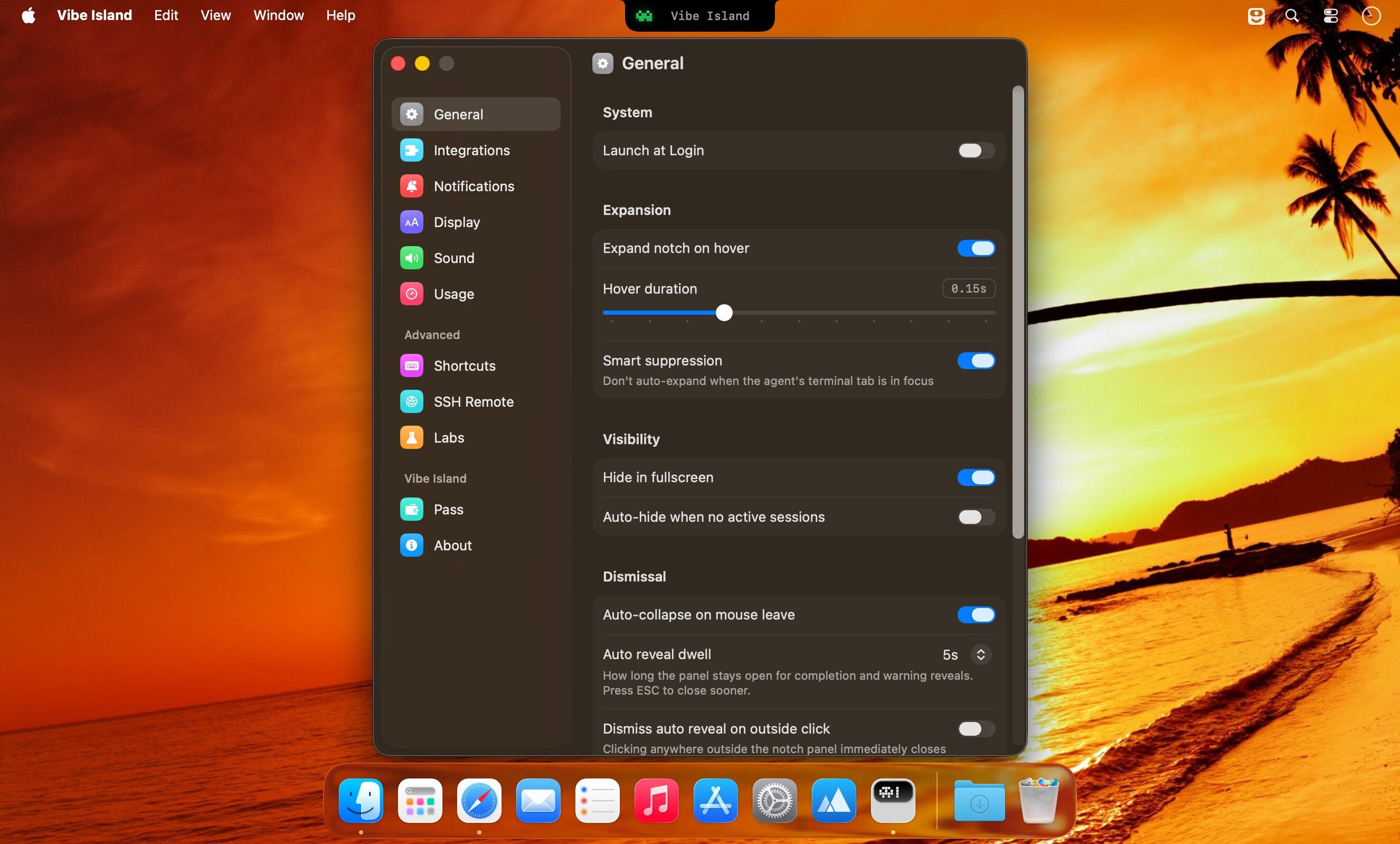
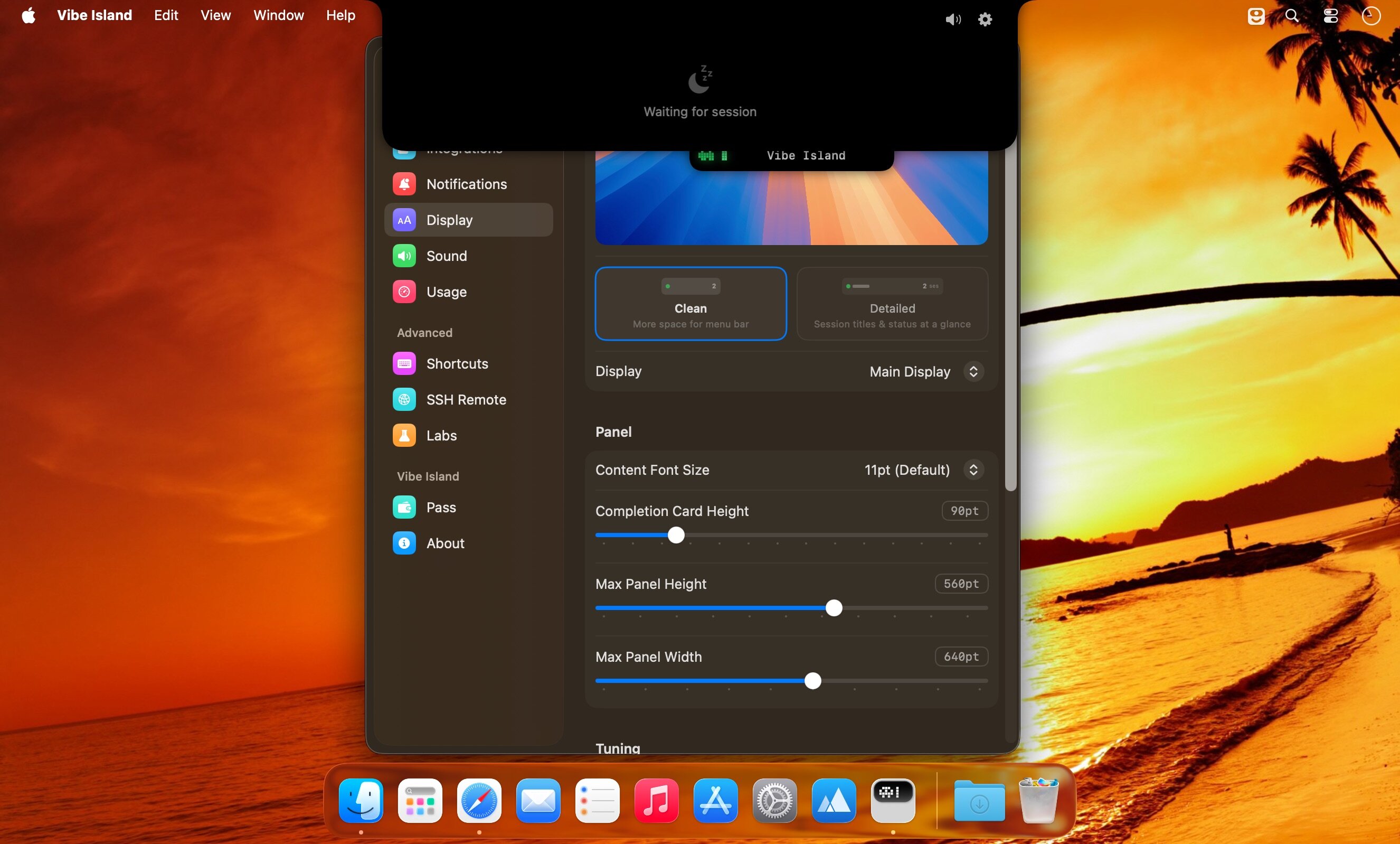
- Usage on the collapsed island (opt-in): Keep the usage limits of the service you're using in view while the island is collapsed, with what it shows adjusting automatically as your usage gets tight. You can also put a usage icon for each service in the menu bar. Both are off by default; turn on "Show usage when collapsed" and "Show usage in the menu bar" in Settings → Display
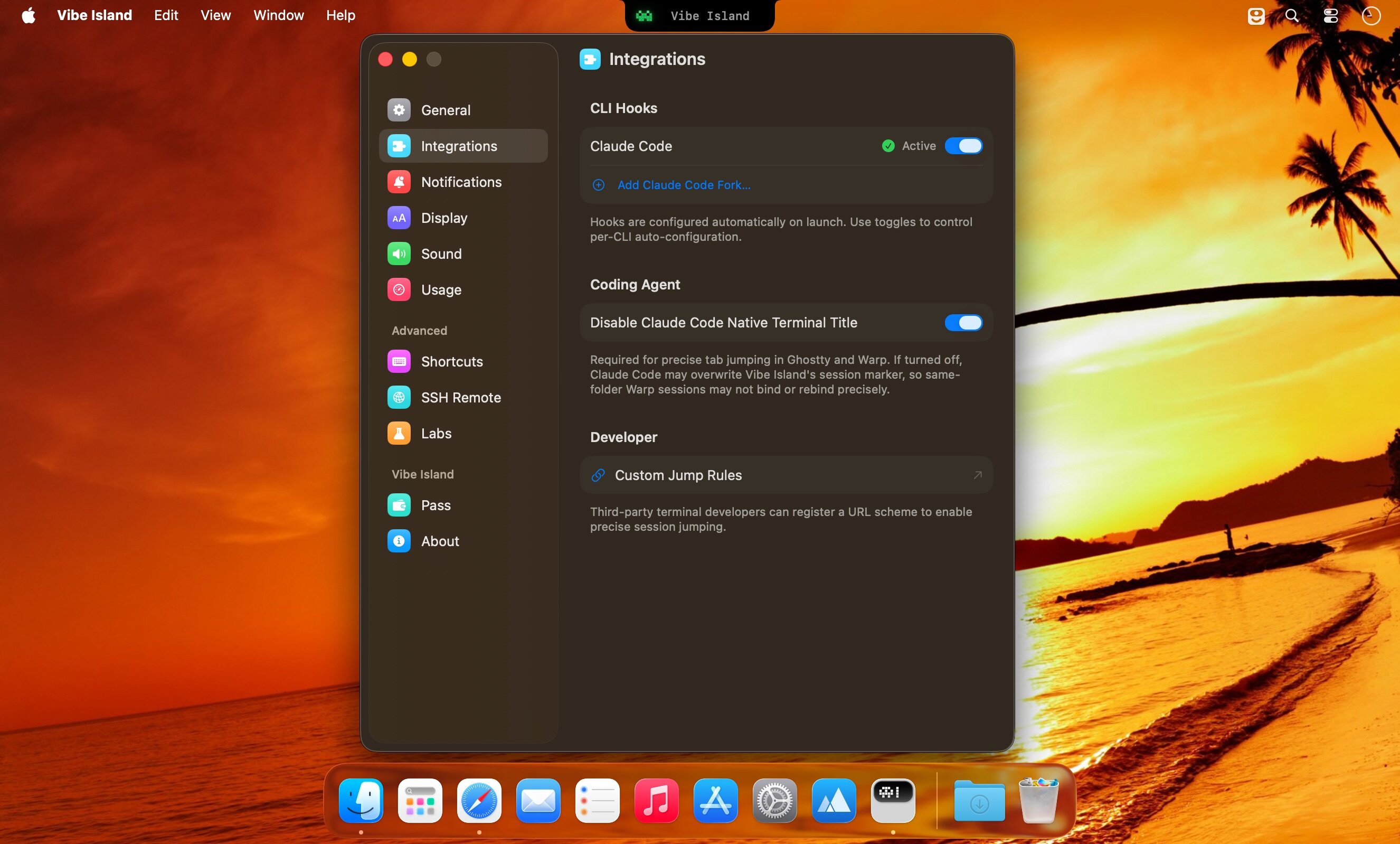
- Doubao Work support (Beta): Track task status, approval alerts, and completion notifications from both the Doubao Work desktop app and Doubao Work inside Feishu on the island. Turn it on or off in Settings → Integrations
- Terminal Codex approvals match native options: When Codex running in a terminal (including over SSH) asks for approval, the island and Codex display the same native options, and answering in either place applies. Requires Codex 0.159 or later
New Features
- Subtasks show their prompt and model: Subtasks started by an agent (including Antigravity's agy) are now named after the prompt they received and display the model they use
- Antigravity shows model and thinking level: Session cards now show the model, thinking level, and speed Antigravity is currently using
- Kimi Code custom config folders: Kimi Code setups that use "KIMI_CODE_HOME" can now be added in Settings → Integrations → Add CLI Branch
- T3 Code recognizes custom Claude folders: T3 Code sessions that use a custom Claude config folder are now recognized as the matching Claude branch
- Approve and answer Kimi Code on the island: Approvals and questions from the Kimi Code desktop app can now be approved, denied, or answered directly on the island
- ZCode Coding Plan usage: ZCode signed in with an account now shows its Coding Plan usage. Turn it on in Settings → Usage
Improvements
- Option to keep approvals collapsed: In Settings → Notifications → Panel notifications, "Expand the panel when you're needed" (previously "Expand the panel for questions") now controls both approvals and questions. The island still expands by default; turning the switch off keeps both collapsed and only lights up the bell
- Error alerts when a turn fails: When a turn ends with an error, the island now shows a warning and plays an error sound instead of treating it as a normal completion
- Antigravity alerts you before background tasks finish: The island now alerts you as soon as Antigravity finishes replying, without waiting for background commands or subtasks to finish
- Antigravity usage shown per account: When you're signed in to multiple accounts, Antigravity usage is now displayed separately for each account
- Archived Antigravity conversations leave the island: Archiving a conversation in Antigravity now removes its session card from the island
- T3 Code 0.1.11 grouping and approval accuracy: Updated for T3 Code 0.1.11 so the sidebar shows project names and subthreads nest under the thread that started them. Plan reviews no longer open an extra card, actions already allowed in T3 Code no longer ask for approval again, and CodeBuddy inside T3 Code no longer triggers false approvals
- ZCode output speed and unified workflow cards: ZCode session cards now show output speed, group every role in a workflow under one session, and collapse automatically when the run ends
- WorkBuddy alerts when waiting for confirmation: When WorkBuddy pauses to wait for your confirmation, the island alerts you instead of continuing to show it as running
- Native macOS wording for Traditional Chinese: The Traditional Chinese interface now matches macOS's standard terminology
- Lower CPU usage for the animated pet: The animated pet is now pre-rendered so it uses less CPU while running
Fixes
- Launch crash on the macOS 27.2 beta: Vibe Island no longer quits right after opening on the macOS 27.2 beta
- Codex desktop app click-to-jump restored: Starting with Codex desktop app 26.1117, clicking a session card takes you to the matching conversation again
- Codex desktop app questions open in Codex for now: Due to a Codex desktop app update, questions from the desktop app cannot be answered directly on the island for now; the question card explains this and lets you jump straight to Codex in one click. We're working on a proper solution
- Answer Antigravity 2.34 on the island again: Starting with Antigravity 2.34, you can once again answer questions and approve or deny requests directly on the island
- Antigravity stops creating repeated "CLI Project" entries: Reading usage in Vibe Island no longer causes Antigravity to repeatedly create "CLI Project" in the background
- Interrupted Antigravity turns stop showing as running: Canceling or interrupting a turn in Antigravity now promptly ends its session card on the island
- More accurate Antigravity click-to-jump: Clicking a session card takes you to the right Antigravity conversation more reliably, and Antigravity running inside T3 Code is now recognized
- VS Code Copilot questions show full prompts and options: When VS Code Copilot asks a question, the island now displays the full question and its options instead of just the tool name
- Claude Code split-pane teammates no longer appear twice: A running split-pane teammate now shows a single card instead of appearing twice
- Hermes shows the right folder and preserves config: Sessions running through the Hermes gateway now show the correct project folder and terminal, and writing the Hermes config no longer breaks its indentation or drops your existing settings
- Rex jumps to the right pane: Clicking a session card now jumps to its specific tab and pane in Rex instead of only bringing up the app
- Devin no longer adds an extra Claude card: After Devin imports your Claude settings, the island no longer displays an extra Claude session card
- Kimi Code SSH sessions finish cleanly: Kimi Code sessions running over SSH now end properly, and their completion cards display the reply
- No alert sounds right after waking from screen lock: The island no longer plays notification sounds during the first few seconds after waking from a locked screen
- Stale usage readings no longer shown on failure: When usage for a provider keeps failing to load, the island no longer displays an outdated reading as the current value
- Antigravity and Mistral Vibe stop going silent after turn one: Fixed an issue where agents such as Antigravity and Mistral Vibe stopped alerting you starting from the second turn
- Improved overall stability and reliability