
Workspaces 2.2 macOS 项目资源一站式聚合工具

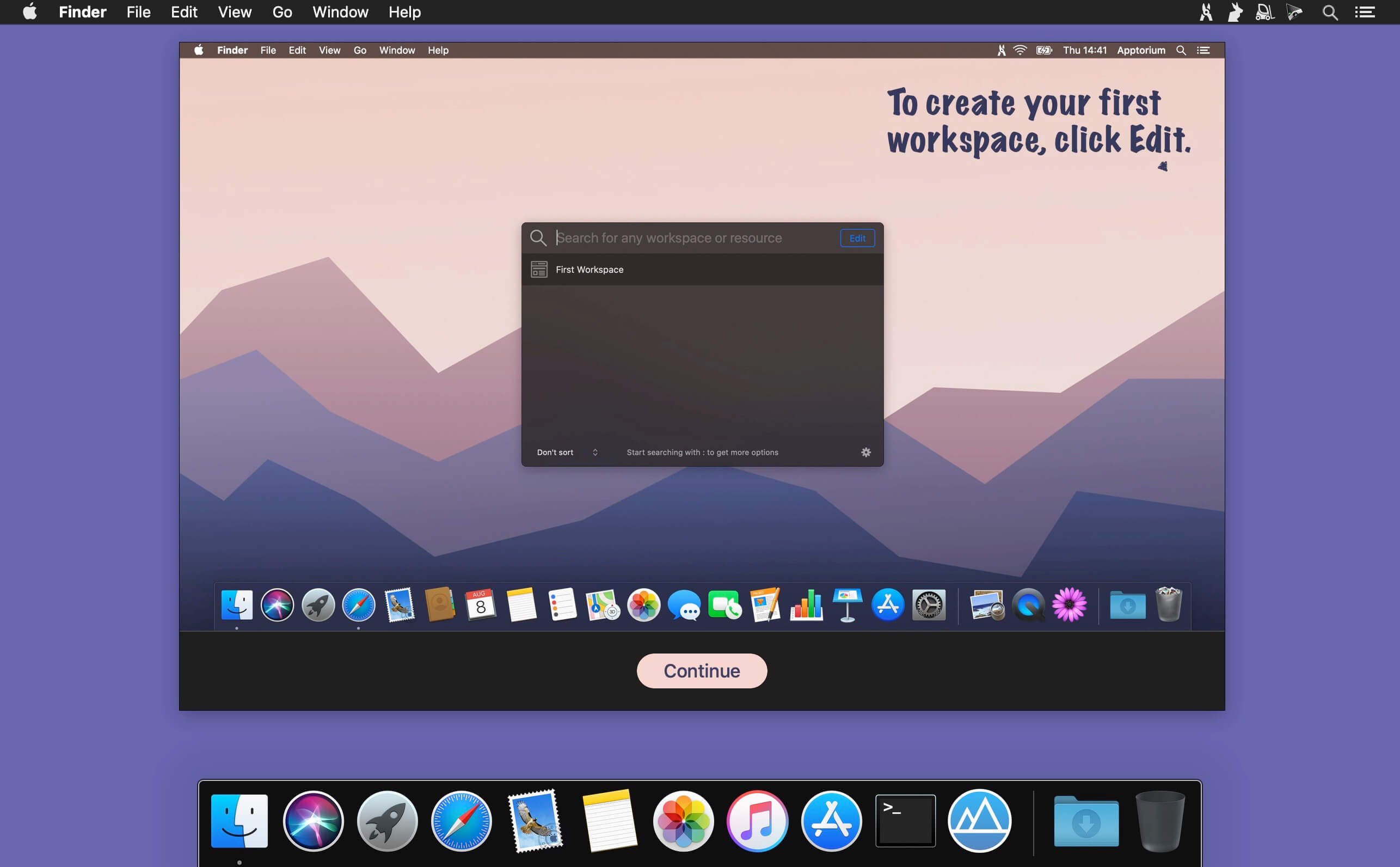
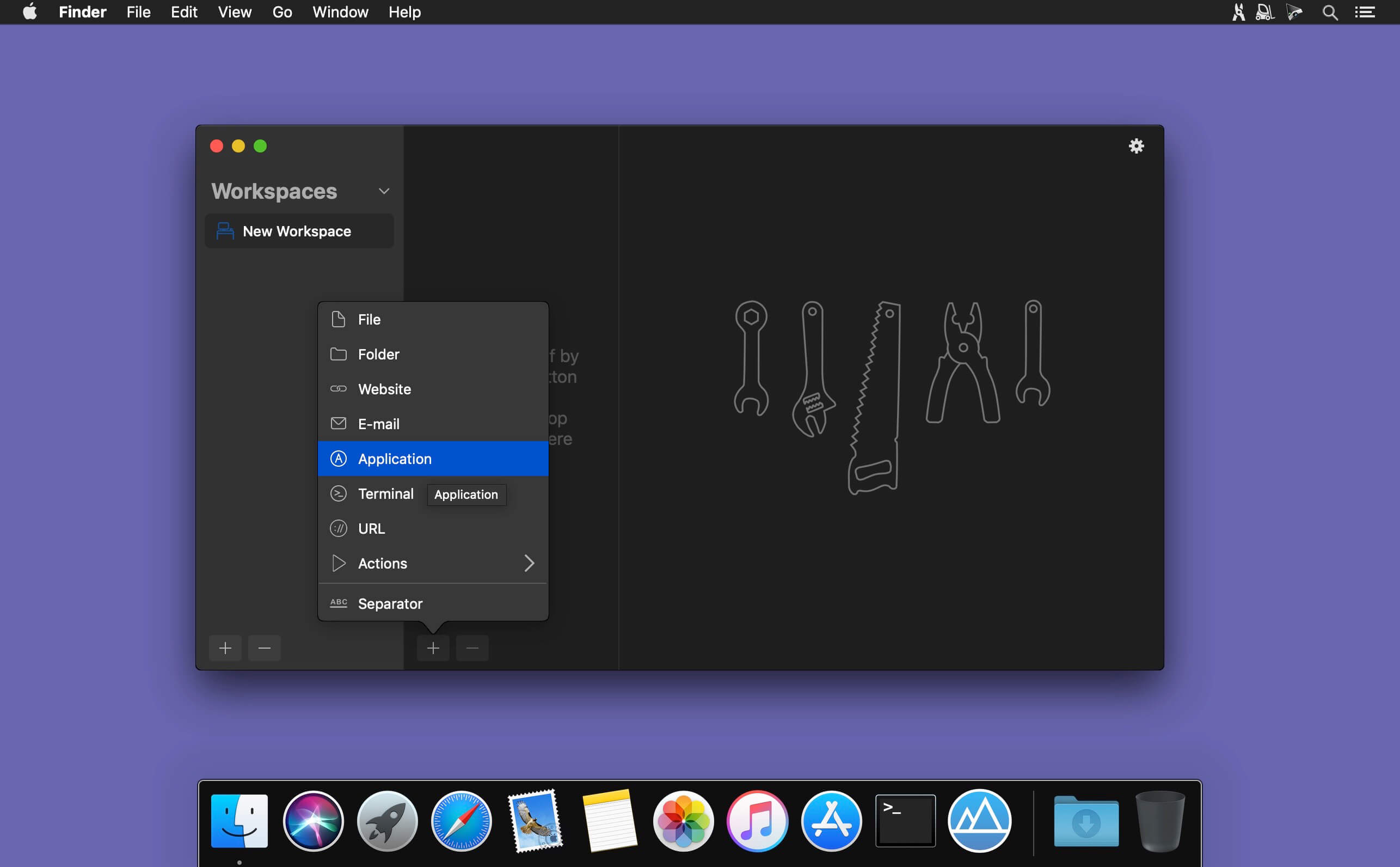
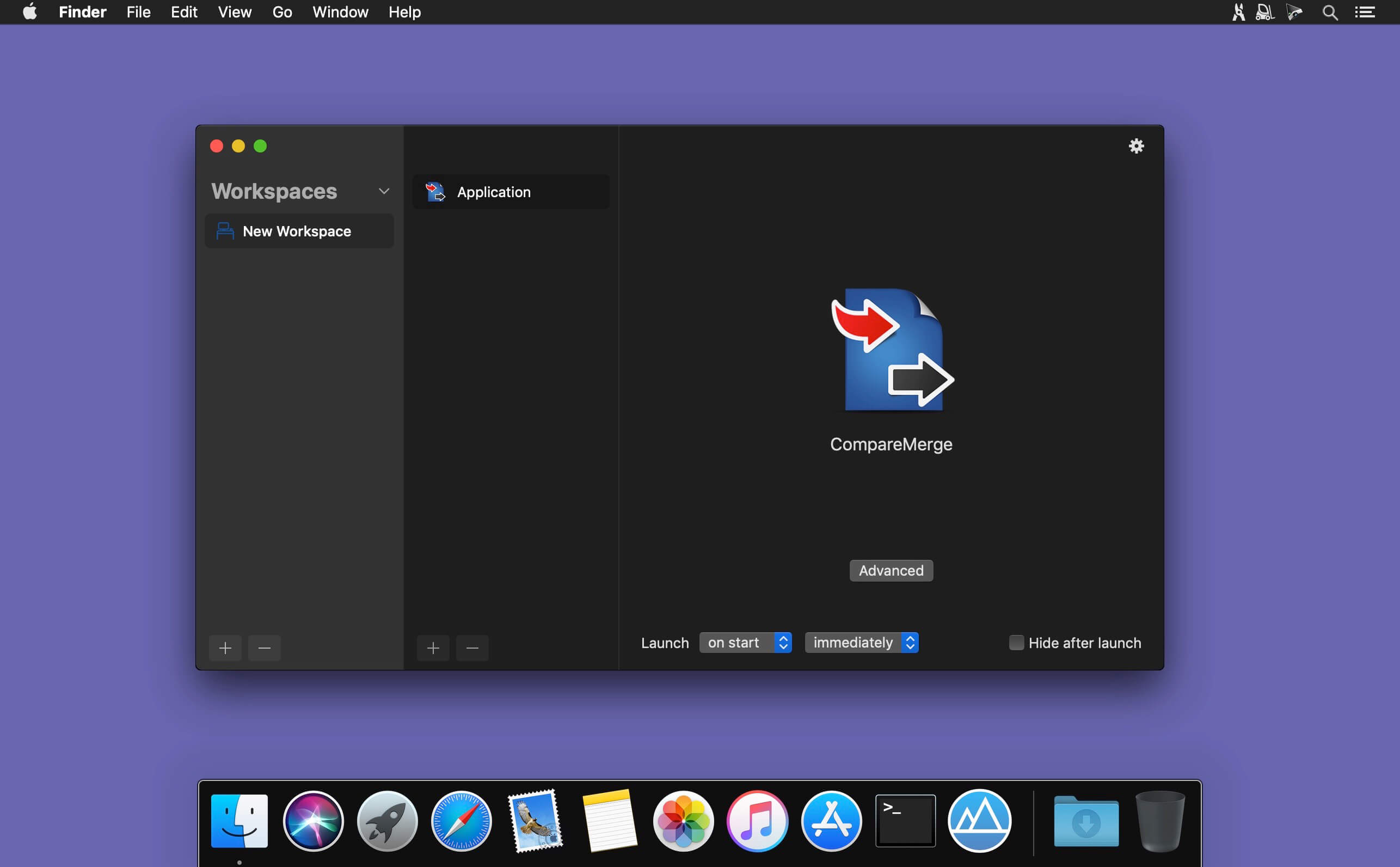
Workspaces 帮你把所有项目相关资料统一收纳在一个智能工作区里——从此告别东翻西找,打开即用,秒级启动。支持一键添加文档、文件夹、常用网址、本地应用,甚至关键邮件,点击「开始」按钮,全部资源瞬间并行唤醒。
临时想调用某一项?只需轻点菜单栏中的 Workspaces 图标,即可随时快速展开并访问任意单个资源,无需切换界面或层层导航。
别再把时间耗在反复检索上。Workspaces 让你的核心项目资产始终井然有序、触手可及、即唤即用——专注真正重要的事,而不是卡在找文件的半路上。
What's New
Version 2.2:
New Features
- New Settings Window
Workspaces now includes a completely new Settings window. - Menu Bar Context Menu
Right-click the menu bar icon to quickly launch workspaces. - What's New Window
See the latest changes in Workspaces directly inside the app.
Improvements
- Better Search Navigation
Use Shift-Tab to move back in Search and Command-R to run the selected workspace. - Single-Click Opening
Open workspaces and resources from Search with a single click. - Run from the Editor
Start workspaces and resources directly from the editor. - Search Window Position
Search now remembers its window position. - Reveal in Finder
Quickly reveal supported resources in Finder, right from the Search window. - Close Search After Opening the Editor
A new option can close Search automatically after opening the editor.
Bug Fixes
- Fixed issues where the editor could disappear or behave unexpectedly when the app became active.
- Fixed shortcut editing, including Shift-Option-letter shortcuts and Command-Option-E for editing actions.
- Fixed an issue where clicking the app icon did not open a window on macOS 27 beta.
- Fixed the spinning progress indicator.





