
Acorn 8.6.2 macOS 轻量级专业图像编辑工具

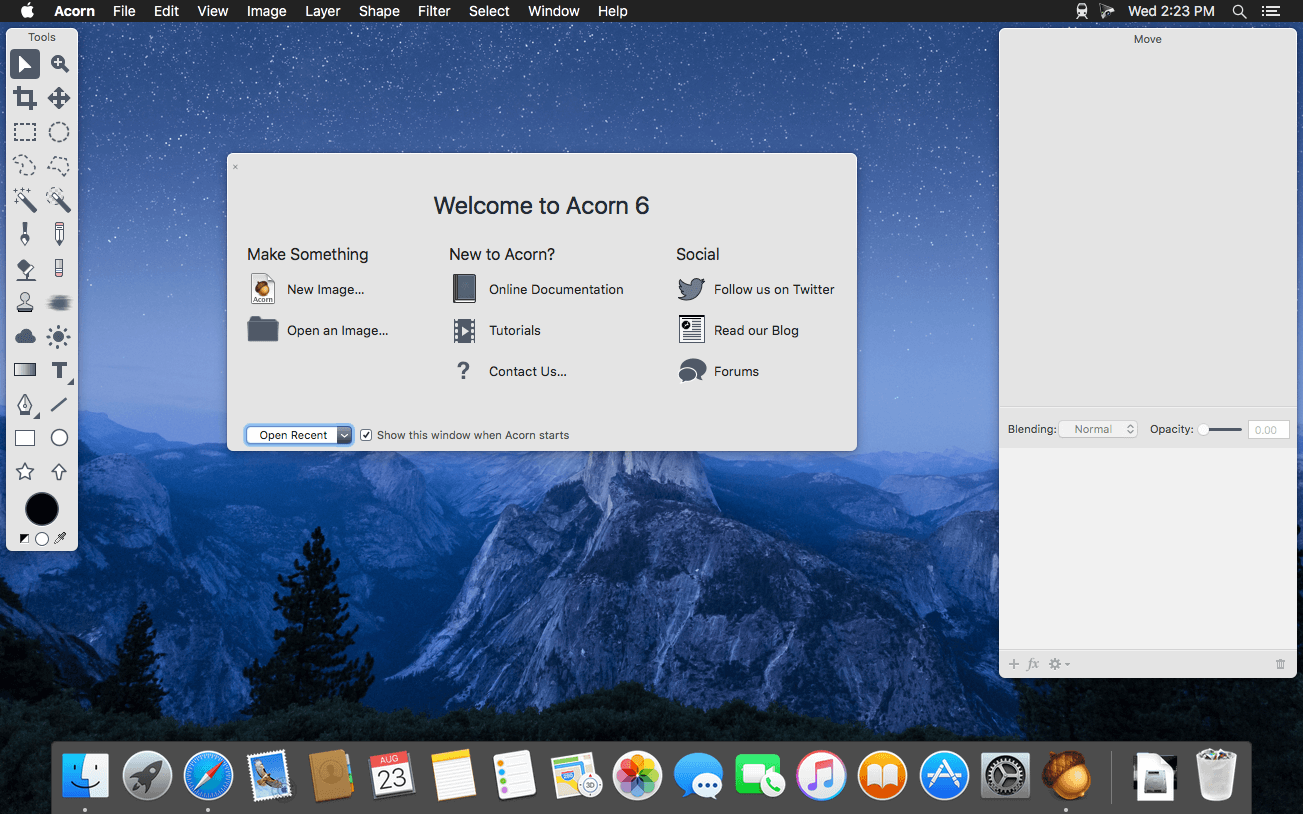
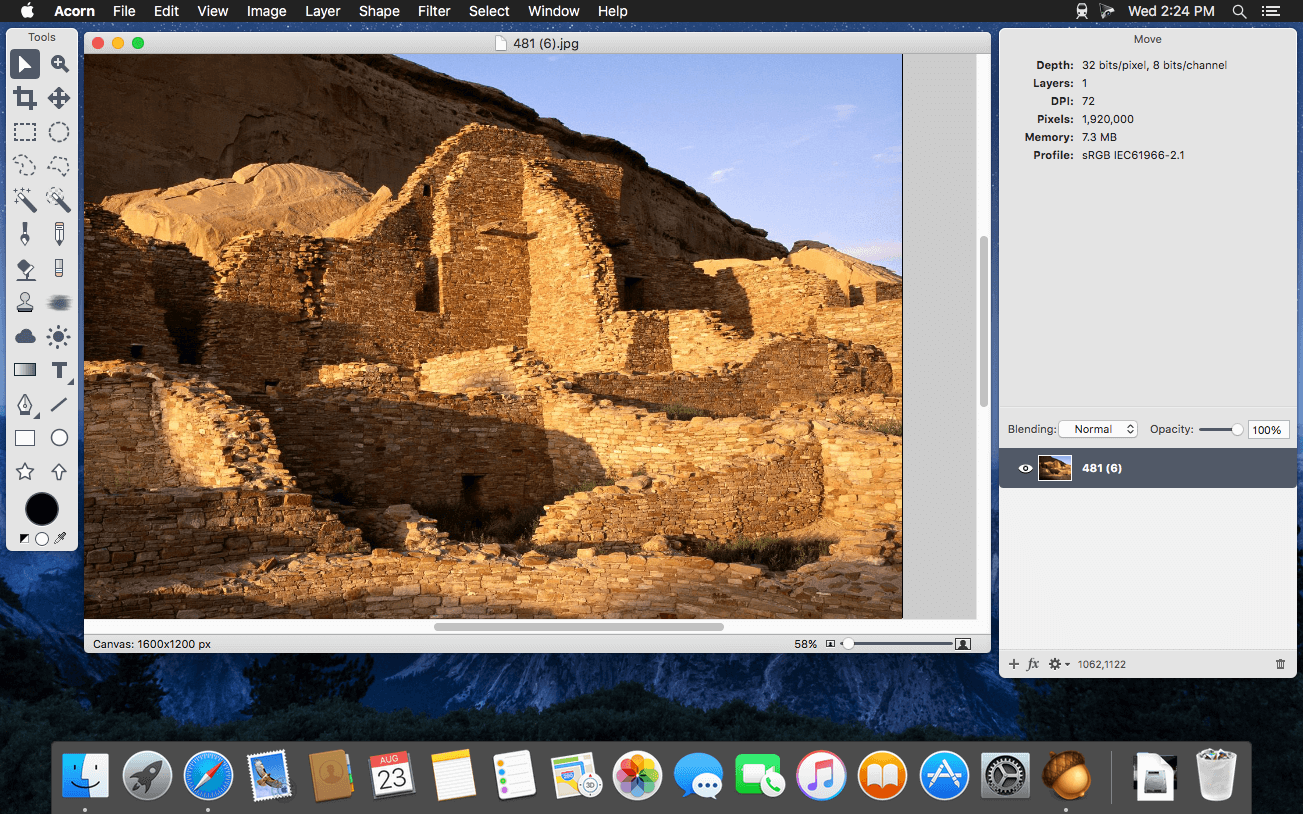
Acorn 是一款专为 macOS 打造的全新图像编辑器,设计理念始终聚焦于「极简不将就」——操作迅捷、上手零门槛、交互行云流水。它剔除冗余功能,只保留你真正需要的核心工具;界面亲切自然,体验丝滑流畅,更关键的是:无需高价订阅,一次购买永久使用。
- 一键截屏并即时在 Acorn 中打开编辑,省去导入导出步骤。
- 自由叠加多种图像滤镜,轻松实现电影感调色、胶片风、赛博朋克等创意特效。
- 支持图层化编辑,与 Photoshop 等主流工具一致,兼容行业工作流。
- 直接调用 Mac 内置摄像头(iSight)拍摄新素材,并一键转为图层参与合成。
- 缩放画布或调整图像尺寸?只需拖拽窗口边缘——尺寸实时同步,所见即所得。
- 全屏编辑模式深度适配 Retina 显示器,充分利用每寸屏幕空间,专注创作无干扰。
- 全面支持绘图板压感与橡皮擦功能,笔触粗细、透明度随压力自然变化。
- 内置矢量图形与可编辑文本图层,文字与形状均可无限缩放不失真。
- 提供自由套索、椭圆选区、矩形选区及智能魔棒等多种精准选区工具。
- 支持线性、径向、角度等多种渐变类型,还可自定义渐变色 stops。
- 保存常用字体、字号、阴影、描边等组合为预设样式,一键复用提升效率。
- 每层独立调节不透明度与混合模式(如正片叠底、滤色、叠加等),掌控合成细节。
- 开放 Python 和 Objective-C 双语言插件接口,开发者可深度扩展功能边界。
- 全功能 GPU 加速——游戏级显卡在 Acorn 中同样火力全开,复杂滤镜、大图渲染快如闪电。
What's New
Version 8.6.2:
New Stuff
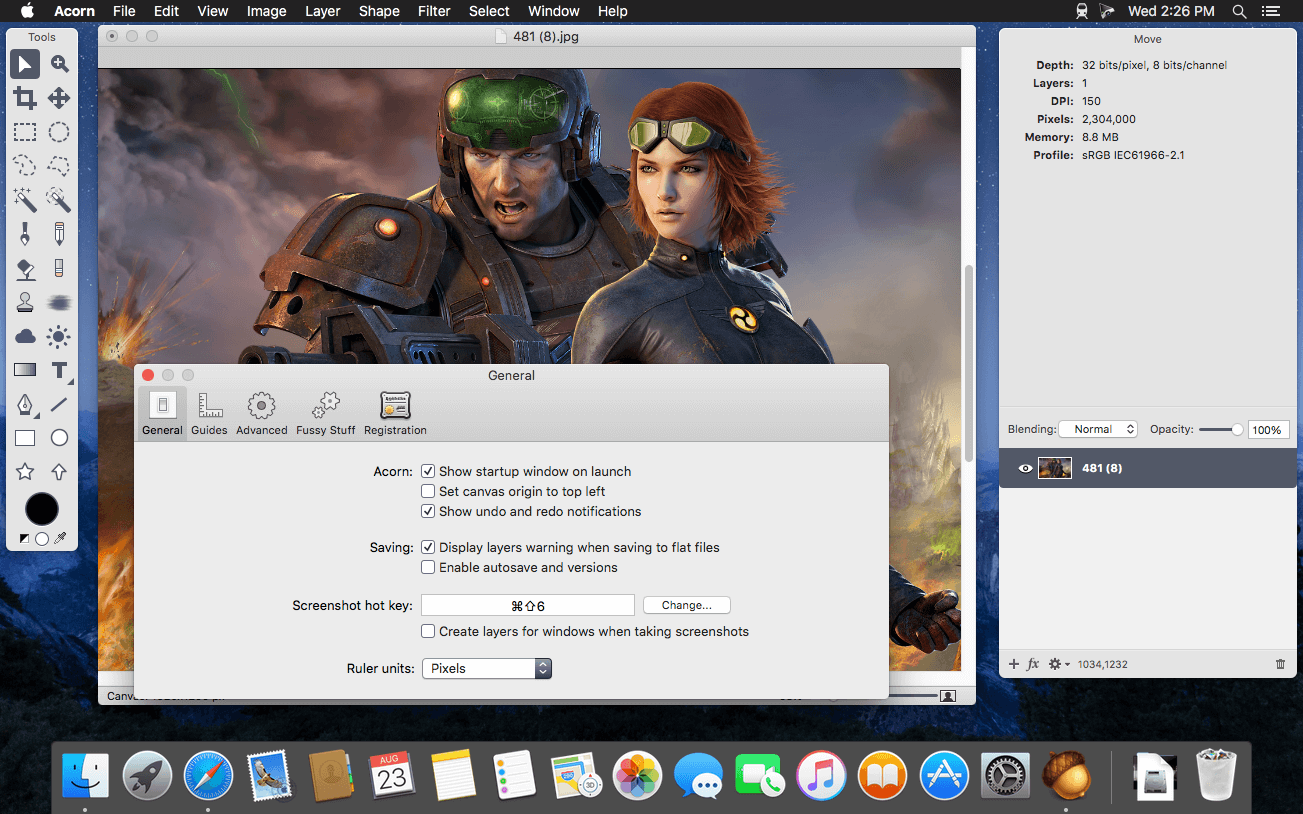
- The `acorn` shell tool now has a `-screenshot` argument which tells Acorn to take a layered screenshot of all your open windows. You can pass the `-delay` argument with a number of seconds to wait before taking the screenshot, and you can also pass the `-appname` argument to only include windows from the named app.
- Running `acorn -h` will give a full list of available options.
- Acorn’s Dock menu now has an option to take a layered screenshot. This is pretty handy because you can have all your windows exactly how you want them, and then control click on Acorn in the Dock to take your screenshot without any windows losing focus.
Changes
- Filter presets previously didn’t respect the canvas selection on bitmap layers when they were being used. We’ve changed it so filters are now masked to the selection.
- When exporting as PSD images, Acorn doesn’t add any extra pixels to bitmap layers when it’s not necessary now (ie - it keeps the existing pixel bounds instead of matching that of the canvas. This should make file sizes smaller).
- Updated the x/y labels in the Crop, Scale Layer, Perspective Transform, and Smart Layer Export palettes so they are consistent with the rest of Acorn.
- When loading a new brush preset, Acorn will check and see if the velocity settings have been saved previously (either on or off). If it has not then the new brush preset will inherit the current brush’s velocity changes. This means if you turn on or off “velocity changes width” and switch to an older preset, it will respect the current option.
Fixes
- Fixed a little problem where using File ▸ New from Clipboard with a URL would throw up a SVG error (but eventually download the image at the end of the URL!)
- Fixed a problem where the clone tool would draw little artifacts when the blending opacity was less than 100%
- Fixed a problem where using the Export With Preset menu item would not remember to use the resize options saved in the preset.
- Fixed a problem where the mouse location in the vertical ruler wouldn’t update in the correct location.
- Fixed a problem where smudge might not be working correctly for folks on a future version of MacOS.





