
SuperDuper! 4.0.5 macOS 磁盘克隆与智能备份工具

SuperDuper! 是一款功能强大却上手极简的磁盘复制工具。它既能执行标准整盘拷贝(即“克隆”),也支持精细化迁移——无论是将整台 Mac 的系统、应用与数据完整迁移到新设备,还是快速创建一份可靠的本地备份,都只需几秒钟。你甚至可以一键将当前启动盘完整复制到另一块硬盘、某个分区,或直接打包为可挂载的磁盘镜像文件。
安全兜底,随时回滚。当系统遭遇意外更新失败、误删关键配置或软件冲突时,预先创建的克隆就是你的“安全快照”。只需轻点几次,就能为当前系统打下可靠检查点,同时保持原系统持续运行——所有已安装的应用、个人文档、媒体库乃至 iSync 同步数据均被完整保留。一旦出问题?重启选择原始启动盘即可无缝恢复,工作进度零丢失,立刻重返高效状态。
专业级掌控力。即便面向资深用户,SuperDuper! 也毫不妥协:其独创的“复制脚本”功能看似简洁,实则高度灵活——你可以精准定义哪些文件必须复制、哪些自动跳过,甚至为特定路径设置符号链接(Unix 用户熟悉的 soft link),真正实现按需定制的跨卷同步策略。
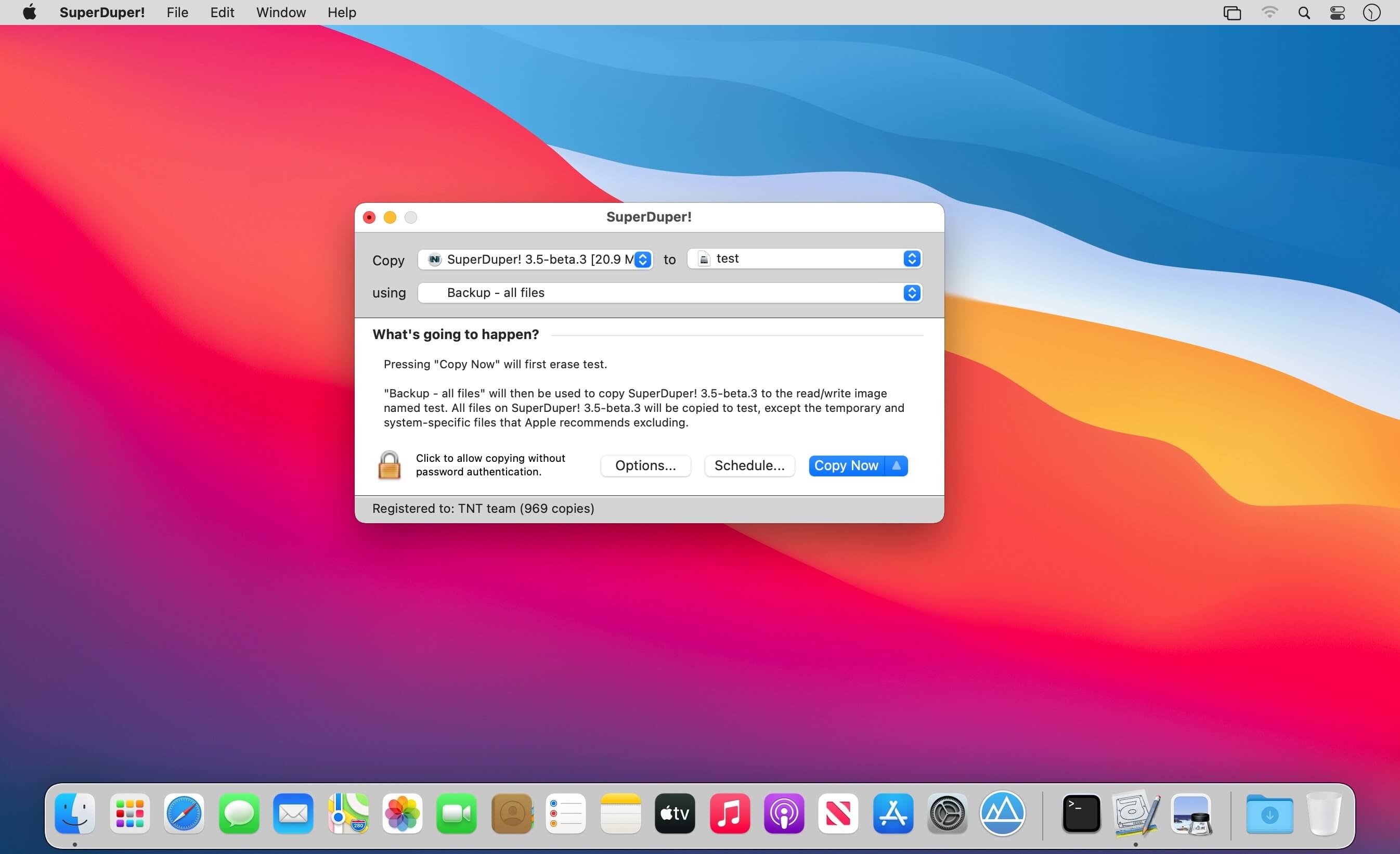
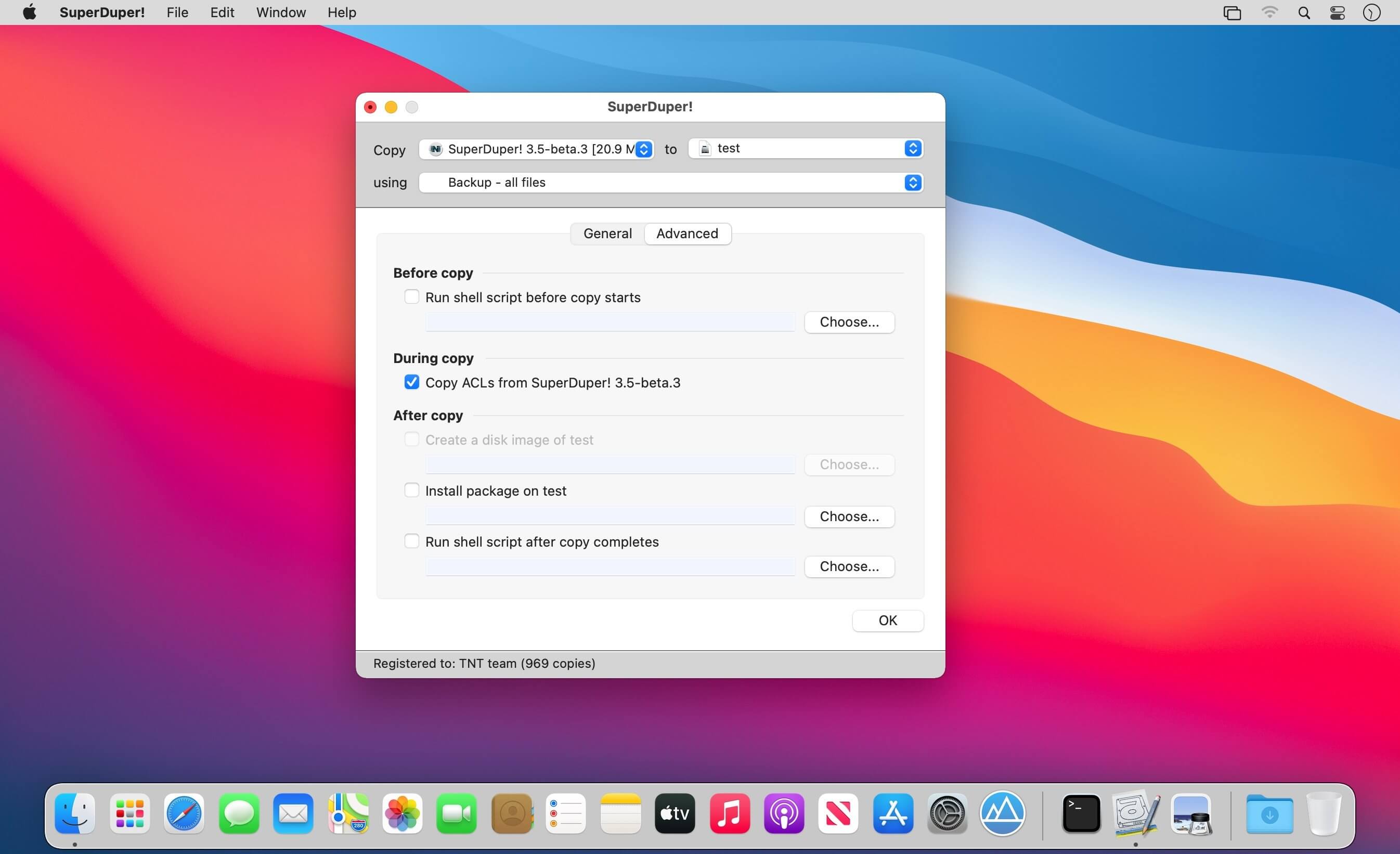
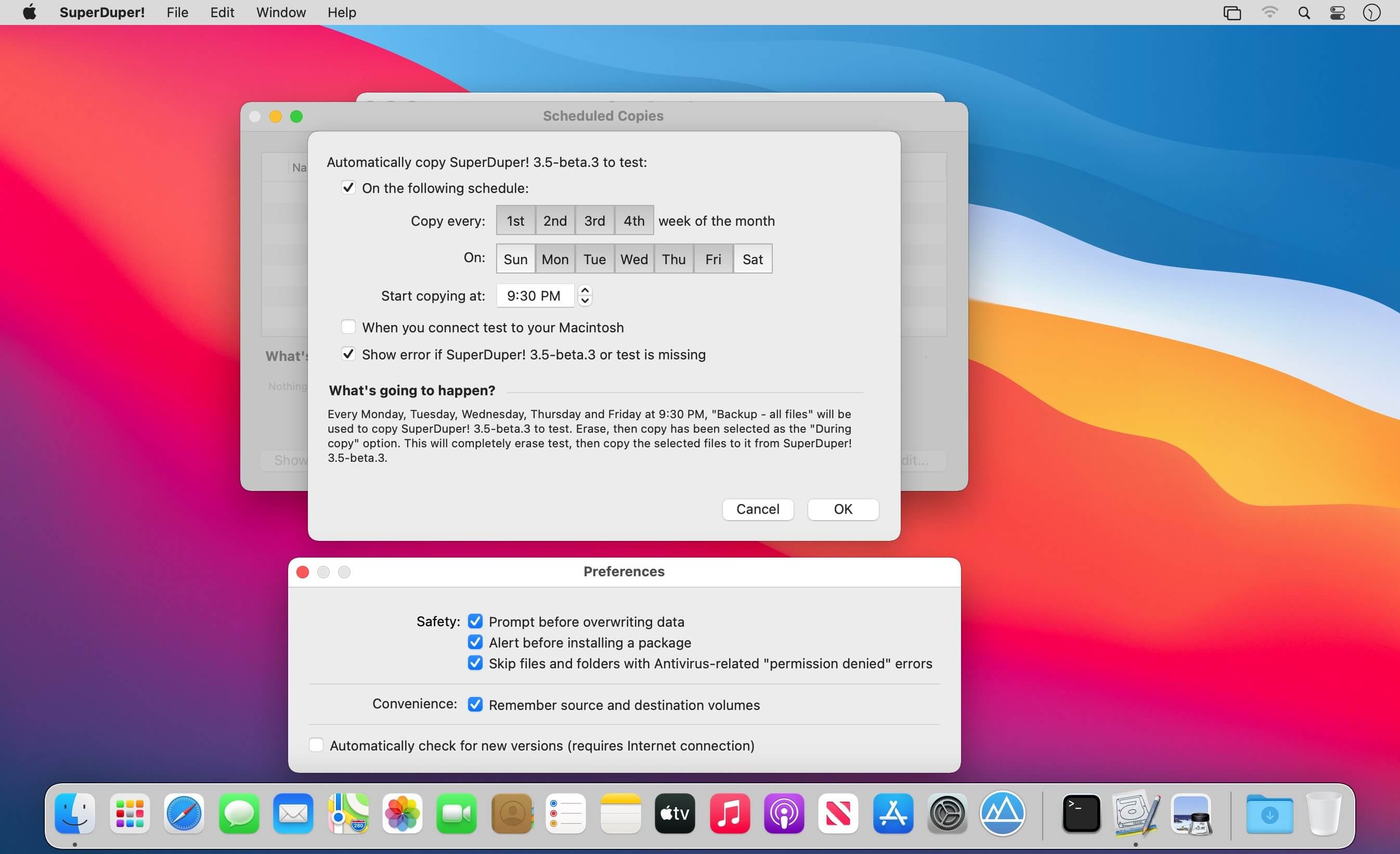
What's New
Version 4.0.5:
Scheduled copies:
- A scheduled copy now properly connects your server, even on subsequent runs. If your destination is a share—or a disk image living on one—and it wasn’t mounted at the scheduled time, the schedule could fail its “precheck” without trying to actually mount. This also fixes a problem where a network image catch-up run…wouldn’t run.
Disk image jobs:
- Similarly, an image job could go dead right after a successful backup. Copy to a disk image on a NAS, watch it finish perfectly, and the job would go amber with “Can’t verify destination” and both buttons greyed out. (Quitting and restarting fixed it.)
Shortcut status:
- Shortcuts is told which end of the job was unreachable. Now, “Get Job Results” tells you if it’s a source or destination problem.





