
Mp3tag 1.14.0 macOS 音频元数据批量编辑与智能整理工具

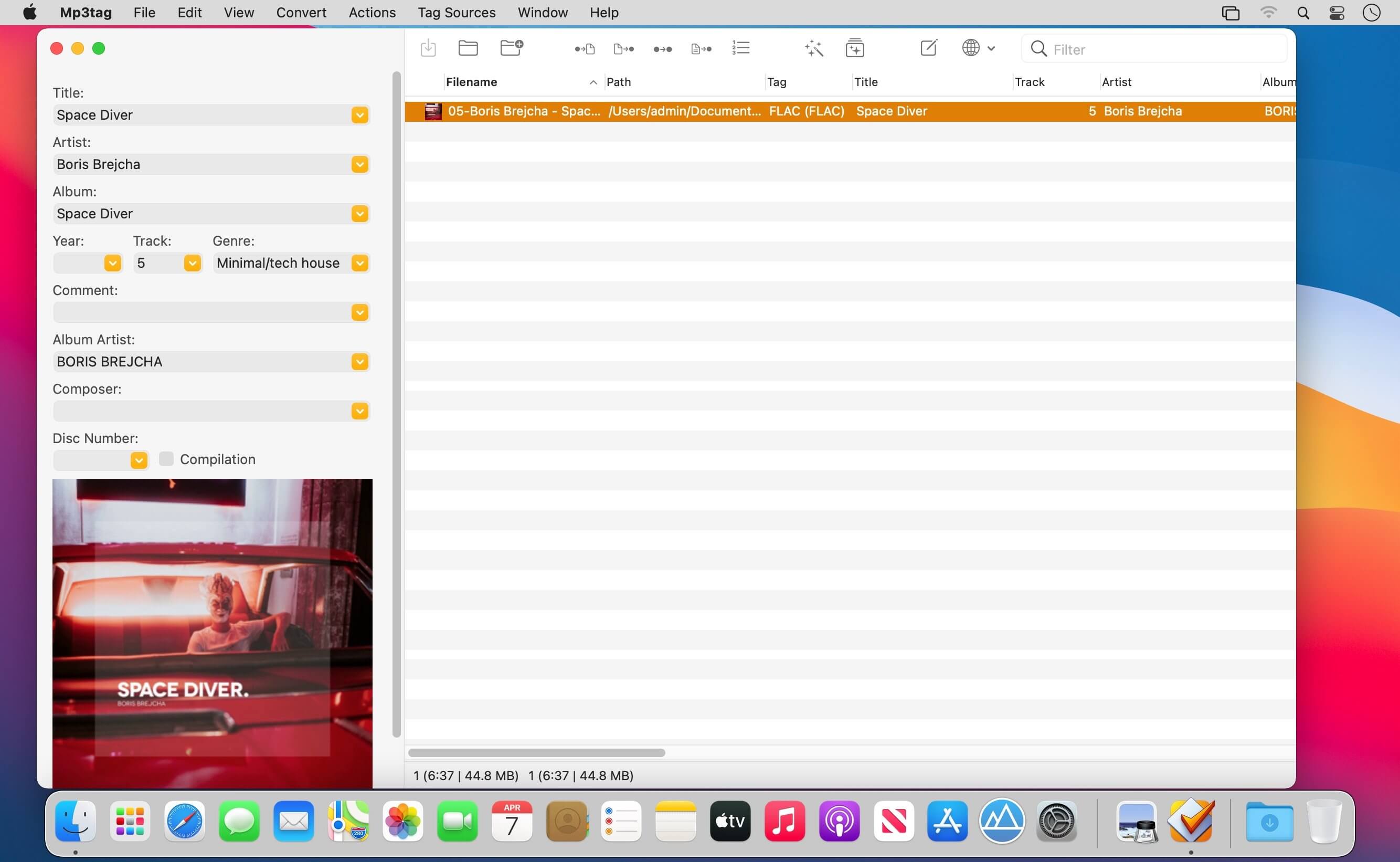
Mp3tag 是一款功能强大 yet 上手零门槛的音频元数据管理利器,深受音乐人、DJ、播客创作者及发烧友青睐。无论是日常整理海量曲库,还是精细化处理专业音频项目,它都能轻松胜任。支持一次性批量编辑多文件标签,兼容格式极为广泛——从经典的 MP3(含 ID3v1/v2.3/v2.4),到视频容器 M4V(没错,连带视频文件也能管!),再到无损阵营的 FLAC、OGG、OPUS,以及高解析音频常用的 DSF、AIF、MPC 和 WAV 等,一应俱全。
更贴心的是,它深度整合 Discogs 与 MusicBrainz 两大权威在线音乐数据库,一键检索精准信息,自动补全缺失标签,并同步下载高清专辑封面,让您的数字音乐库瞬间焕发专业质感。
除此之外,还提供基于标签内容的智能重命名、标签与文件名中字符/关键词的批量替换、外部元数据导入、嵌入式封面图的尺寸裁剪与格式转换等实用功能。
面对重复性高的库管理任务(如统一字段格式、大小写标准化、清理冗余字段、封面图规格对齐等),Mp3tag 创新引入「动作组」机制——您可将多个操作打包为可复用的工作流,一键执行,大幅提升效率与一致性。
核心亮点
- 支持多文件并行标签批量编辑,省时省力不遗漏。
- 直观编辑、替换或删除嵌入式专辑封面图。
- 按自定义模板,用标签信息自动重命名音频文件。
- 反向解析文件名,智能提取并写入对应元数据。
- 通过可视化编号向导,快速分配曲目序号与碟片编号。
- 直接从 Discogs、MusicBrainz 等在线源抓取并写入完整标签。
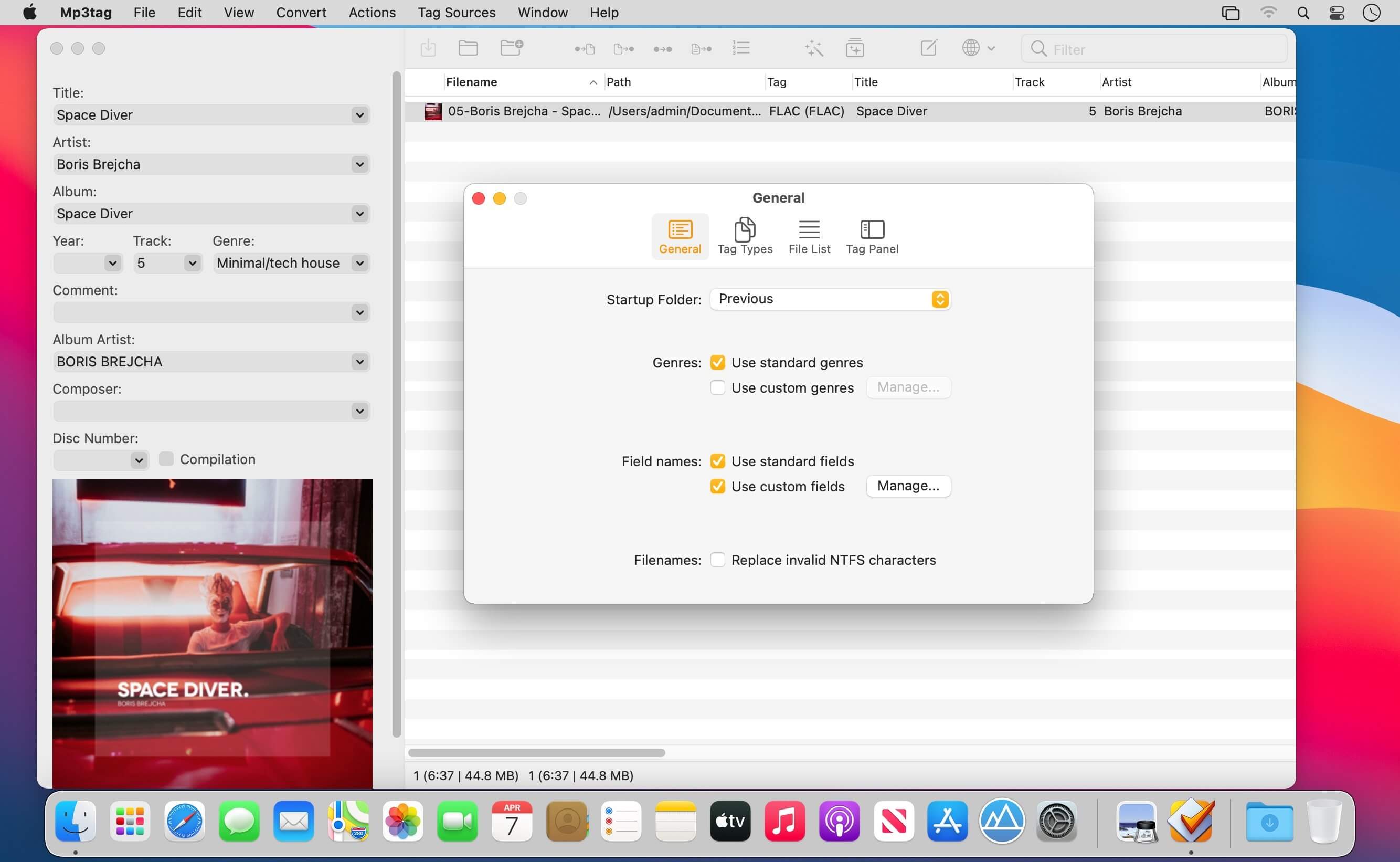
- 支持灵活标签系统(Flexible Tagging),允许用户按标准方式添加自定义字段。
- 预设/自建动作组,将复杂流程固化为一键操作,提升长期维护效率。
- 统一界面下无缝支持数十种主流音频格式,无需切换工具。
- 持续进化,更多隐藏技巧待您发掘……
已验证兼容的音频格式
- MP3(全面支持 ID3v1、ID3v2.3、ID3v2.4(UTF-8 编码))
- MP4/M4A/M4B/M4V(兼容 iTunes 与 Nero 标准)
- FLAC(Vorbis Comments 元数据)
- OGG(Vorbis Comments 元数据)
- OPUS(Vorbis Comments 元数据)
- AIF(支持 RIFF INFO 与 RIFF ID3)
- DSF(ID3v2 元数据)
- MPC(APEv2 标签)
- WAV(RIFF INFO 与 RIFF ID3)

What's New
Version 1.14.0:
New
- Added support for custom field values when editing fields.
- Added support for managing format string histories and named favorites.
- Added an Extended Tags context menu for copying, cutting, and pasting tag fields
- Added an option to apply filters only after pressing Enter instead of automatically while typing.
- Added scripting functions
columnNames(x,y)andcolumnValues(x,y)to retrieve File List column names and values. - Added the
$fmtDate()scripting function to format raw timestamps as human-readable dates. - Added support for importing the fields
COMPILATION,MUSICBRAINZ_ALBUMTYPE, andORIGYEARvia the MusicBrainz Tag Source.
Changed
- Improved the performance of Tag Sources with many conditional expressions.
- Extended the Web Sources Framework function
json_foreachto iterate over JSON objects and output object keys viajson_foreach_counter. - Added the
FilterIgnoredFieldsconfiguration setting for specifying fields to ignore when filtering. It defaults toACOUSTID_FINGERPRINT. - Prevented files from
.Trashand.Trashesdirectories from appearing in the File List. - Added missing file-type registration for WavPack audio files (
*.wv). - Added support for relative file paths to the Import Cover action.
Fixed
- Fixed an issue where using
/in a filename while renaming a file in the File List created folders. - Fixed a crash that could occur when undoing cover changes.
- Fixed an issue where the Web Sources Framework function
json_foreachexecuted the loop body for empty or missing JSON arrays.





