
Things 3.23.3 macOS 优雅直观的任务管理工具

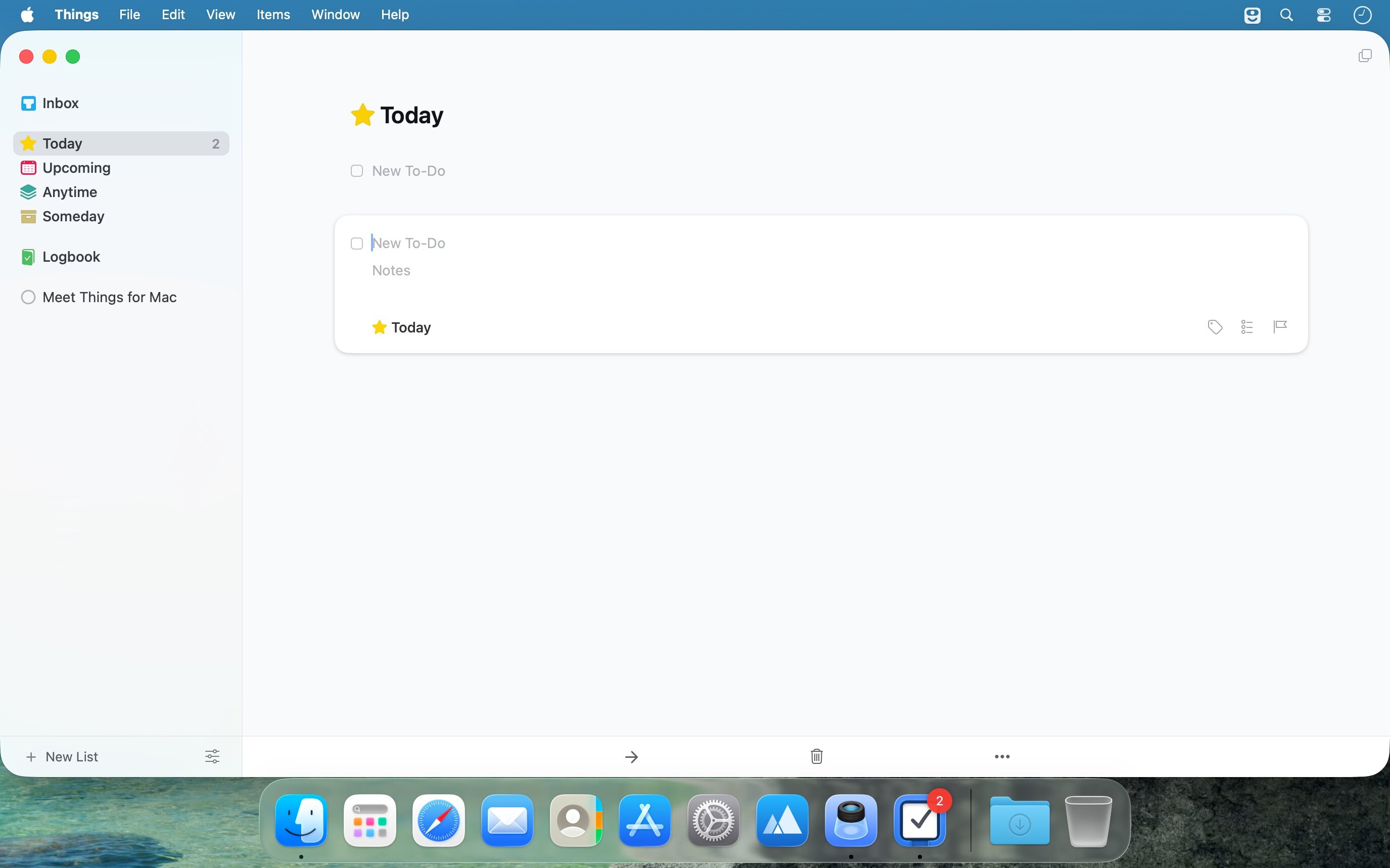
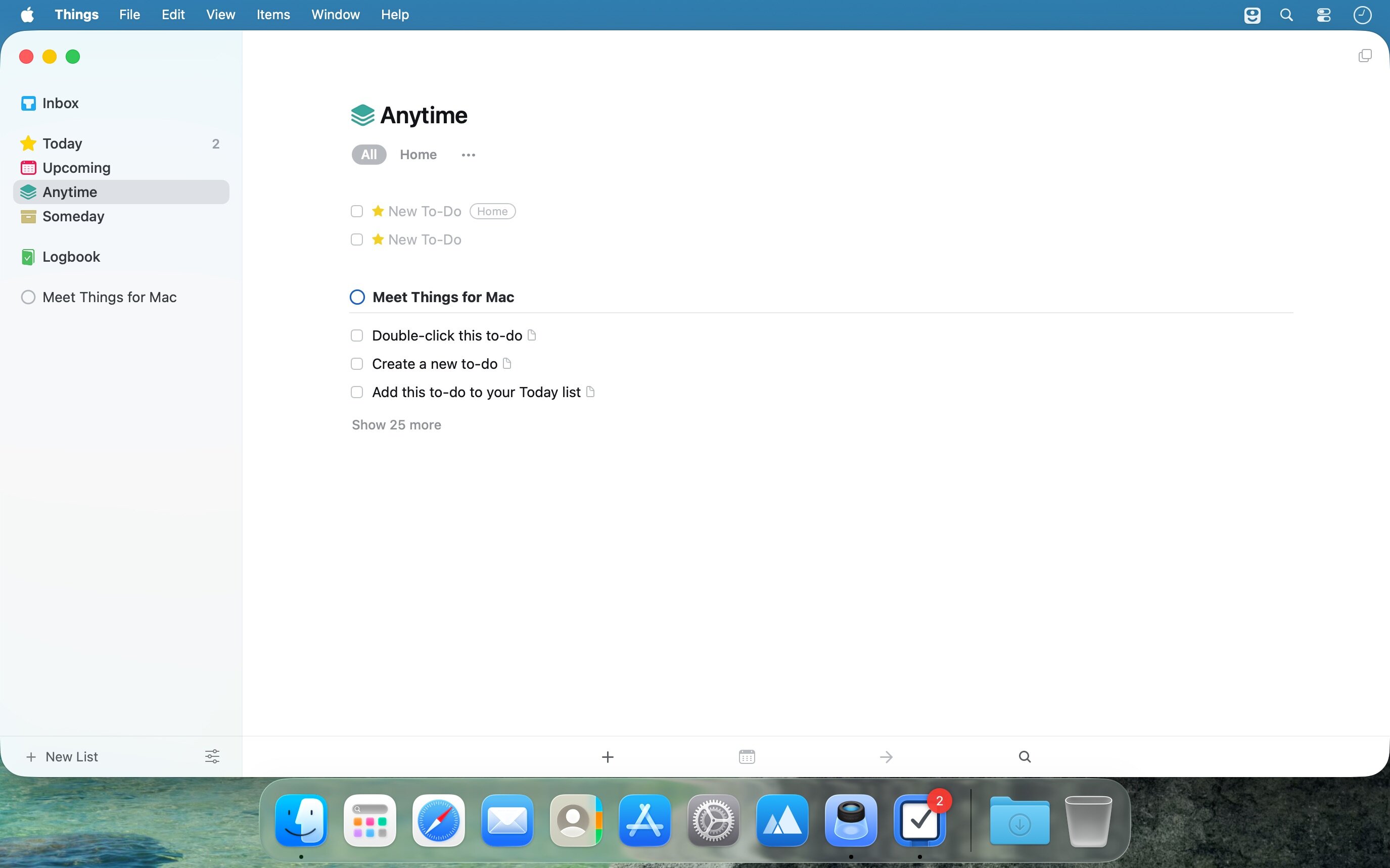
Things 是一款专为高效生活设计的任务管理应用,以极简美学与强大功能并重的方式,帮你轻松梳理纷繁待办事项。它巧妙融合智能筛选栏与灵活标签系统,在不牺牲易用性的前提下释放生产力;类 Leopard 风格的源列表让你一键聚焦核心内容,无需切换视图或记忆复杂筛选逻辑。再加上赏心悦目的界面设计,Things 正在重新定义任务管理——原来这件事,真的可以既轻松又愉悦。
我们的演示视频是快速上手的最佳起点。
- 全局掌控,一目了然:源列表沿袭经典 Leopard 设计语言,所见即所得,无需反复调整视图模式,也无需费神理解过滤规则,专注力始终落在任务本身。
- 智能标签栏,随需而显:当你浏览任意任务列表时,标签栏会自动浮现,并动态适配当前上下文;哪怕面对成百上千条待办事项,也能层层下钻、精准定位;支持多级嵌套标签?早已原生支持!
- 协作更自然:团队协作能力持续升级中——轻松指派任务给同事,进度同步更透明。(该功能正在积极开发与优化中)
- 告别僵化表格:不再强求统一列宽!日期、标签、备注等信息按需展开,只在真正需要时呈现;彻底告别空列冗余与无效信息干扰。
- 灵感秒存,心无挂碍:内置快捷录入 HUD(平视显示界面),想到即记,一秒捕获闪现念头;让未完成的想法不再成为注意力的隐形负担。
- 数据主权,始终在你手中:我们坚持开放原则——所有任务数据将以标准 XML 格式本地存储,完全由你掌控。(此功能即将上线)
- 深度兼容 GTD 方法论:如果你已是 GTD 的长期践行者,会发现 Things 的项目、区域、今日、等待等结构天然契合 GTD 思维,无缝融入你的工作流。
What's New
Version 3.23
Repeating to-dos just got far more flexible, with two highly requested improvements: You can now complete them early, and easily reschedule them when plans change! Plus many more refinements throughout.
COMPLETE REPEATING TO-DOS EARLY
- Sometimes you're ahead of schedule and want to tick something off early. Now you can! A repeating to-do now shows a normal checkbox - just like any other to-do - so you can complete it as soon as it's done.
RESCHEDULE WITH EASE
- Repeating to-dos can now be rescheduled, which makes it easy to adapt when plans change. Simply bump it to a new date. If it repeats on a fixed schedule, Things will ask whether you want to make a one-time exception, or update the rule going forward. If it repeats after completion, it simply moves to the new date.
MORE REFINEMENTS
- We've made a number of other refinements to repeating to-dos:
- The repeating to-do setup dialog has received a visual refresh, and lets you more easily pick the next recurrence date.
- A copy of a repeating to-do now shows a little gray repeat icon to distinguish it from regular to-dos.
- If you want to start working on a repeating project early, you now can! As soon as you start editing its to-dos, Things will offer to create the next copy of the project ahead of time.
- You can manually create the next copy of a repeating to-do ahead of time by right-clicking it and choosing Repeat > Create Next Copy.
- You can now pause, resume, and stop multiple repeating to-dos at once.
- More bua fixes and improvements - see our website for the full release notes.





