
RightFont 10.2.1 macOS 专业字体管理工具,智能激活、实时预览、团队协同
你在 Illustrator 中打开客户文件,却发现部分字体未安装?RightFont 10——专为 Mac 打造的智能字体管理器,能自动识别缺失字体,并一键启用。Photoshop、Sketch 及其他兼容设计软件中,它同样全程主动响应,无需手动干预。
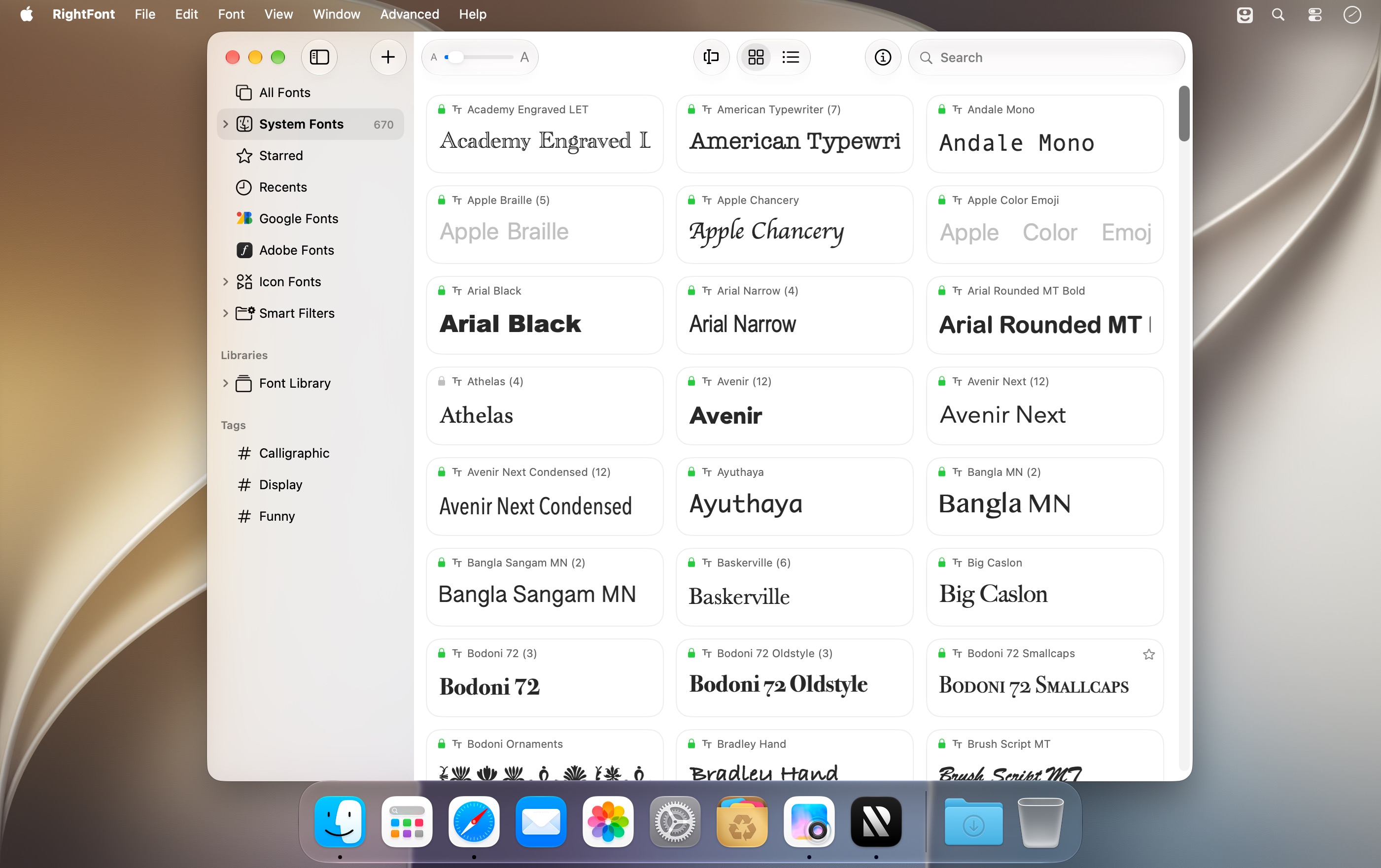
无需将字体拖入系统字体文件夹!RightFont 可无缝接入你本地任意文件夹、Google Fonts 在线库,甚至团队共享字体库,统一汇聚至一个直观工作区。即便管理数万款字体,操作依然轻快流畅。安装前可实时预览效果,仅在真正需要时才激活对应字体,彻底告别冗余加载。
修改设计稿中的字体?只需选中文本或文字图层,直接从 RightFont 面板应用目标字体——若该字体尚未启用,RightFont 将在后台静默激活,编辑过程零中断。
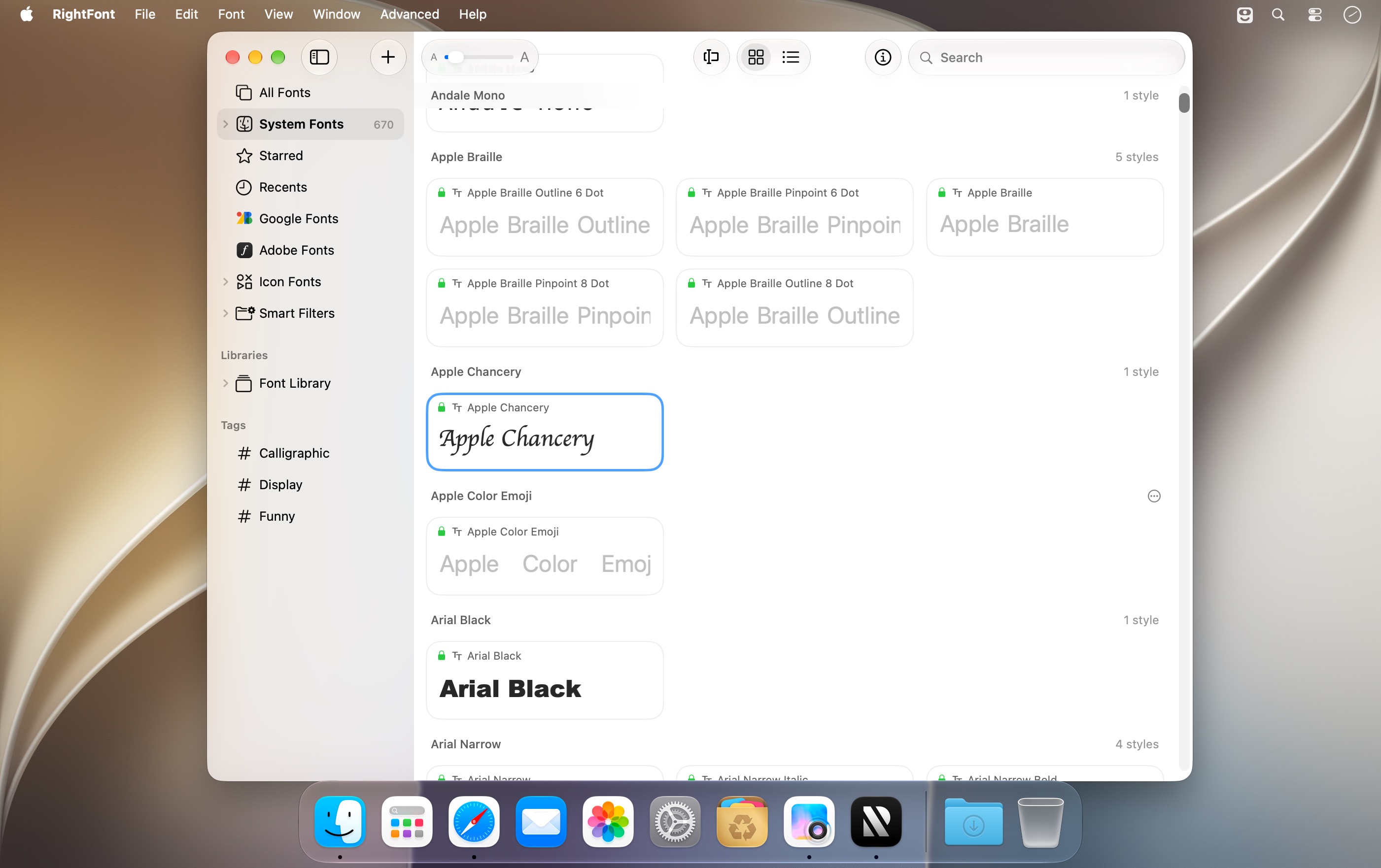
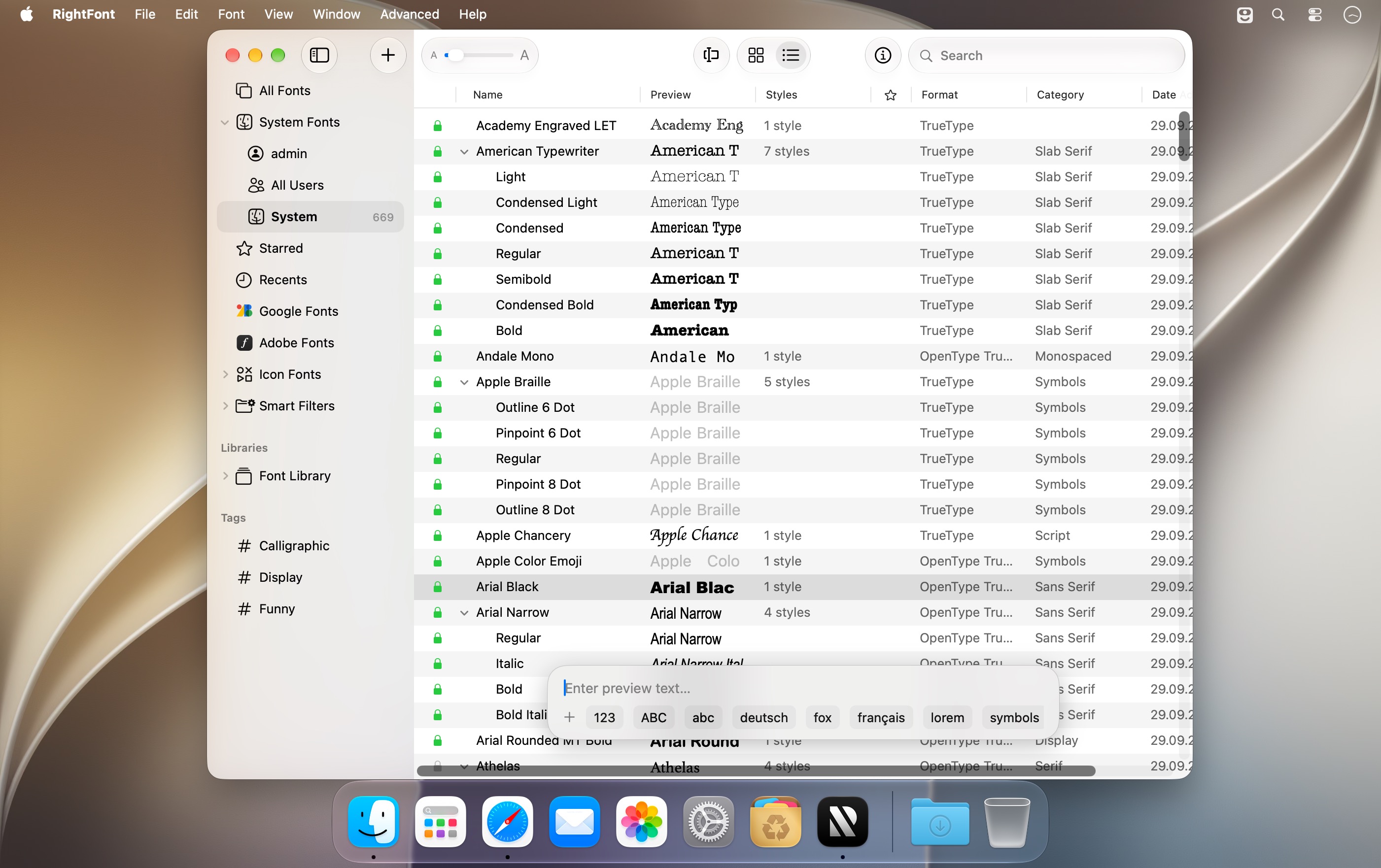
借助关键词搜索、自定义标签、字体集分组与智能筛选器,海量字体瞬间浓缩为精准候选列表。选定前,支持多视图并排对比、深度查看 OpenType 特性与完整字形集;按下空格键,即可快速调出详尽字体参数面板。字体集、标签体系及单个字体均可一键分享给团队成员,协作更高效。
Google Fonts 可一键同步至本地,在任意应用中离线使用;图标字体也全面支持——数千款免费矢量图标,直接拖拽即可嵌入设计稿。RightFont 原生适配 Apple 芯片,完美支持 macOS 深色模式。
What's New
Version 10.2.1
More reliable font imports, improved tag management, and fixes for Adobe Illustrator, QuarkXPress, and macOS 27.
Improved
- Clearer import progress, including a finalization stage and a count of unsupported files in the completion notification.
- Subtags can now be dragged back to the main Tags section.
Fixed
- Font imports now honor the Skip duplicate fonts setting and prioritize OTF and TTF files over web fonts when skipping duplicates.
- Fixed imports targeting the wrong library or set when names match, and font-set membership being lost after reloading a library.
- Fixed saving tag hierarchies, editing newly created tags, and duplicate names when renaming tags.
- Fixed Smart Filters incorrectly interpreting text entered in filter conditions.
- Fixed font selections being lost when changing preview text, font size, or view.
- Fixed Adobe Illustrator repeatedly relaunching after quitting when Auto Activation was enabled.
- Fixed font scanning changing the view in QuarkXPress and duplicate entries in its missing-font list.
- Fixed Inspector toolbar flickering, header spacing, and separator alignment on macOS 27.
- Improved stability when importing fonts, assigning tags, and dragging icon glyphs.





