
Acorn 8.7.0 macOS 轻量级专业图像编辑工具

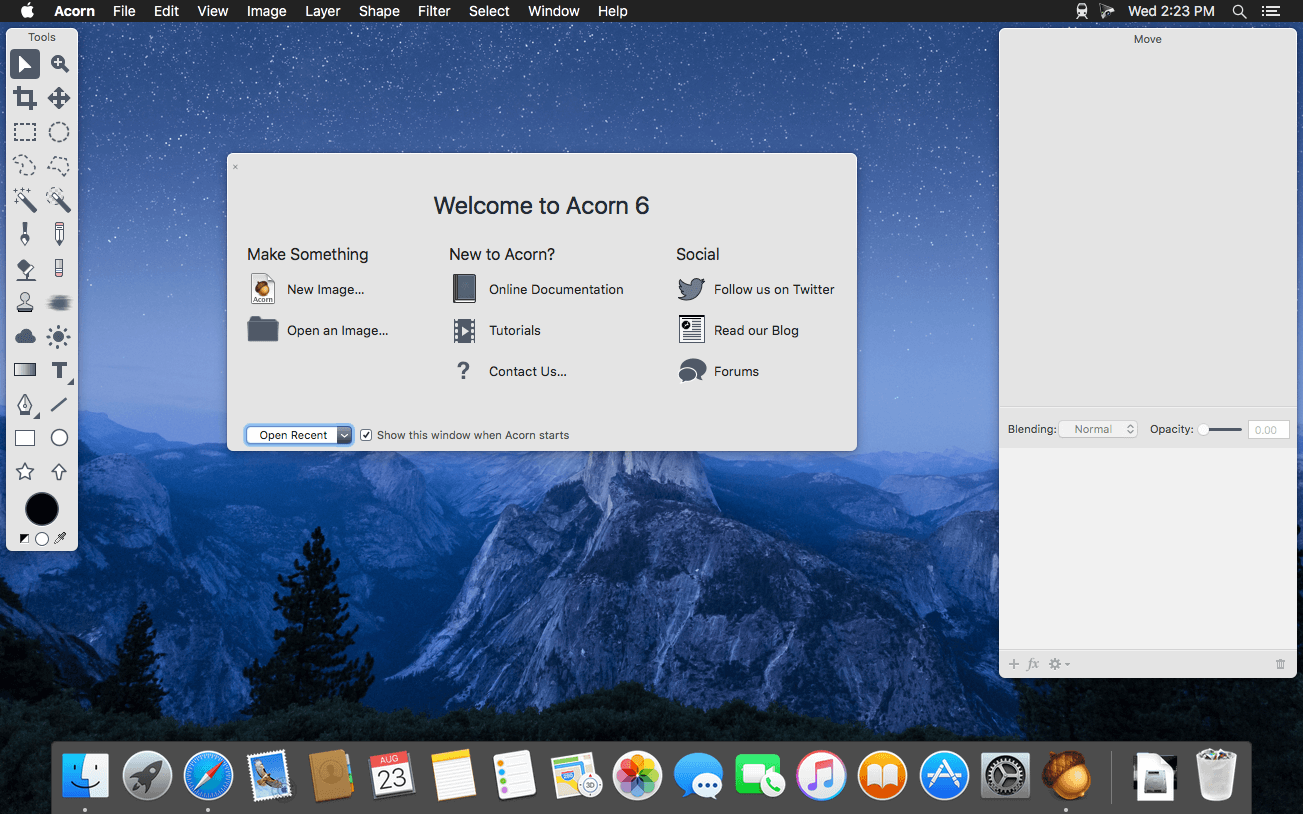
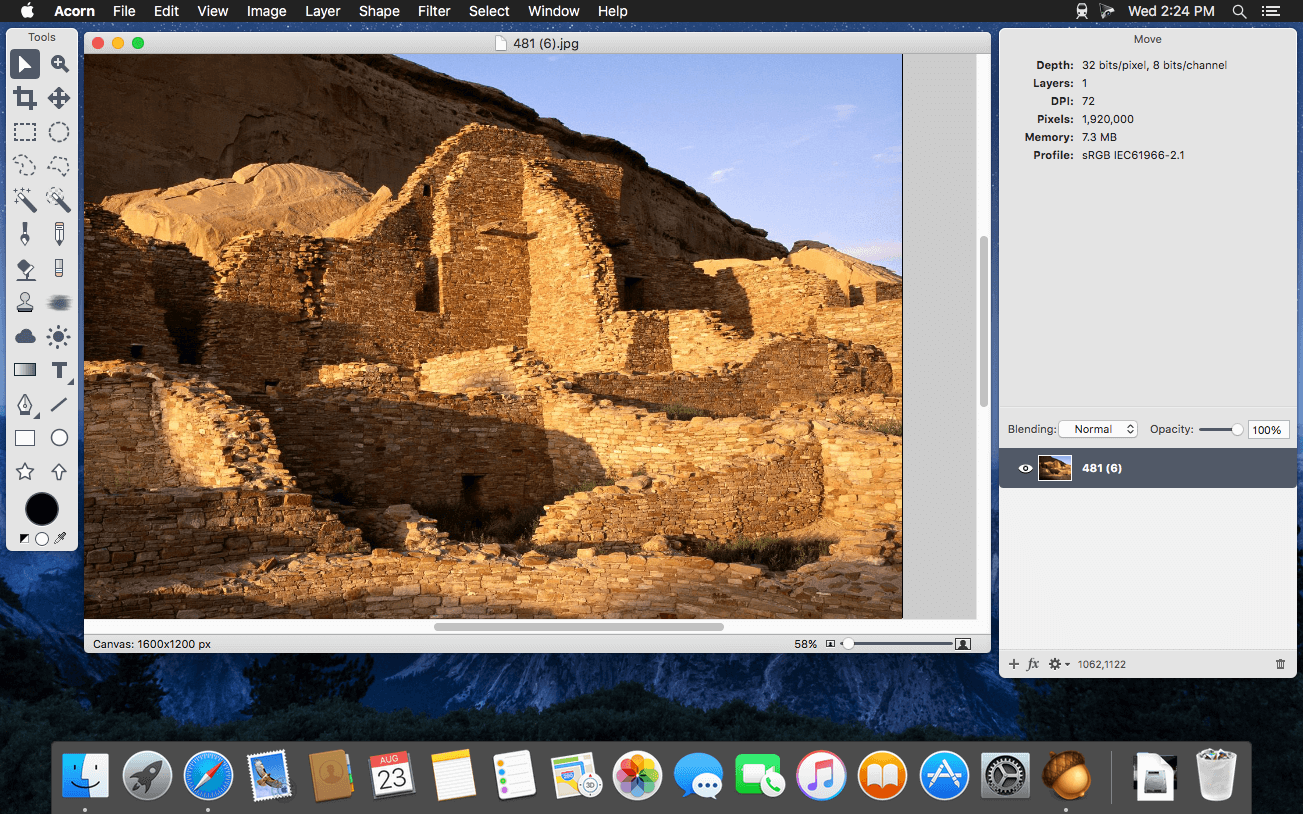
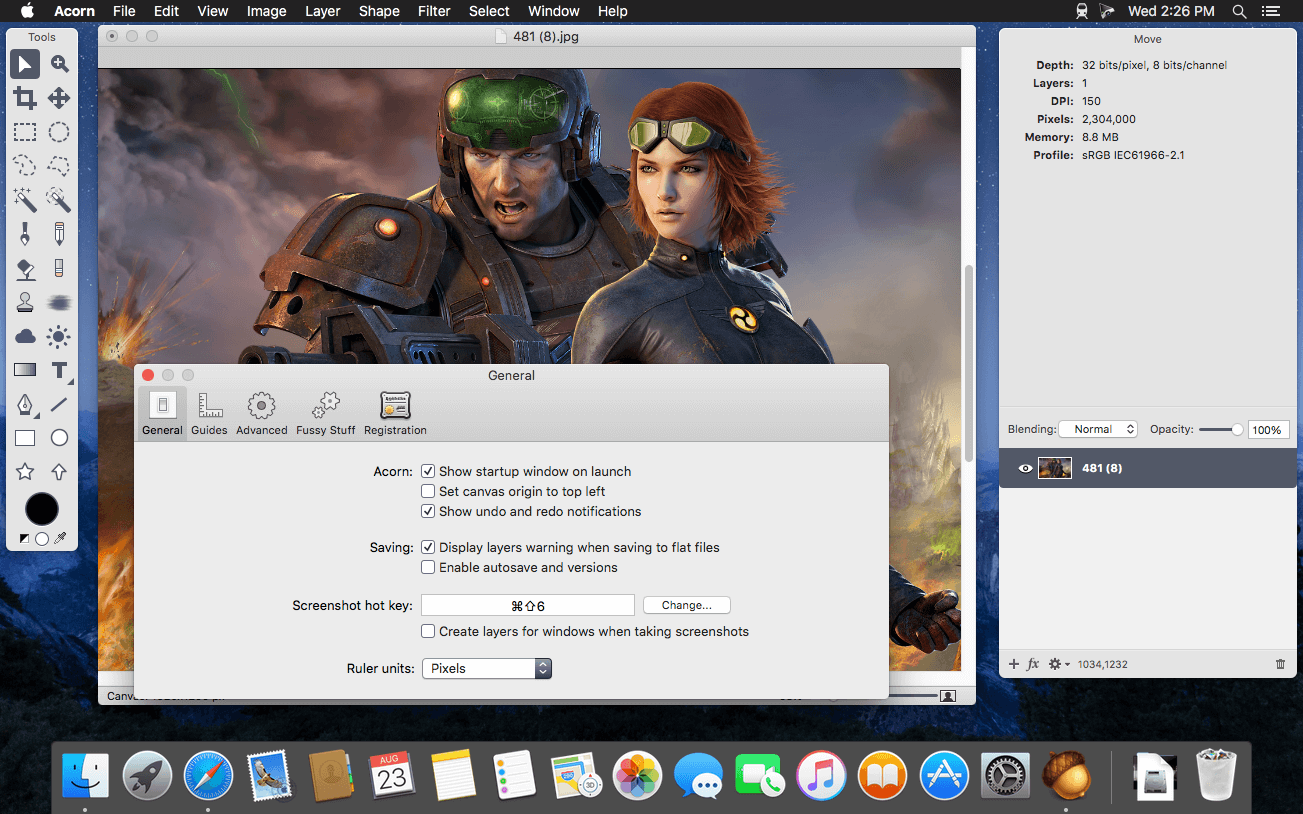
Acorn 是一款专为 macOS 打造的全新图像编辑器,设计初衷只有一个:化繁为简。它响应迅捷、操作直观、流程丝滑,在提供核心修图功能的同时,彻底摒弃冗余选项与复杂界面——用起来顺手,价格也足够亲民。
- 一键截取屏幕画面,并直接在 Acorn 中即时润色调整。
- 自由叠加多种图像滤镜,轻松实现富有创意的视觉特效。
- 支持图层化编辑,接轨专业图像处理工作流标准。
- 调用 Mac 内置摄像头(iSight)实时拍摄,快速生成新图层或全新画布。
- 画布与图像尺寸调整极简——拖拽窗口边缘即可智能重设分辨率与画布大小。
- 全屏编辑模式下,充分释放显示器每一寸像素,专注创作不被干扰。
- 深度适配绘图板:精准识别压感笔触力度,同时支持数位板橡皮擦功能。
- 内置矢量图形与可编辑文本图层,兼顾精度与灵活性。
- 提供自由选区、椭圆选区、矩形选区及智能魔棒等多种选区工具。
- 支持线性、径向等多类型渐变填充,细腻控制色彩过渡。
- 自定义文字样式并一键复用,打造统一且高辨识度的排版风格。
- 每层均可独立调节不透明度与混合模式,实现更精细的合成控制。
- 开放插件生态:既可用 Python 快速编写自动化脚本,也支持 Objective-C 深度开发。
- 全面 GPU 加速:借助显卡强大的图形运算能力,让复杂滤镜、大图渲染与实时预览都行云流水。
What's New
Version 8.7.0:
New
- New Synth Fill tool, which you can use to brush away unwanted objects in your photos.
- New Repair tool, which you can use to spot heal and touch up photos. It works by looking at the pixels around the area and with the magic of pattern matching, fills in a nice little patch for you.
- You can now resize multiple selected bitmap layers at once, even with a selection.
- New Expand Selection option in the Selection palette, which lets you non-destructively expand the current selection by a set number of pixels. (Finally.)
- A new Temperature and Tint filter, which will help color correct overly warm or cool photos.
- A new High Pass filter, which keeps the edge details of your image and flattens everything else to gray. Useful for sharpening when blended with the original using Overlay.
- A new Edge Stroke filter, which adds a colored stroke around the transparent edges of your image.
- A new Color Overlay filter, which adds a colored overlay on top of your layer, with opacity and blend mode settings.
- When opening up a SVG file, you are now given options to set the DPI, width, and height of the resulting image (defaulting of course to what it would be if natively read at 72dpi). This new import window also gives you the option to rasterize the SVG file right away, which will use
- WebKit to render the SVG instead of converting it into native Acorn shape layer objects.
Other
- Photoshop image import improvements: Support for reading 16 bit per channel PSD files, grayscale PSDs, and the Color Overlay layer effect.
- Various SVG importing and exporting improvements, including bitmap layers being written out to SVG files.
- When exporting as SVG, layer names are now preserved with the id attribute in the layer’s group tag.
- There’s a new menu item under the Help menu named What’s New in Acorn that loads up the latest release notes for you. It’ll automatically show once if you’re using the App Store version of Acorn. This also replaces the “Show Release Notes” menu item which would open a the notes in a browser window.
- The Flood Fill (paint bucket / color fill) tool has a new blend mode: “Copy (Opaque Only)”, which works like the Copy blend mode, but won’t replace all the pixels in your layer, just the ones that are being filled.
- The Paste and Match Style menu item is no longer hidden behind an option key. And you can now use it to make new Shape Layers if you have text on the clipboard.
- Moved the option for JPEG 2000 down the list in the Export window, as Apple depreciated it a while back (though it still works for now!).
- New Action Bar action “Disable All Snapping” which will turn off all snapping options for the open image. Also, did you know that ⌘⇧⌥; works as a toggle disable all snapping as well? So if you want it all off for a little while, that’s a nice shortcut to remember.
Fixes
- Acorn’s Export window now disables the progressive option when JPEG 2000 is selected as the format, since the encoder doesn’t support it.
- Also fixed a bug related to this where the preview would not update correctly when the progressive option was toggled for formats that support it.
- Fixed some printing problems where images might have too much whitespace around the margins.
- Fixed a bug where using the poly select tool on shape layers wasn’t always very accurate.
- Fixed a problem where two saved brushes with the same name would have loading conflicts.
- Fixed a problem where the HEIC encoder would not work correctly in web export if you had "embed profile" turned off and a non-RGB color profile selected. The fix was to always embed the profile in this case.
- Fixed an issue where layers with masks would not appropriately allow mouse click throughs to layers below them.
- Fixed an issue where older web export presets would save with a strange aspect ratio when the File ▸ Export ▸ Export With Preset ▸ menu items were used.
- General stability improvements.





