
MountMate 6.2.2 macOS 轻量级外置存储管理工具
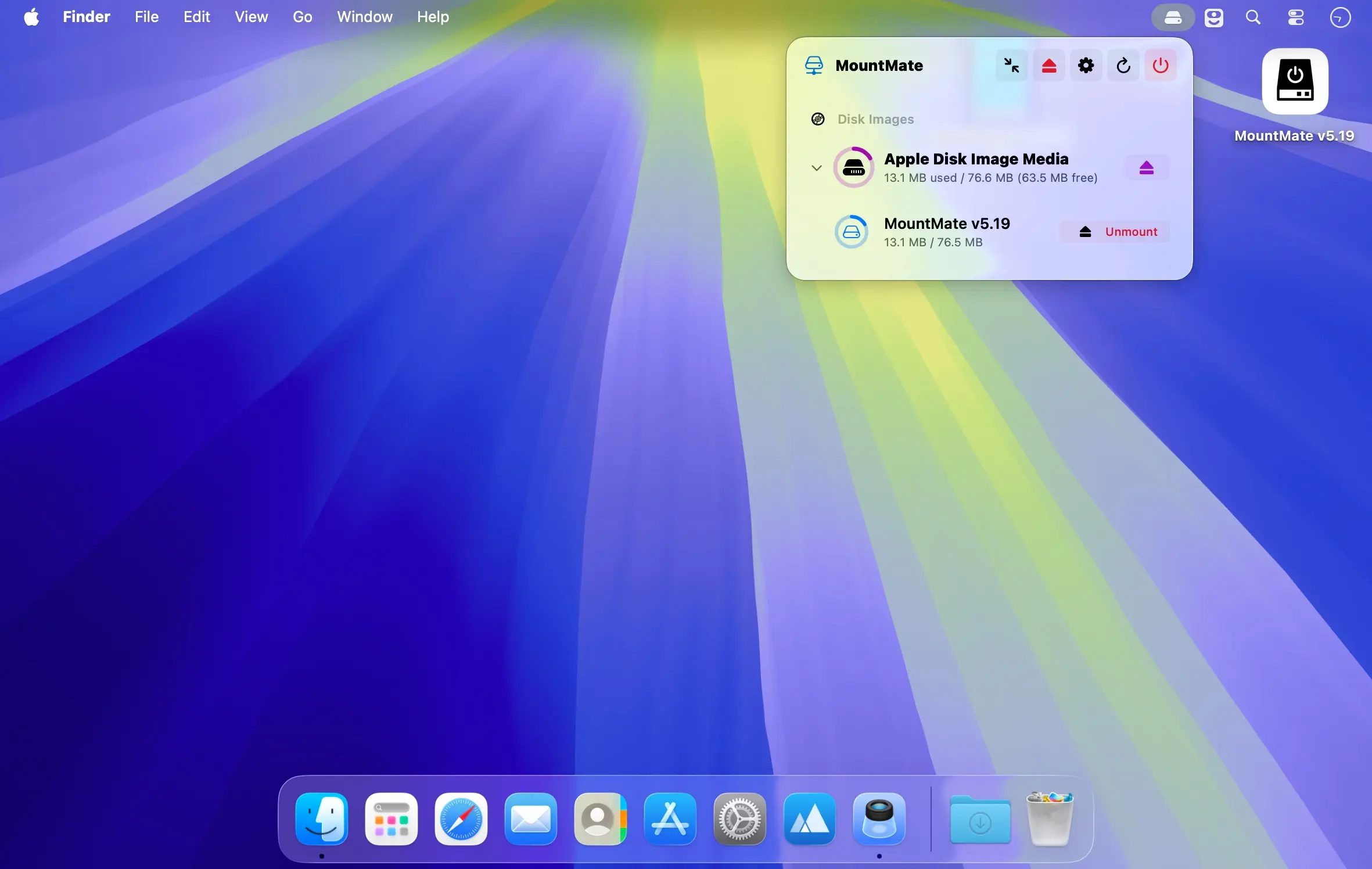
直接从 macOS 菜单栏统一管理所有外接硬盘与磁盘镜像,无需切换应用或调用系统工具。
MountMate 让你摆脱 Terminal 和磁盘工具的繁琐操作,用极简方式掌控连接的存储设备:单击即可安全卸载,随时一键重新挂载——整套流程都在轻巧的菜单栏小工具中完成。
核心功能
- 通过菜单栏快速挂载/卸载各类外接存储设备
- 不拔线也能恢复已弹出的驱动器(自动识别并重新挂载)
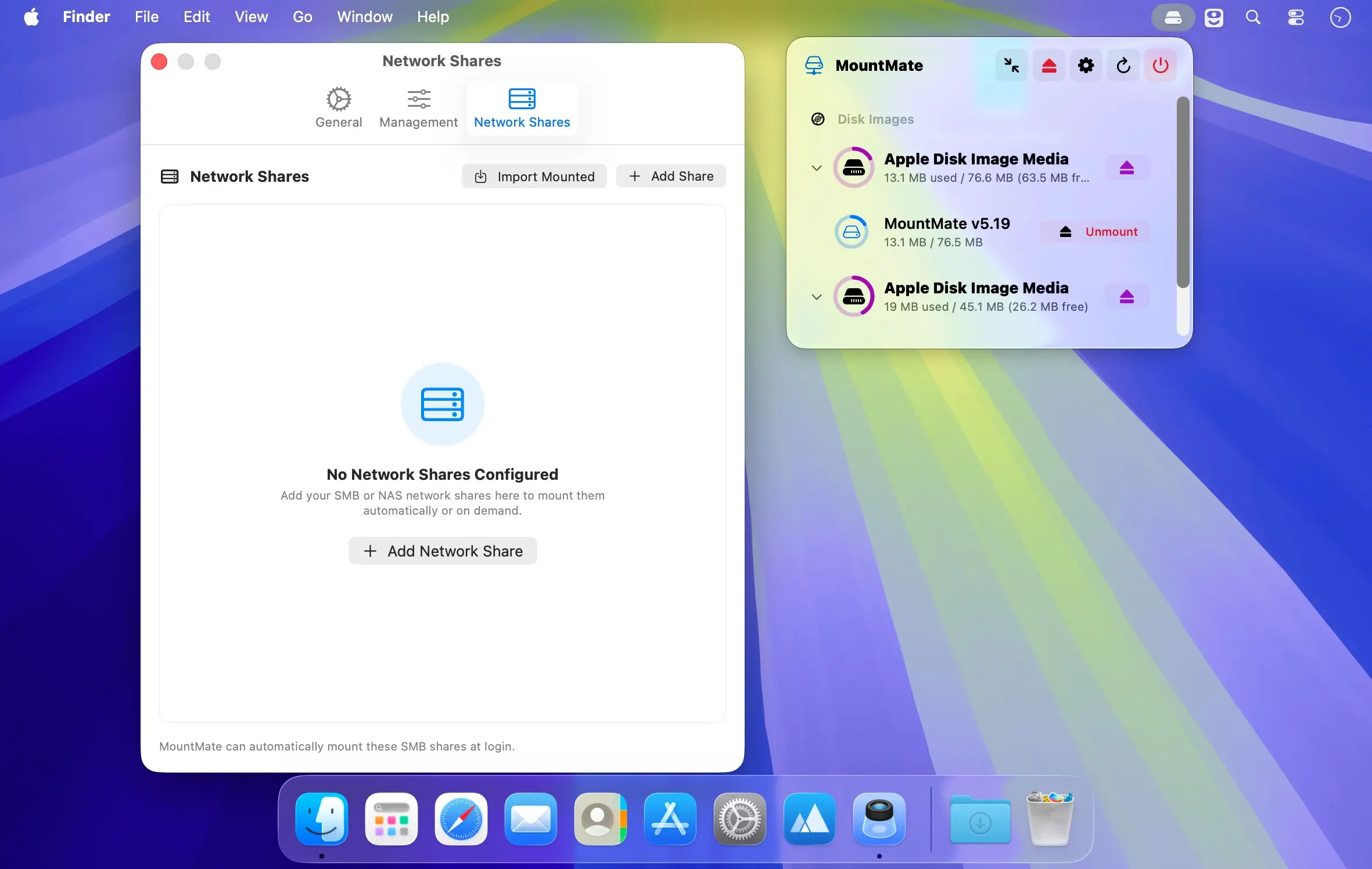
- 全面支持磁盘镜像(.dmg/.iso 等):挂载、打开、彻底移除一步到位
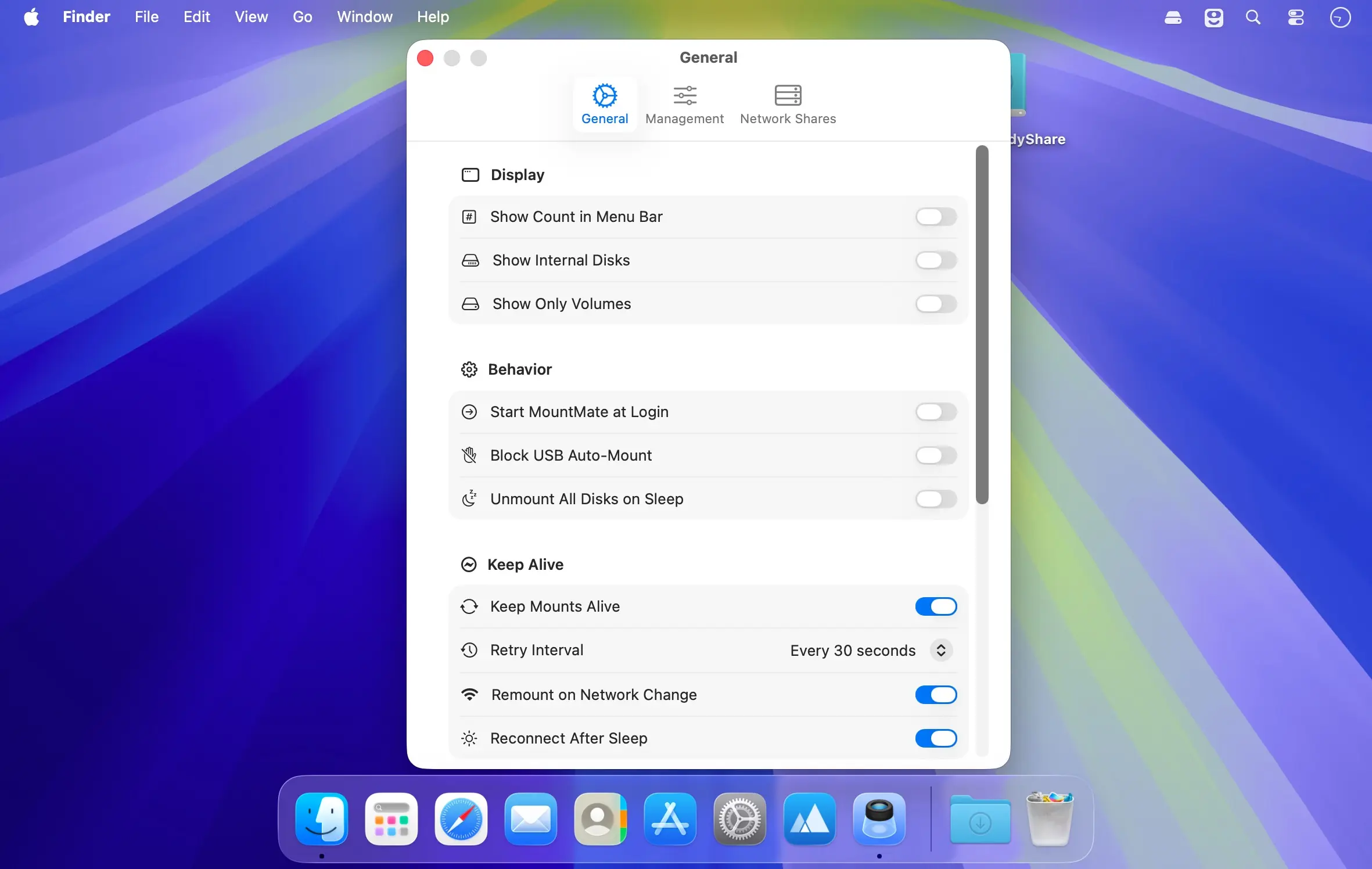
- 可选关闭 USB 设备的自动挂载行为,避免干扰工作流
- 一键批量弹出所有已连接的物理硬盘与虚拟磁盘镜像
- 接入新存储设备后,自动刷新菜单栏设备列表,实时同步状态
- 常驻菜单栏,资源占用极低,运行安静无感
特别适合那些无需长期挂载的移动硬盘、SSD 或其他便携存储设备。让闲置的外置硬盘保持休眠状态,杜绝不必要的电机转动与功耗浪费;需要时再即时唤醒,全程无需插拔线缆。
What's New
Version 6.2.2:
- Clear Confirmation After Entering Your Password: After you enter your administrator password, a short confirmation now appears at the top of the screen, for example "“Backup” is now blocked at startup." It shows when turning Block at Startup on or off, blocking or unblocking a disk with it on, and saving or removing a custom mount point. It appears even if MountMate's menu has closed. Settings also shows the progress and how many disks are blocked at startup, right under the option.





