
Acorn 8.7.1 macOS 轻量级专业图像编辑工具
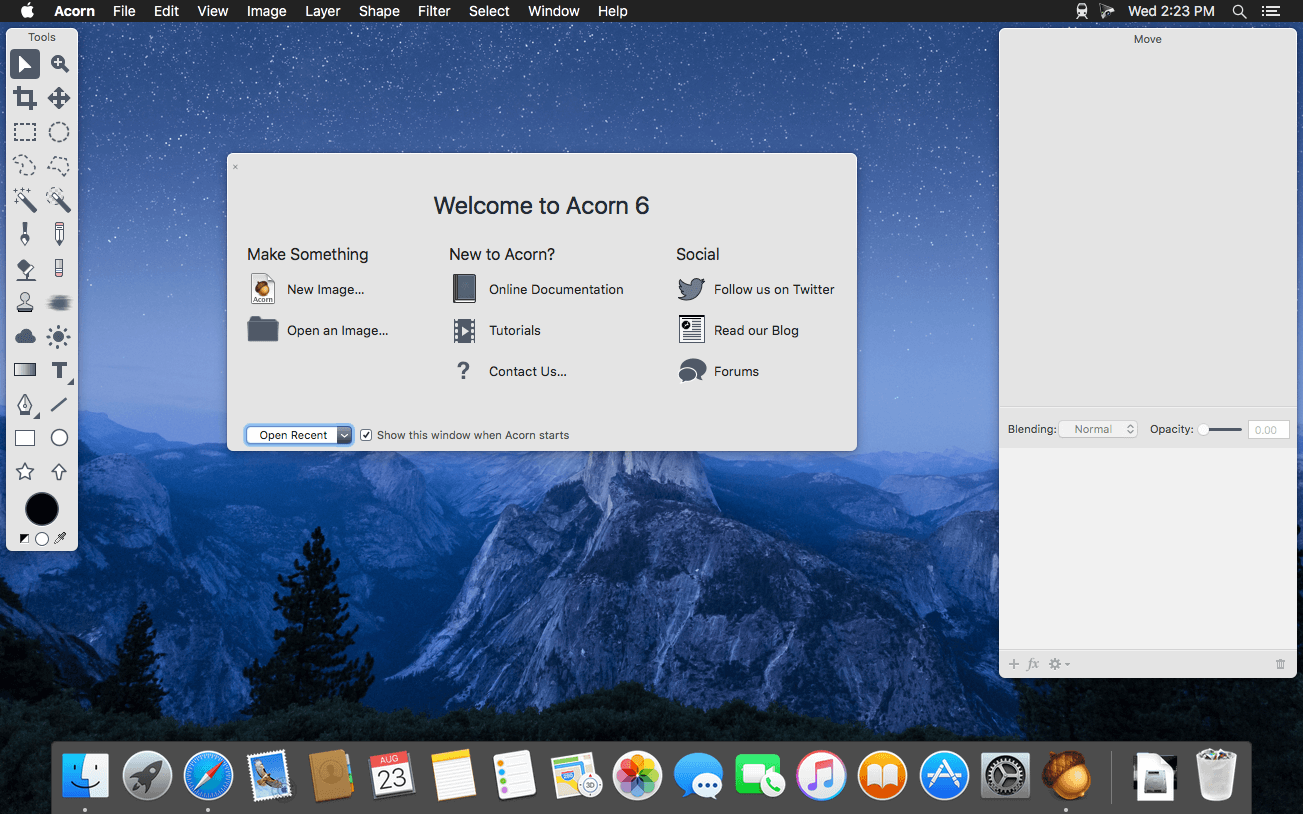
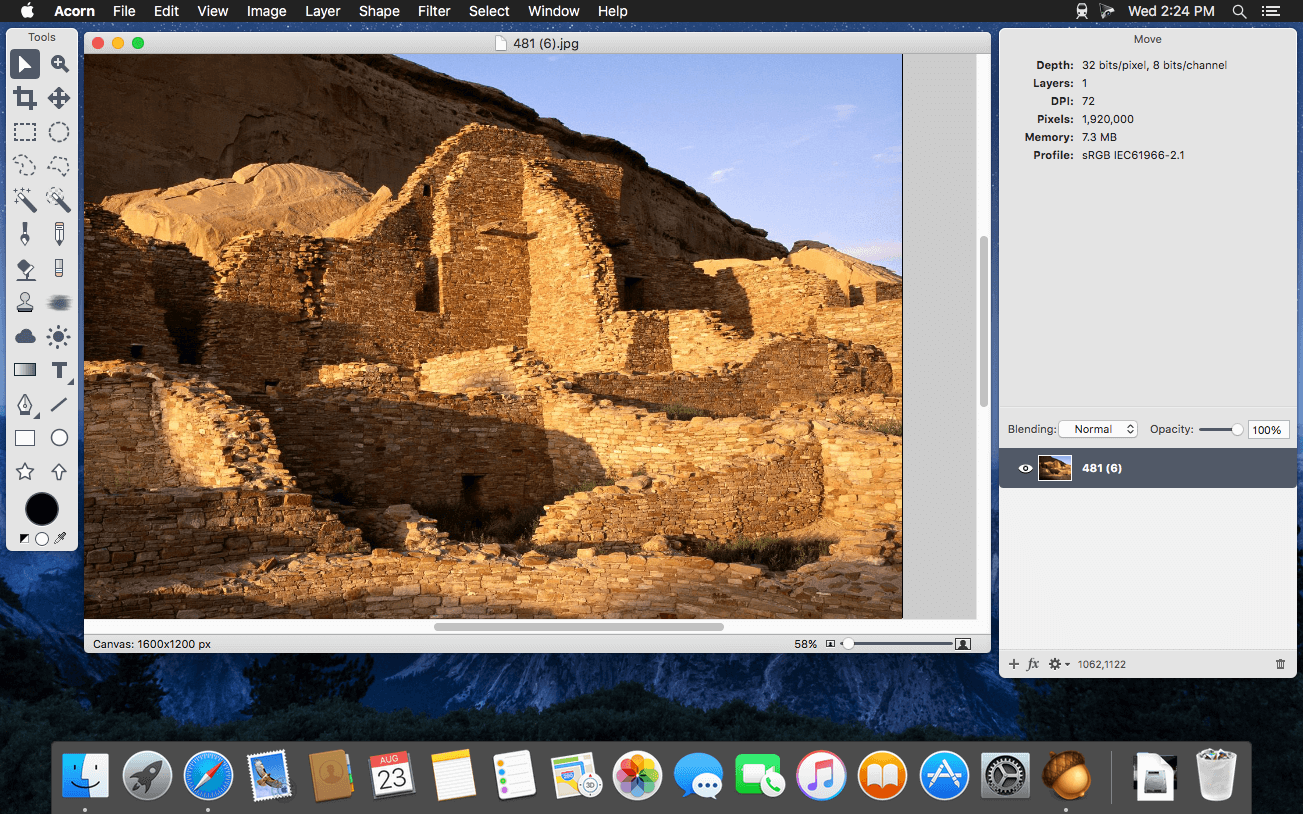
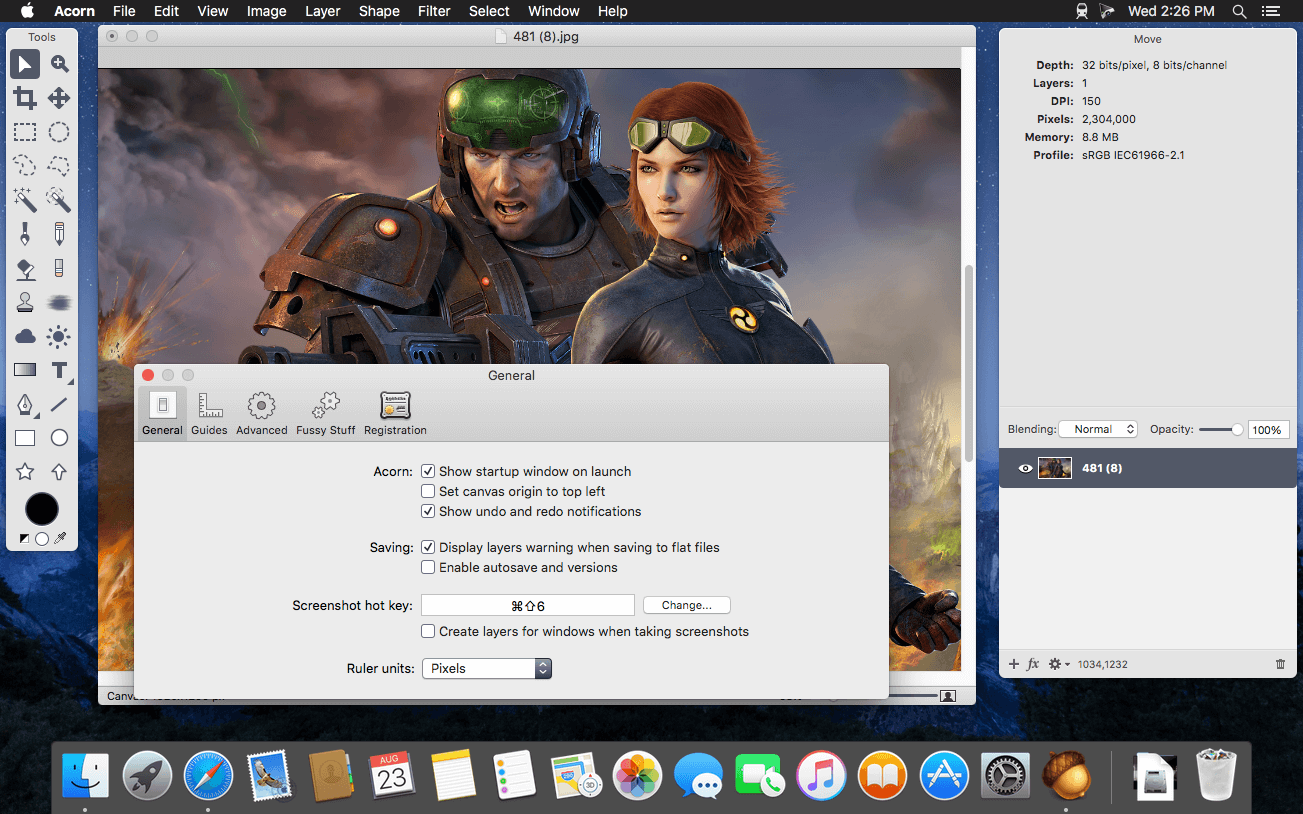
Acorn 是一款专为 macOS 打造的全新图像编辑器,核心理念只有一个:化繁为简。它响应迅捷、操作直观、流程丝滑,在提供专业级功能的同时,彻底摒弃冗余设计——用起来顺手,价格也足够亲民。
- 一键截屏并即时进入编辑模式,省去导入导出步骤。
- 自由叠加多种图像滤镜,轻松实现富有层次感与视觉张力的创意效果。
- 采用业界通用的图层式编辑架构,支持非破坏性调整与灵活组织。
- 直接调用 Mac 内置摄像头(iSight),实时捕获画面并新建图像或图层。
- 画布与图像尺寸调整极简——只需拖拽窗口边缘,大小即刻同步更新。
- 全屏编辑模式充分利用屏幕每一寸空间,专注创作不被干扰。
- 深度适配绘图板:精准识别压感笔触,并支持数位板橡皮擦功能。
- 原生支持矢量图形与可编辑文本图层,兼顾精度与灵活性。
- 提供自由选区、椭圆/矩形选区及智能魔棒等多种选择工具,满足不同场景需求。
- 内置丰富渐变类型,支持线性、径向等多维度渐变填充。
- 自定义文字样式并一键复用,打造统一且富有个性的排版风格。
- 每层均可独立调节不透明度与混合模式,实现精细的图层合成控制。
- 开放插件生态:既可用 Python 快速编写自动化脚本,也支持 Objective-C 深度开发。
- 全面 GPU 加速:借助你显卡的强大算力,让复杂滤镜、大图处理与实时预览都如行云流水。
What's New
Version 8.7.1:
Fixes And Other Things
- When exporting, hitting Cancel (or Escape or ⌘.) will cancel any background encoding operations if there is one going on. Otherwise it’ll close the window (previously it would close the window right away).
- Tweaks to how the export window remembers its previous settings.
- Added tooltips to the various scaling options in the image resize sheet.
- Fixed an issue where scaling text via handles with the Shift key down could cause weird font sizes.
- Fixed some printing regressions.
- Fixed an issue where previously selected arrow styles are not remembered between restarts of Acorn.
- Fixed an issue where the Synth Fill brush might not work on larger images.
- General stability improvements.





