
A Better Finder Attributes 7 v7.55 macOS 专业级照片时间戳修复与元数据管理工具
相机仍停留在本地时区、两台设备的系统时间未同步、批量扫描图完全缺失拍摄时间——这些常见却棘手的问题,A Better Finder Attributes 7 都能精准应对。它直接修改 JPEG、RAW 及视频文件内嵌的原始拍摄时间戳,而不仅是调整 Finder 界面中显示的文件日期。
当时间信息出错时
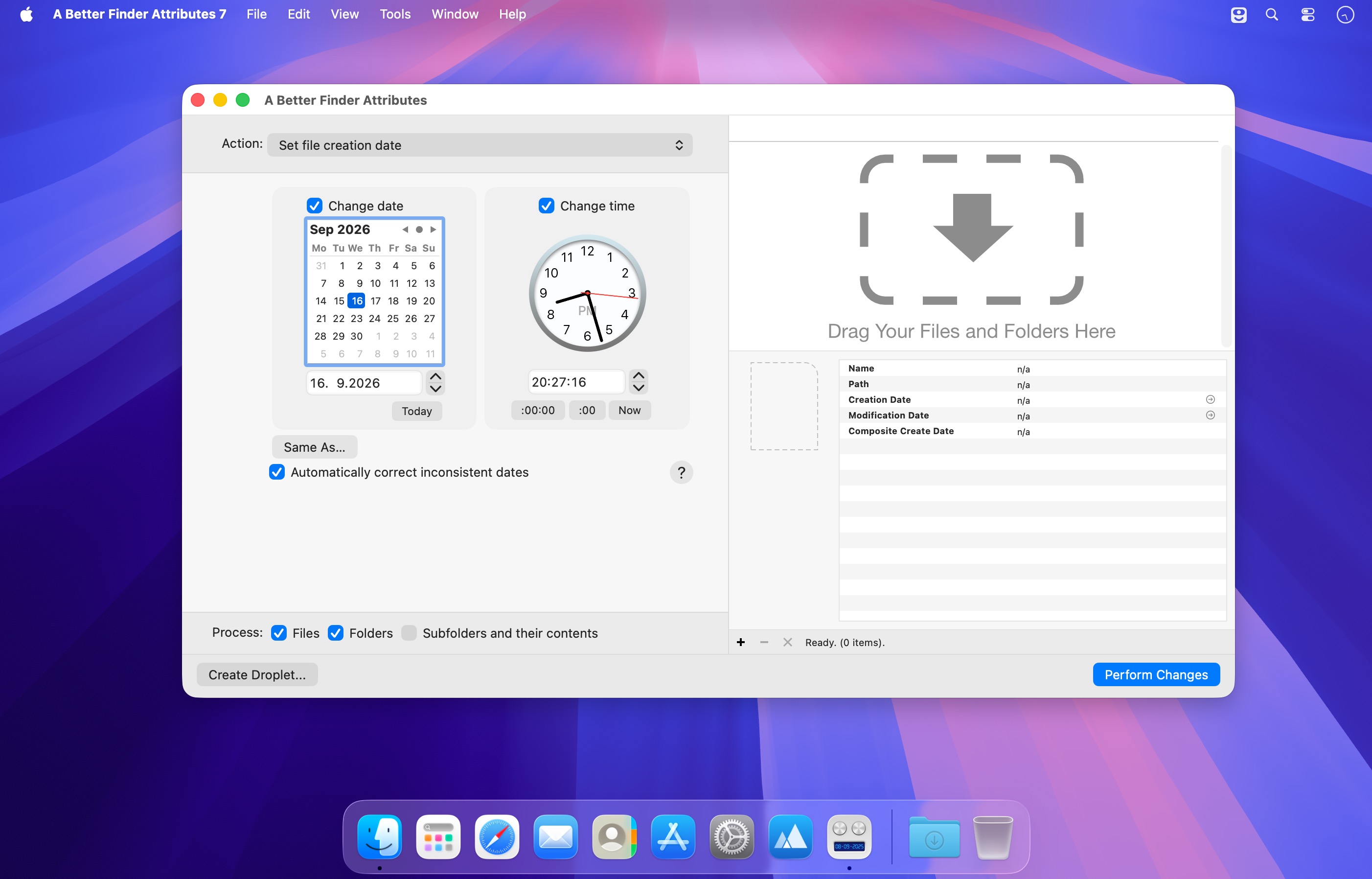
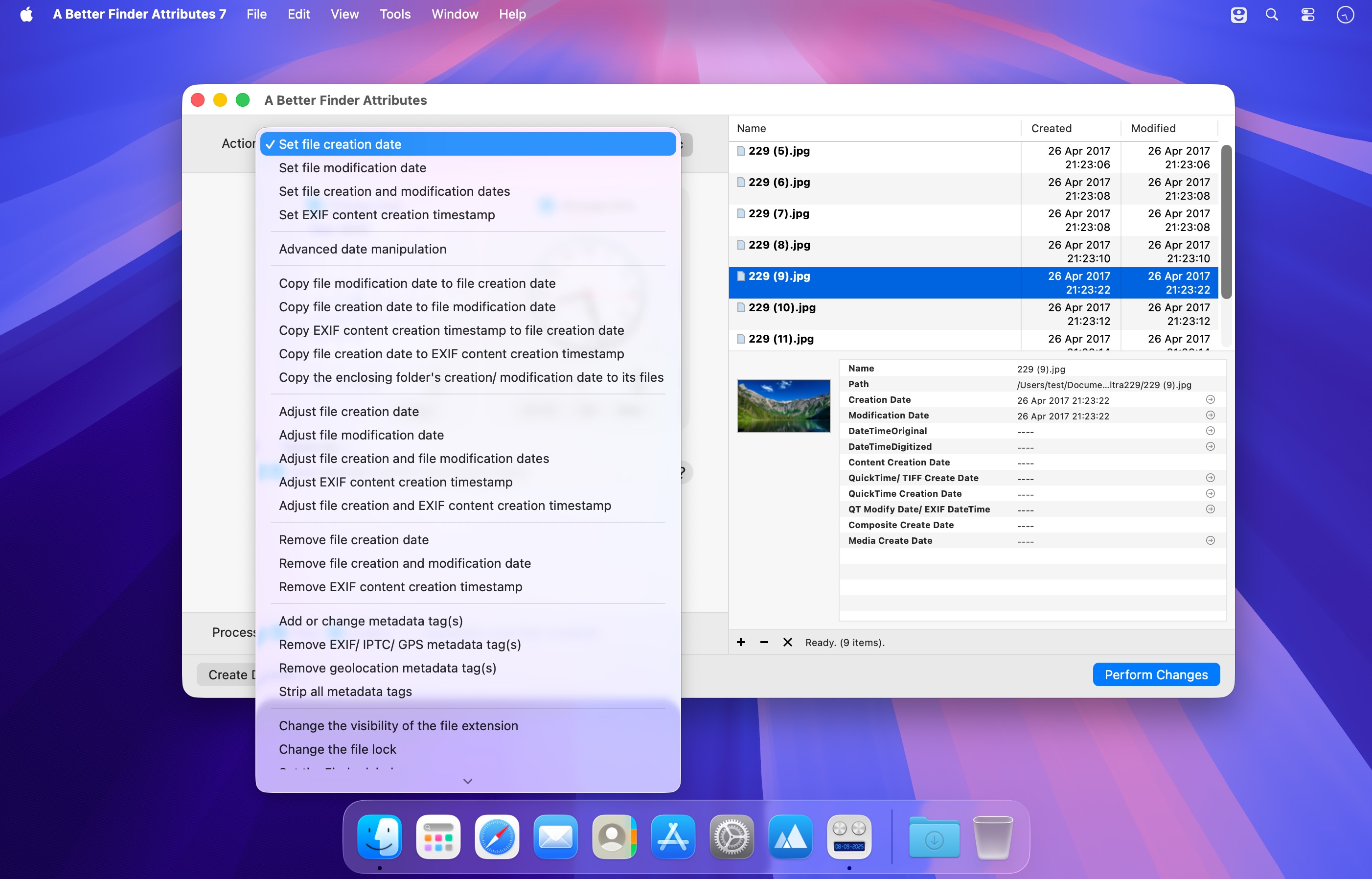
可手动设定精确的拍摄时刻,也可为整批照片统一增减指定小时数进行时间校准;随后一键将修正后的拍摄时间同步至文件创建日期,确保 Finder 按真实拍摄顺序智能排序。若后期编辑软件意外清空了原始时间信息,还能从备份源文件中快速还原;甚至支持从文件名中智能解析并提取日期信息。
当完全无时间记录时
扫描仪本身不记录拍摄时间。只需按扫描顺序导入图片,并设置一个大致的起始时间点,软件便会自动为每张图递增微小的时间间隔,让它们在“照片”App 中自然连贯、顺序排列。
在文件交付前完成关键净化
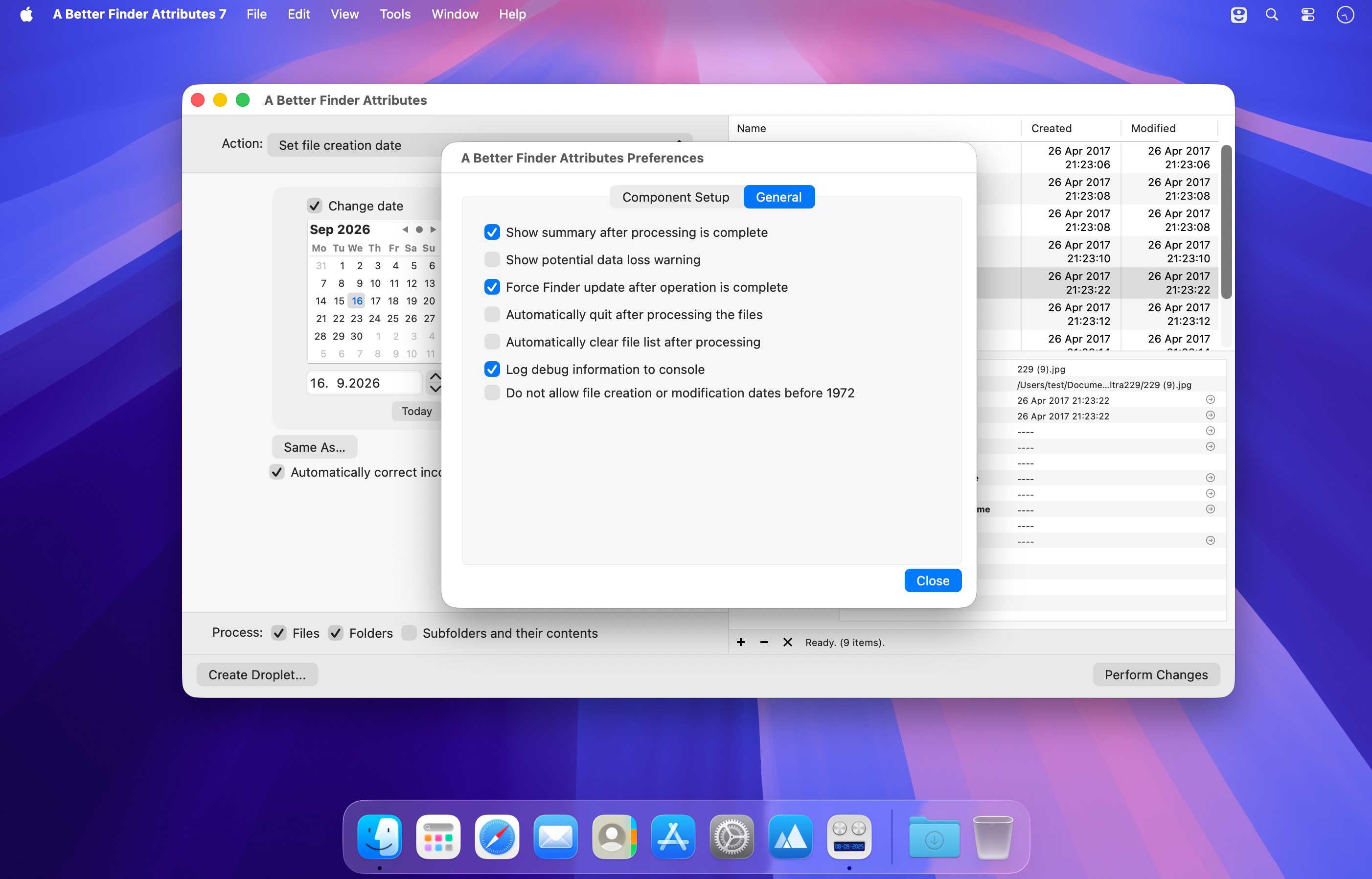
向客户发送素材前,可选择性剥离相机型号、镜头参数、曝光数据等敏感信息:仅清除 GPS 坐标,或彻底移除全部 EXIF/IPTC 元数据,亦可反向添加版权标识与作者信息。同时自动清理隐藏的 .DS_Store 文件——这类 Mac 特有文件常导致跨平台协作异常及版本控制系统报错。还可统一整批交付文件的修改时间、扩展名显示状态与 Finder 标签,保障交付一致性。
内置预览面板实时呈现每份文件当前的完整元数据,所见即所得;“滴管式”快捷任务(Droplets)则能保存常用配置——拖拽文件到对应图标上,即可全自动执行预设操作。
What's New
Version 7.55
- The new version adds two actions: Standardize the time zone of embedded timestamps gives photos and videos from different devices the same UTC offset without changing the moment they were taken, so that Apple Photos, Lightroom and Google Photos sort them in the same order, and Set the folder's creation/ modification date from the files inside dates each folder from the earliest or latest file it contains. The Advanced date manipulation action's filename-date source now matches whole folder names, and the preview table header is opaque again on macOS 26





