iA Writer 8.2.0 macOS 专注写作的极简Markdown编辑器
iA Writer Pro 是一款专为 macOS 打造的 Markdown 写作工具,让你全程不离键盘、心无旁骛地沉浸于文字本身。它以「内容即一切」为理念,左侧呈现纯净无干扰的纯文本编辑区,右侧实时渲染格式化效果,助你精准掌控笔记、初稿与修改全流程。
写作时专注当下,预览时洞察全局
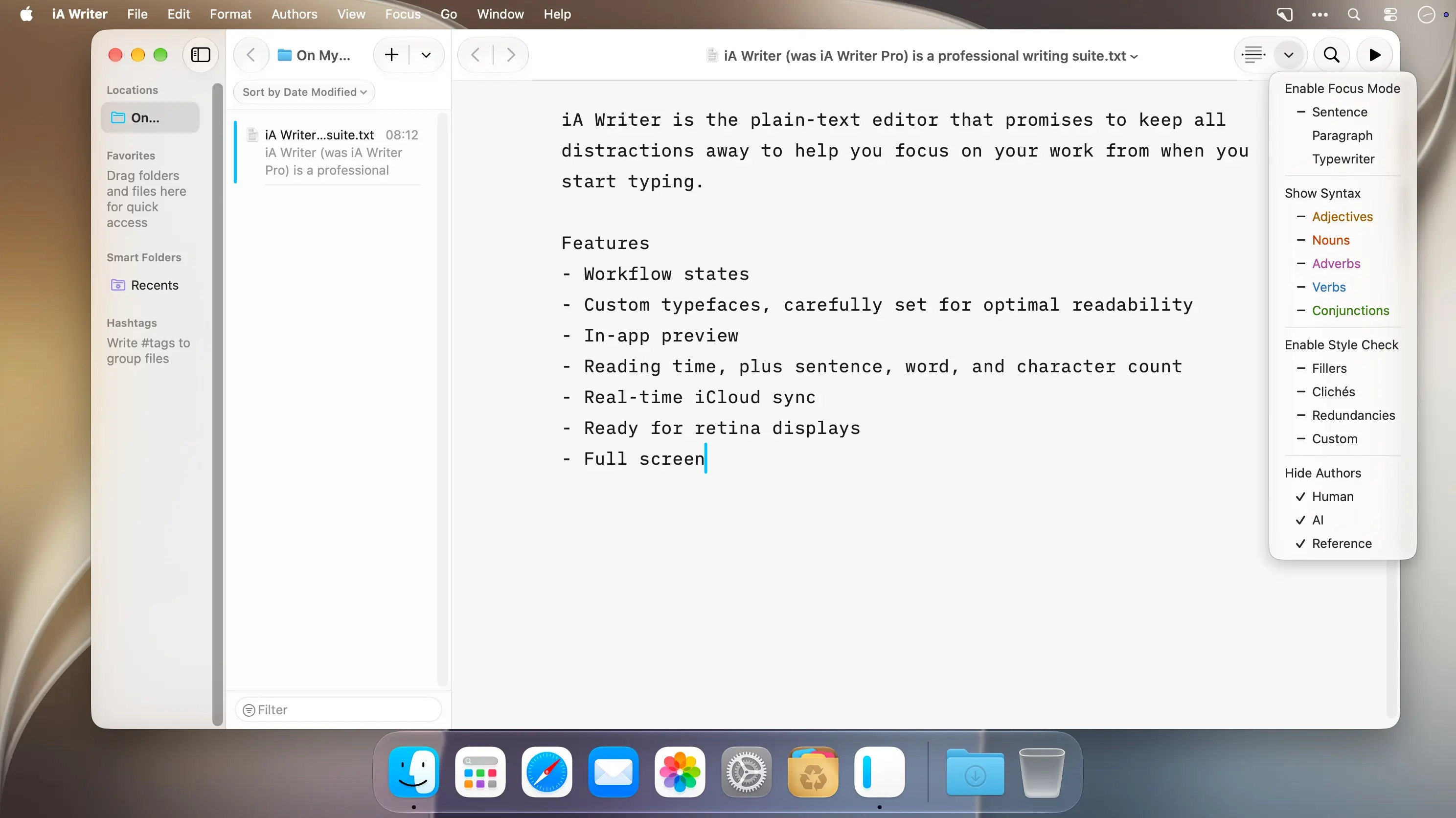
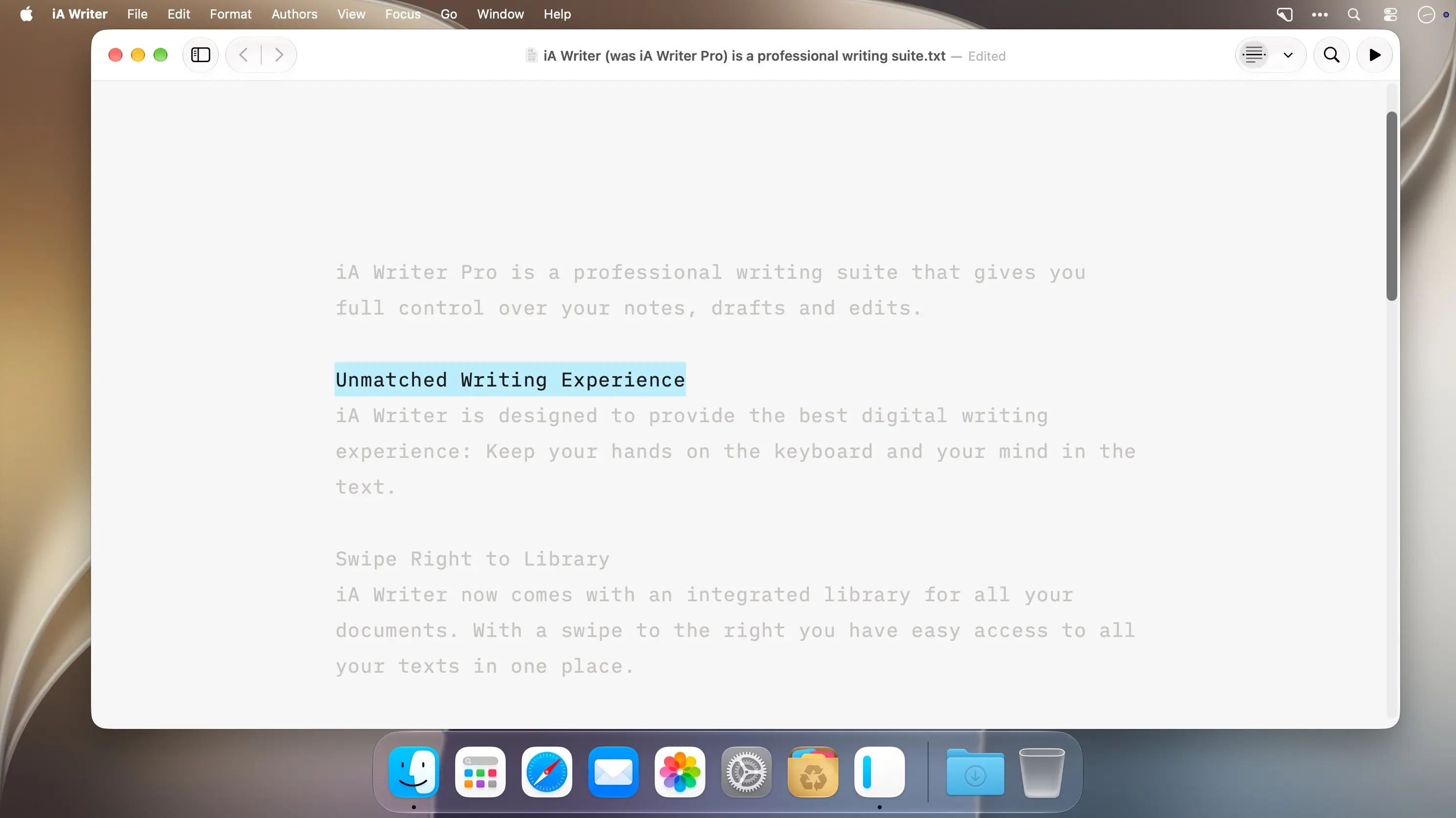
专注模式自动虚化当前句子以外的所有内容,让思维只锚定在正在打磨的那一行;语法高亮功能则智能区分词性,帮你快速识别冗余表达、优化语言节奏。向左轻扫,即刻进入同步滚动预览界面——形式与内容彻底解耦,写作不受排版干扰;向右轻扫,一键唤出内置文档库,所有文稿按时间/标签有序归集,查找即得。
- 智能 Markdown:边打字边自动应用格式,所见即所得,无需手动敲符号。
- 精选预览模板:内置多款专业阅读字体,一键切换,让导出效果更贴合你的审美偏好。
- 灵活导出支持:可保存为语义清晰的 HTML、带样式的 PDF,或无缝转换为 Microsoft Word .docx 格式(支持双向互转)。
- 跨设备实时同步:通过 iCloud 和 Dropbox 实现毫秒级文档更新,Mac、iPhone、iPad 三端内容始终一致。
- 多维字数统计:不仅显示字数、词数、句数,还提供预估阅读时长,助你精准把控文稿体量。
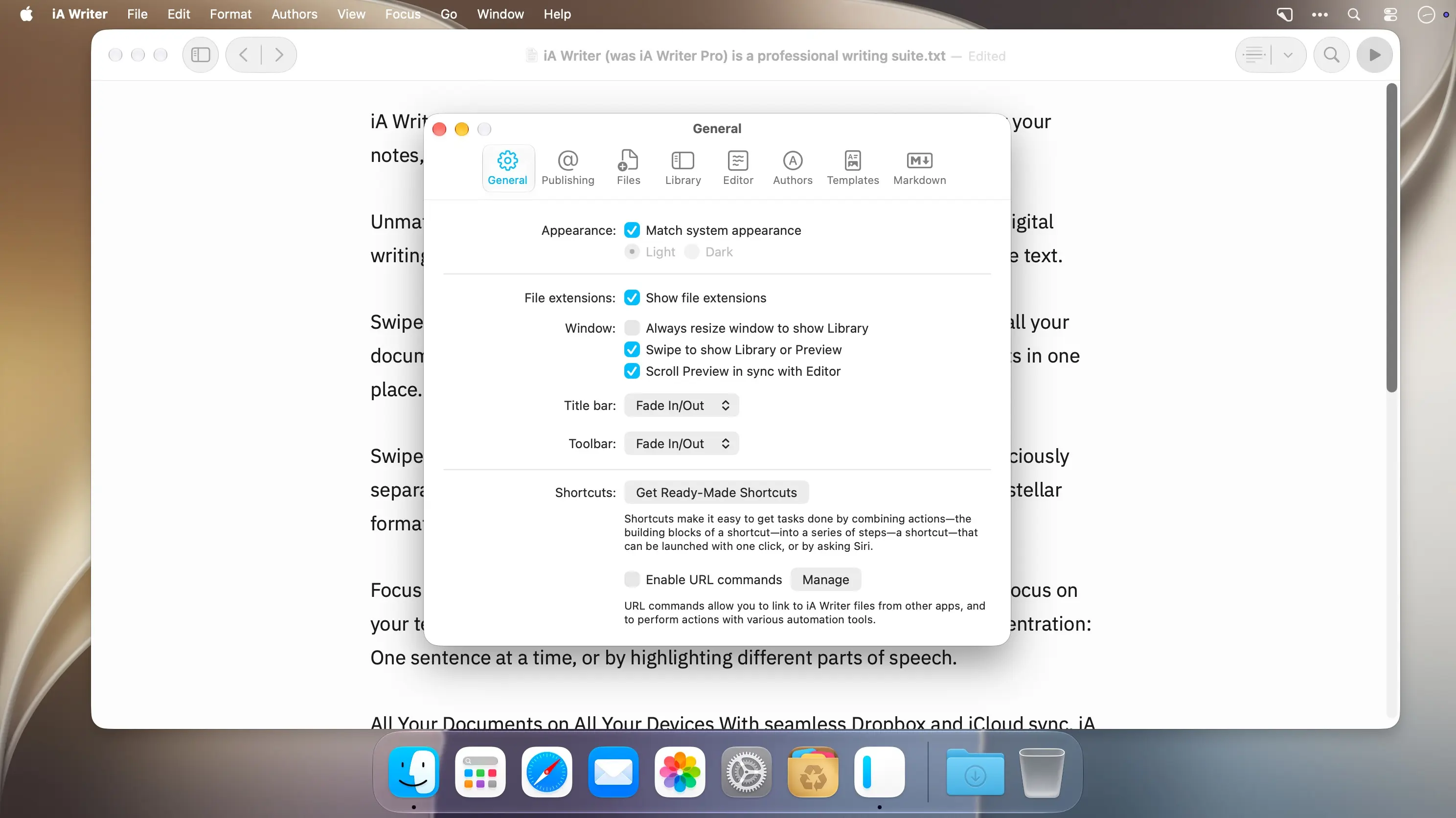
- 夜间模式 + 全屏沉浸:暗光环境护眼书写,或开启全屏模式,只留文字在眼前,屏蔽一切视觉噪音。
立即下载 iA Writer Pro,用最纯粹的方式开启你的下一段创作旅程。
What's New
Version 8.2:
Hundreds of improvements make the app faster than ever. You will notice that it opens in a fraction of a second, well before the Dock icon finishes a single bounce; even very large files load instantly; Syntax Control immediately highlights parts of speech in documents of any size. The redesigned find bar makes it easier to find and replace text.
Style Check 2 includes rules for 11 languages and spots more cliches, redundancies, and fillers while showing fewer false positives.
Custom patterns are more powerful than ever.
- All-new syntax highlighting makes LaTeX math and code easier to read. Fast and accurate across 50 programming languages and text formats.
- Tables finally work in plain text. Wide tables scroll instead of wrapping, and columns line up as you type. Tab and Return navigate from cell to cell.
Style Check 2
- Style Check now includes rules for English, French, German, Spanish, Italian, Japanese, Korean, Portuguese (Brazil, Portugal), and Chinese (Simplified, Traditional)
- Fewer false alarms while having more rules for every language
- Added patterns for common Al clichés
- About 5x faster on most documents
- Custom patterns can now match any word, as long as part of the pattern is fixed: return w+ back finds return it back and return them back
- Custom patterns can use underlined appearance
- Pattern editor makes it easy to spot errors in complex rules
Math and Code
- Inline math and math blocks now show LaTeX syntax highlighting in Editor
- Fenced code blocks now include syntax highlighting in Editor, Preview, and HTML export
- Code syntax highlighting supports 50 programming languages and text formats: Astro, Bash, Bicep, C, C++, C#, CMake, comments, CSS, Dart, Diff, Dockerfile, Elixir, Elm, Fish, Glimmer/Handlebars, Go, Haskell, HCL, HTML, Java, jаvascript (including JSX), JSDoc, JSON, JSON5, Julia, LaTeX, Lua, Nix, Objective-C, OCaml, Pascal, Perl, PHP, Protocol, Buffers, Python, R, regular expressions, Ruby, Rust, Scala, SCSS, SQL, Svelte, Swift, TOML, TSX, TypeScript, XML, and YAML
- Code files are highlighted automatically based on their file extension
- You can disable line wrapping for code blocks in Editor settings
- Added ability to show hidden text files in Library
Find and Replace
- The all-new find bar makes it easier to find and replace text
- Brings the same experience to all your devices
See all matches highlighted as you scroll
- Get back to recent searches
- Insert pattern wildcards to set up complex searches
- Use regular expressions with pattern syntax highlighting