
iA Writer 8.2.2 macOS 专注写作的极简 Markdown 编辑器
iA Writer Pro 是一款专为 macOS 打造的 Markdown 写作工具,让你指尖不离键盘、思绪不离文字。它赋予创作者对笔记、草稿与修改的全程掌控力——左侧是纯粹的文本输入区,右侧实时呈现排版后的效果,内容与形式天然分离,写作更心无旁骛。
写作时沉浸聚焦,审阅时所见即所得
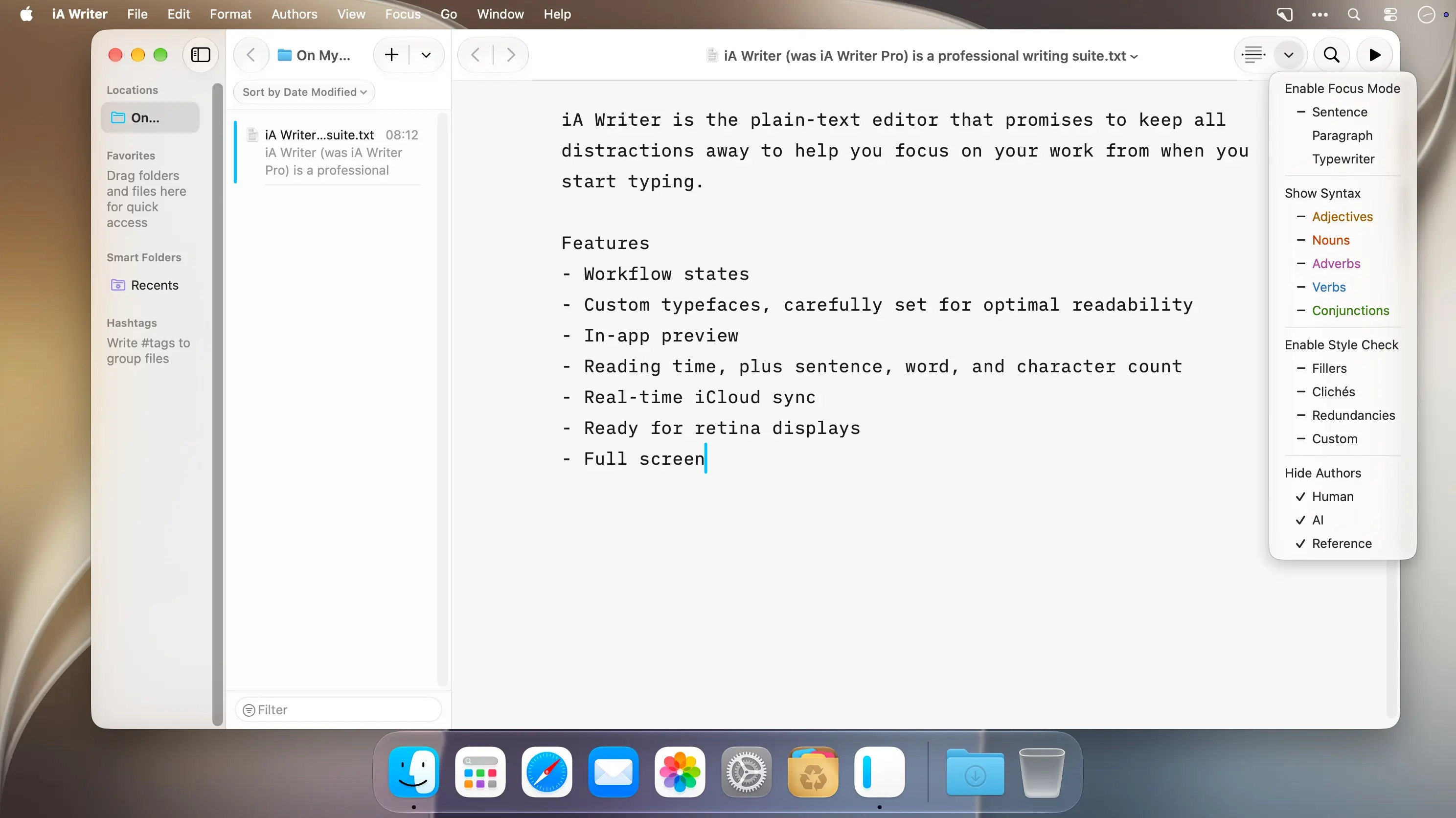
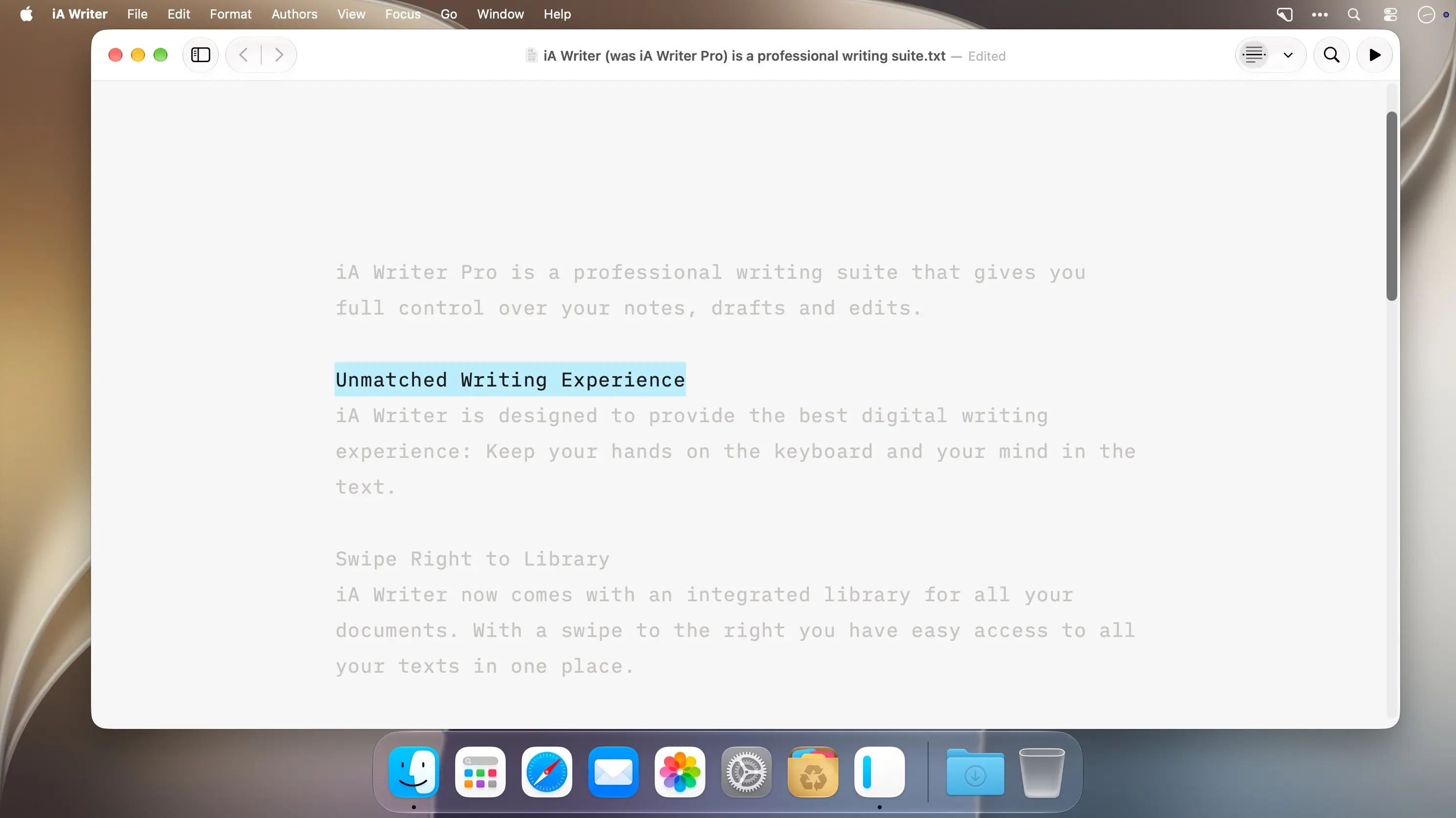
专注模式自动弱化当前句子以外的所有内容;语法高亮功能则按词性智能着色,帮你精准打磨语言节奏与表达精度。向左轻扫即可进入同步滚动的预览视图,在保持写作流的同时直观感受成文效果;向右轻扫则唤出内置文档库,所有文稿一目了然,归档、检索高效便捷。
- 智能 Markdown:边打字边渲染,所见即所写,格式即时可见。
- 精选预览模板:内置多款专业字体方案,一键切换,让输出兼具可读性与设计感。
- 灵活导出:支持保存为 HTML 或带样式的 PDF,亦可无缝转换为 Microsoft Word .docx 格式,并支持双向互转。
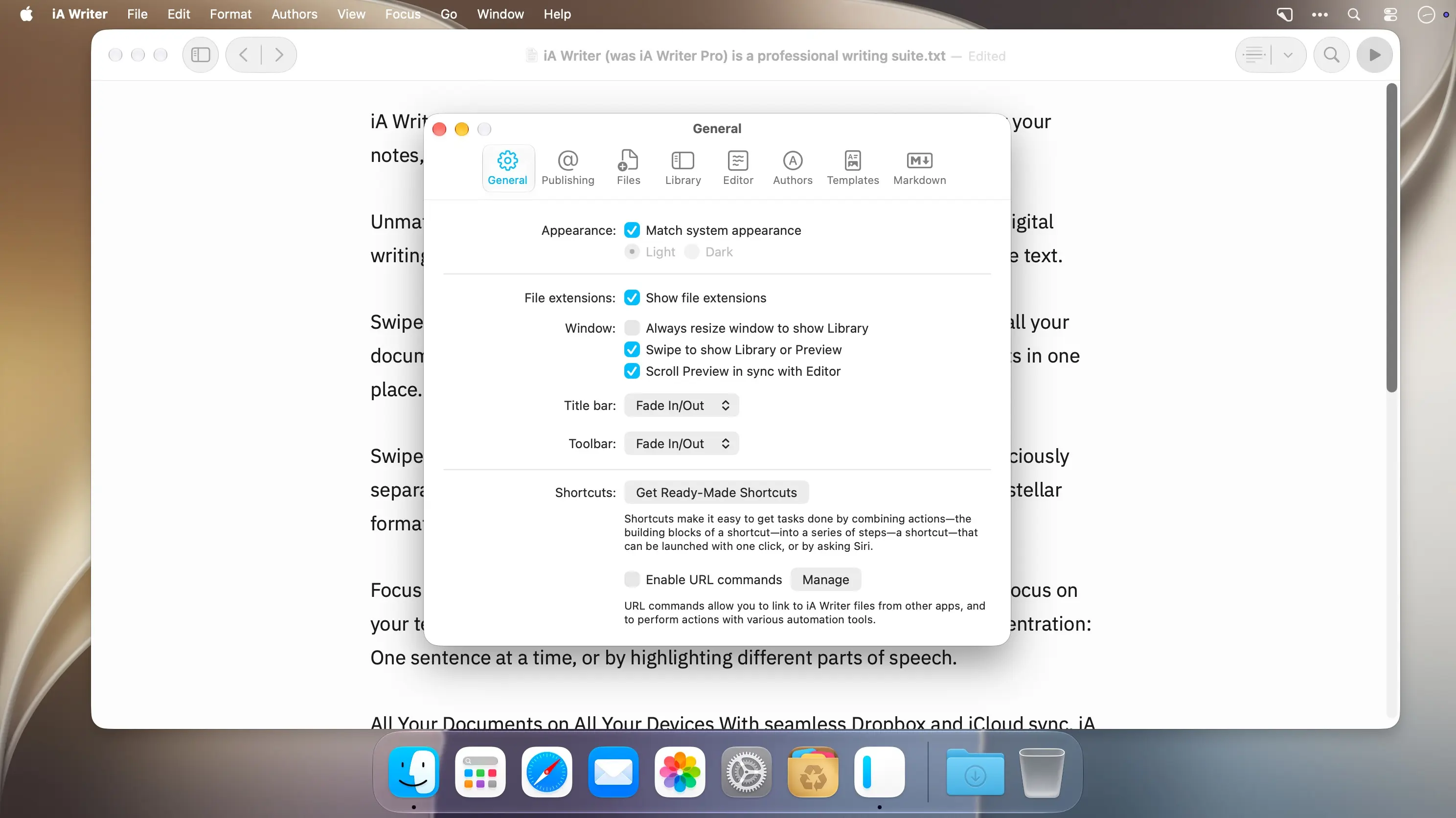
- 跨设备同步:依托 iCloud 与 Dropbox 实现实时云端同步,文档状态始终最新。
- 多维字数统计:不仅显示字数、词数、句数和字符数,还提供预估阅读时长,助你把握内容密度与节奏。
- 夜间模式 + 全屏体验:暗光环境舒适书写,或开启全屏彻底屏蔽干扰,只留文字与思考在眼前。
立即下载 iA Writer Pro,用零干扰的纯净界面,开启你的下一段深度创作。
What's New
Version 8.2:
Hundreds of improvements make the app faster than ever. You will notice that it opens in a fraction of a second, well before the Dock icon finishes a single bounce; even very large files load instantly; Syntax Control immediately highlights parts of speech in documents of any size. The redesigned find bar makes it easier to find and replace text.
Style Check 2 includes rules for 11 languages and spots more cliches, redundancies, and fillers while showing fewer false positives.
Custom patterns are more powerful than ever.
- All-new syntax highlighting makes LaTeX math and code easier to read. Fast and accurate across 50 programming languages and text formats.
- Tables finally work in plain text. Wide tables scroll instead of wrapping, and columns line up as you type. Tab and Return navigate from cell to cell.
Style Check 2
- Style Check now includes rules for English, French, German, Spanish, Italian, Japanese, Korean, Portuguese (Brazil, Portugal), and Chinese (Simplified, Traditional)
- Fewer false alarms while having more rules for every language
- Added patterns for common Al clichés
- About 5x faster on most documents
- Custom patterns can now match any word, as long as part of the pattern is fixed: return w+ back finds return it back and return them back
- Custom patterns can use underlined appearance
- Pattern editor makes it easy to spot errors in complex rules
Math and Code
- Inline math and math blocks now show LaTeX syntax highlighting in Editor
- Fenced code blocks now include syntax highlighting in Editor, Preview, and HTML export
- Code syntax highlighting supports 50 programming languages and text formats: Astro, Bash, Bicep, C, C++, C#, CMake, comments, CSS, Dart, Diff, Dockerfile, Elixir, Elm, Fish, Glimmer/Handlebars, Go, Haskell, HCL, HTML, Java, jаvascript (including JSX), JSDoc, JSON, JSON5, Julia, LaTeX, Lua, Nix, Objective-C, OCaml, Pascal, Perl, PHP, Protocol, Buffers, Python, R, regular expressions, Ruby, Rust, Scala, SCSS, SQL, Svelte, Swift, TOML, TSX, TypeScript, XML, and YAML
- Code files are highlighted automatically based on their file extension
- You can disable line wrapping for code blocks in Editor settings
- Added ability to show hidden text files in Library
Find and Replace
- The all-new find bar makes it easier to find and replace text
- Brings the same experience to all your devices
See all matches highlighted as you scroll
- Get back to recent searches
- Insert pattern wildcards to set up complex searches
- Use regular expressions with pattern syntax highlighting